1. Before you start
- Make a copy of the whole download. If something goes wrong, you can go back to it.
- Install a free code editor such as Visual Studio Code (or Notepad++ on Windows). For pictures, the free GIMP or Krita open and export WebP files. For sounds, the free Audacity exports MP3.
-
Work inside
source/. To see your changes, open a terminal in that folder and runnpm run dev, then openhttp://localhost:5180/. The game does not run by double-clickingindex.html, because browsers block JavaScript modules onfile://. - No terminal? Edit the files of
game/directly, upload them to your host and reload the page.
2. Your brand: name, logo and colors
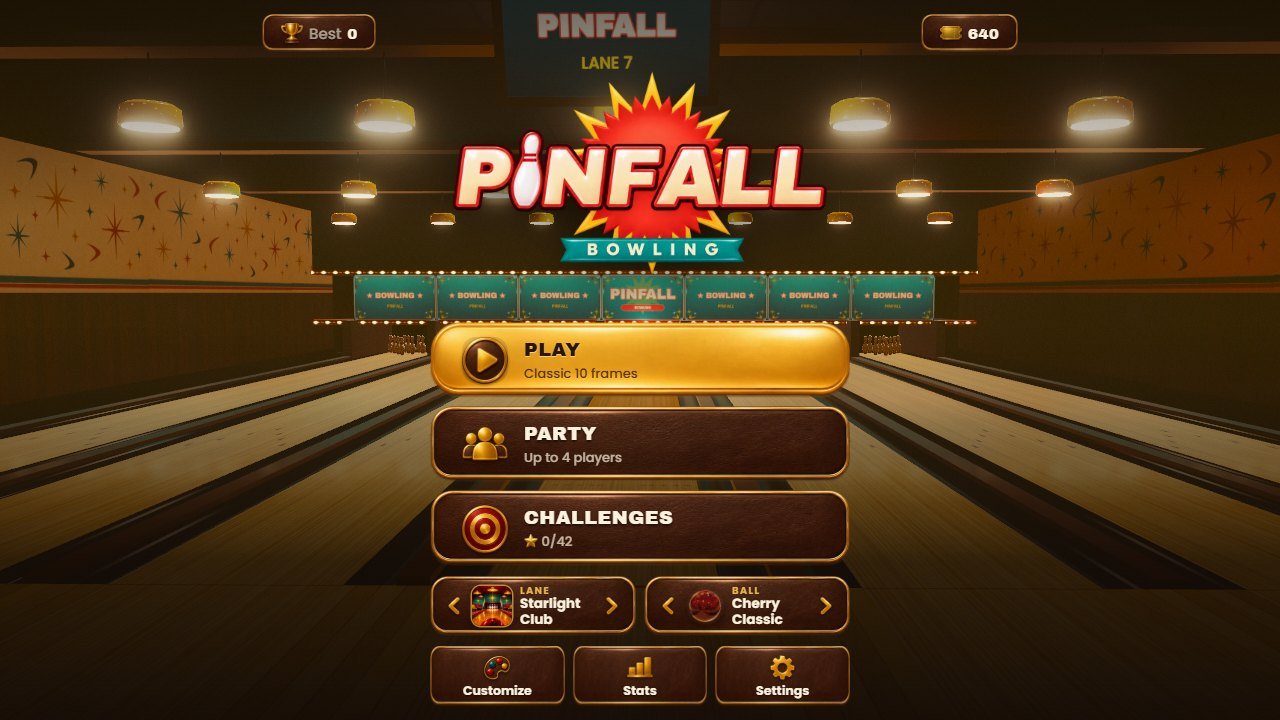
Open config/game.config.js. The first block is brand:
brand: {
  name: 'Pinfall',        // name on the lane signs and the balls
  tagline: 'Bowling',     // second line of the signs
  pinCrest: 'PINFALL',    // small text printed on the pins (max ~10 characters)
  logo: 'assets/branding/logo-pinfall-bowling.webp',  // menu logo
  lanePanelImage: null,   // your own picture for the big sign above the lane
  colors: { primary: '#f2b53a', secondary: '#e0473f', accent: '#2bb3a8' },
}
- Change
name,taglineandpinCrest. The 3D signs and the pins update by themselves. -
Logo: save your logo as
assets/branding/my-logo.webp(transparent background, about 1000 pixels wide) and write that path inlogo. -
Big sign: save a picture of about 1024 x 576 pixels, for example
assets/branding/panel.png, and write that path inlanePanelImage. - The game name in the browser tab is the
<title>line ofindex.html. The name of the installed app is inmanifest.webmanifest. - App icons: replace the three PNG files in
assets/icons/, keeping names and sizes.
3. Replace pictures (reskin)
Replace a file with another of the same name and a similar size. Nothing else needs to change.
| On screen | File |
|---|---|
| Buttons (dark, gold, pressed) | assets/ui/btn-dark.webp, btn-gold.webp, btn-dark-down.webp, btn-gold-down.webp |
| Cards and panels | assets/ui/card-wide.webp, card-big.webp, row.webp, tile.webp |
| Scoreboard | assets/ui/hud-board.webp |
| Icons | assets/ui/icons/ (one file per icon) |
| Lane pictures in the menu and in Customize | assets/ui/lane-retro.webp, lane-neon.webp, lane-tropical.webp |
| Background of the list screens | assets/ui/salao-paisagem.webp (landscape), salao-retrato.webp (portrait) |
| Sunset sky and sea (Tiki Sunset) | assets/scenery/tiki-sky.webp |
| Wall mural (Starlight Club) | assets/scenery/retro-mural.webp |
| Walls and starry ceiling (Cosmic Neon) | assets/scenery/neon-wall.webp, neon-stars.webp |
| Boards of the signs above the pins | assets/scenery/panel-retro.webp, panel-neon.webp, panel-tiki.webp |
Keep the middle of the sign boards clean: the game writes the brand name there.
4. Balls, celebrations and trails
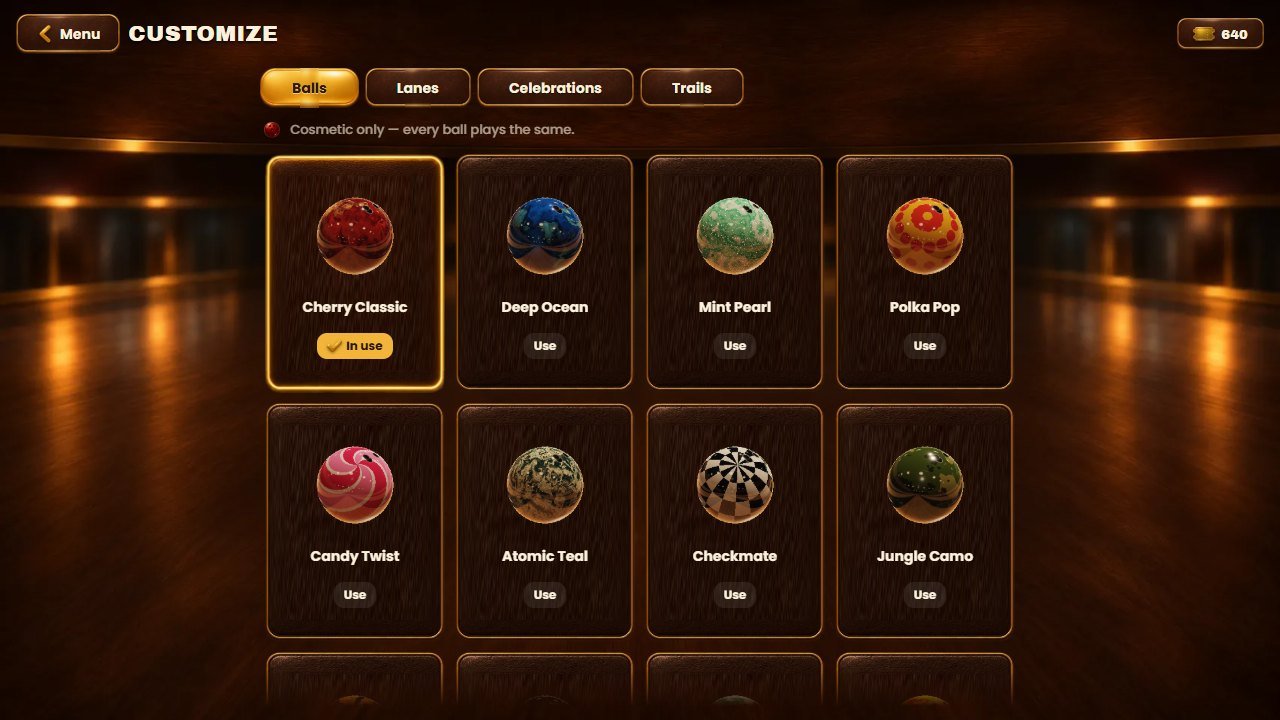
The designs and prices are in src/game/catalog.js. A ball looks like this:
{
  id: 'ocean',
  name: 'Deep Ocean',
  pattern: 'swirl',
  colors: ['#1d6fd6', '#071a4a', '#7fe0ff'],
  unlock: { type: 'shop', price: 120 },
},
- Copy a block, give it a new
idandname, and change the colors. -
Patterns:
solid swirl marble pearl galaxy stripes flames checker dots split tiger rings camo candy gold grid. -
unlockis{ type: 'free' },{ type: 'shop', price: 120 }or{ type: 'achievement', id: 'score_150' }. -
In
config/game.config.js,catalog.unlockAllsays what is free from the start. It comes as['ball', 'lane']. Use[]to make players earn everything, ortrueto open everything. - All balls have the same physics, so a new ball never changes the difficulty.
5. Rules, tickets and game feel
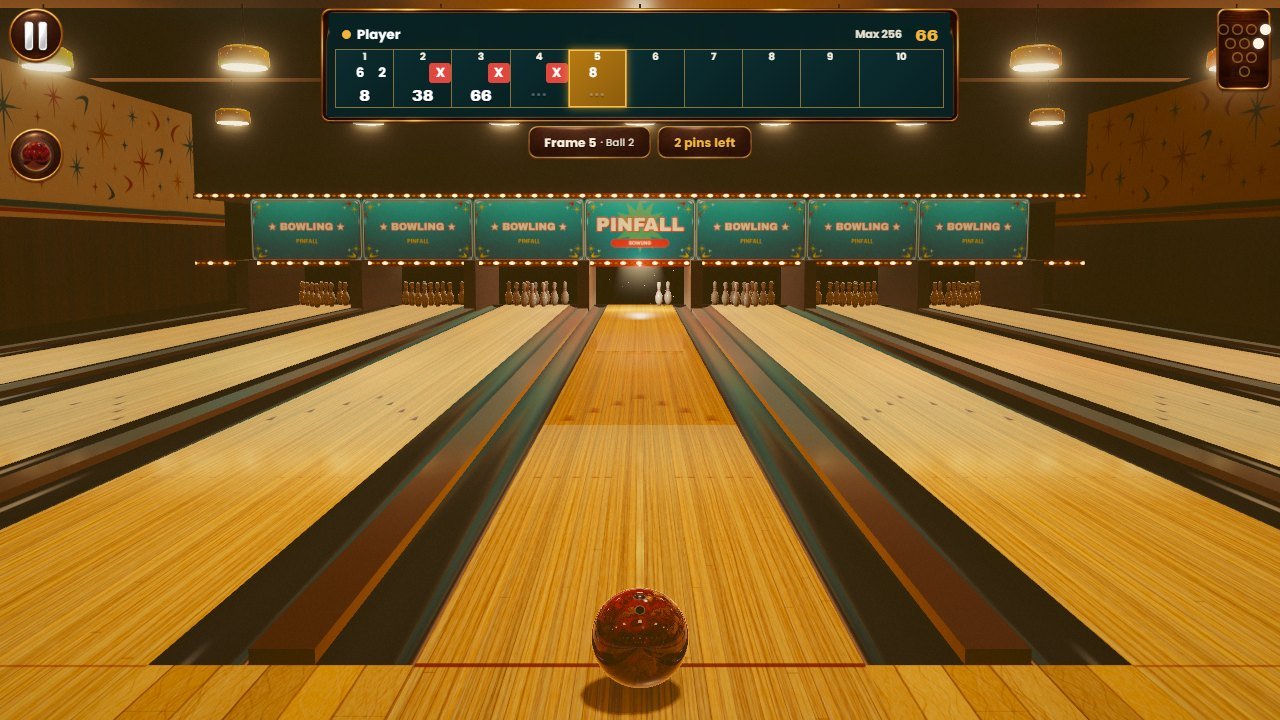
In config/game.config.js:
| Setting | What it does |
|---|---|
gameplay.laneLength |
Meters from the foul line to the head pin (comes as 15; the official length is 18.29). |
gameplay.maxPlayers |
Maximum players in Party (up to 4). |
gameplay.defaultControls |
'swipe' or 'precision'. |
gameplay.aimGuide |
'full', 'short' or 'off'. |
gameplay.tutorial |
true or false: the interactive tutorial of the first game. |
gameplay.startingTickets |
Tickets a new player starts with. |
economy |
Tickets per point, strike, spare, new best score and Party game. |
quality |
'auto', 'low', 'medium' or 'high'. |
Challenges are in src/game/challenges.js: which pins stand (pins), the goal, the attempts and the
reward. Hit-stop, slow motion, camera shake and banner times are in src/config/feel.js.
6. Texts and languages
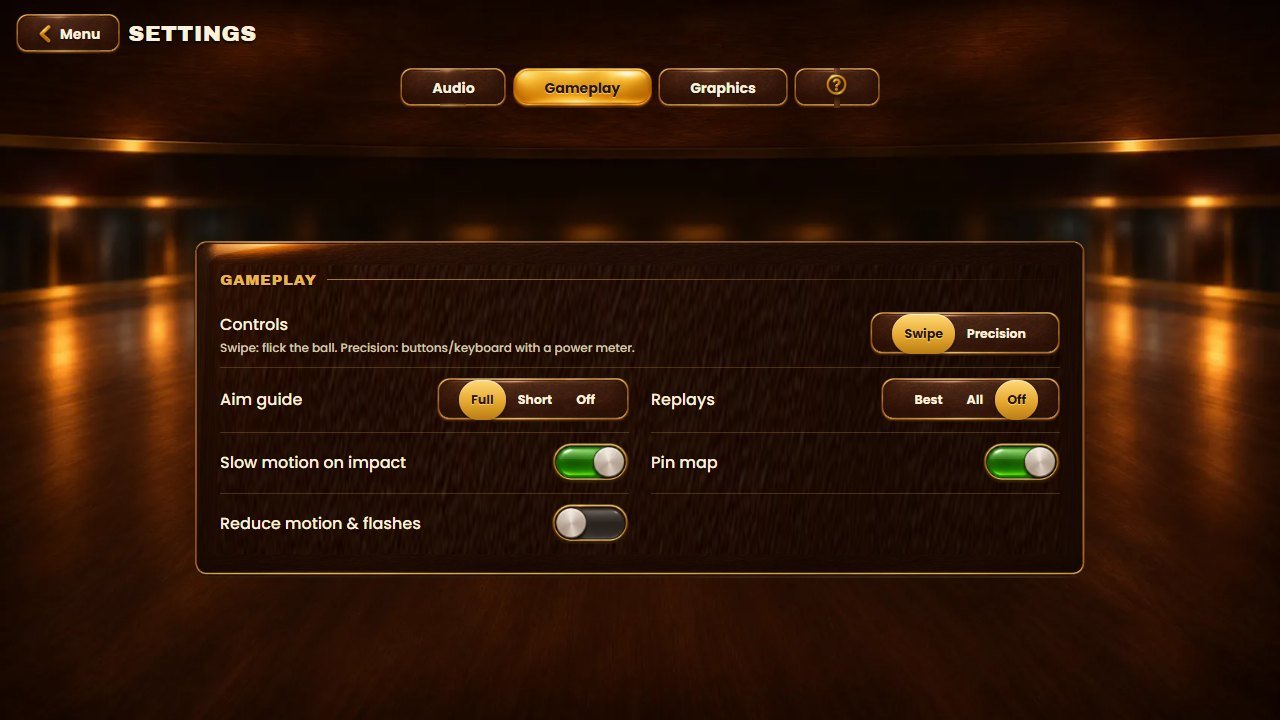
- Every text is in
src/lib/locales/, one file per language (en.js,pt-BR.js,es.js...). Change the text after the colon and keep the key. -
Or change a text without touching those files, in
config/game.config.js:texts: { en: { menu: { play: 'Bowl!' } } }, - To force one language, set
language: 'pt-BR'.'auto'follows the browser. -
New language: copy
en.jsto a new file, translate it, and add it tosrc/lib/locales/index.js. The language screen shows it by itself.
7. Sounds and music
Every sound is an MP3 in assets/audio/. Replace a file and keep its name.
| Files | When they play |
|---|---|
music_lounge, music_synthwave, music_island |
Music of Starlight Club, Cosmic Neon and Tiki Sunset. |
amb_club-*, amb_neon-*, amb_beach-* |
Background ambience of each lane. |
ballPin-*, pinPin-*, pinFloor-*... |
Impacts of the ball and the pins. |
roll_lane-*, roll_gutter-* |
The ball rolling (loops). |
sting_strike-*, sting_spare-*, sting_turkey-*... |
Short celebration tunes. |
ui_click-*, ui_back-*, ui_coin-*... |
Buttons and rewards. |
The number at the end is the version: the game picks one at random. To use only your file, or a file with another name, add
it to audio.files in config/game.config.js:
files: { music_lounge: 'assets/audio/my-song.mp3', ballPin: ['assets/audio/hit-a.mp3', 'assets/audio/hit-b.mp3'] },
8. Save key and starting over
Progress stays in the browser of each player, under the key pinfall-bowling.template.save.v1. If you host two
copies on the same domain, give each one its own storagePrefix in config/game.config.js. To start
over: Settings, Help tab, Reset all progress.
9. Publish your version
- In
source/, runnpm testandnpm run build. This writessource/dist/. - Back up the game on your website, then upload the contents of
dist/in place of the old files. -
Keep the folders as they are. If you added a new file or folder next to
index.html, add its name toPARTSinsource/tools/build.mjs. - Clear the browser cache to see the new version (see the buyer guide).
Support: willian@polargames.com.br