1. 开始之前
- 先把整个下载包复制一份。如果出了问题,可以回到这份备份。
- 安装一个免费的代码编辑器,例如 Visual Studio Code(Windows 上也可用 Notepad++)。处理图片可以用免费的 GIMP 或 Krita,它们能打开并导出 WebP 文件。处理声音可以用免费的 Audacity,它能导出 MP3。
-
在
source/里操作。要查看修改效果,请在该文件夹中打开终端,运行npm run dev,然后打开http://localhost:5180/。双击index.html无法运行游戏,因为浏览器会在file://下阻止 JavaScript 模块。 - 没有终端?可以直接编辑
game/里的文件,上传到你的主机,然后刷新页面。
2. 你的品牌:名称、标志和颜色
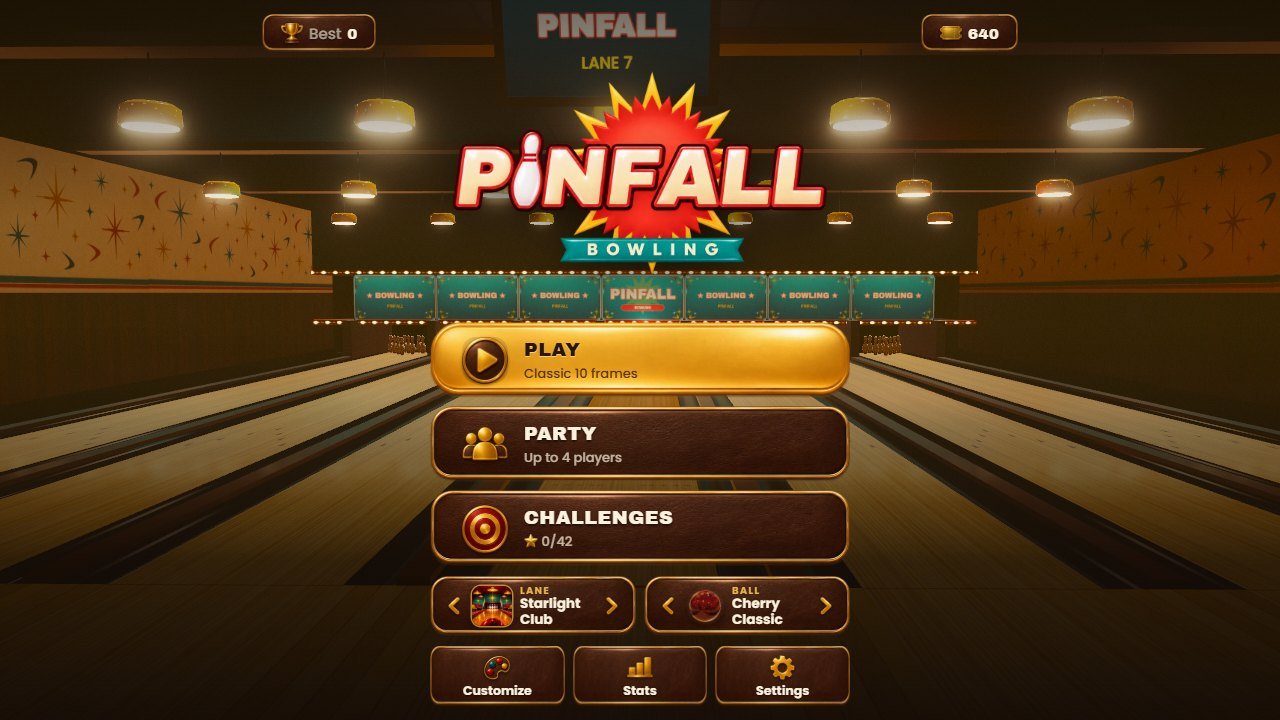
打开 config/game.config.js。第一个代码块是 brand:
brand: {
  name: 'Pinfall',        // name on the lane signs and the balls
  tagline: 'Bowling',     // second line of the signs
  pinCrest: 'PINFALL',    // small text printed on the pins (max ~10 characters)
  logo: 'assets/branding/logo-pinfall-bowling.webp',  // menu logo
  lanePanelImage: null,   // your own picture for the big sign above the lane
  colors: { primary: '#f2b53a', secondary: '#e0473f', accent: '#2bb3a8' },
}
- 修改
name、tagline和pinCrest。3D 招牌和球瓶会自动更新。 -
标志:把你的标志保存为
assets/branding/my-logo.webp(透明背景,宽约 1000 像素),然后把这个路径写进logo。 -
大招牌:保存一张约 1024 x 576 像素的图片,例如
assets/branding/panel.png,然后把这个路径写进lanePanelImage。 - 浏览器标签页上的游戏名称来自
<title>这一行(在index.html里)。安装后的应用名称在manifest.webmanifest里。 - 应用图标:替换
assets/icons/里的三个 PNG 文件,保持名称和尺寸不变。
3. 替换图片(换皮肤)
用同名且尺寸相近的文件替换原文件。其他都不用改。
| 屏幕上 | 文件 |
|---|---|
| 按钮(深色、金色、按下状态) | assets/ui/btn-dark.webp, btn-gold.webp, btn-dark-down.webp, btn-gold-down.webp |
| 卡片和面板 | assets/ui/card-wide.webp, card-big.webp, row.webp, tile.webp |
| 记分牌 | assets/ui/hud-board.webp |
| 图标 | assets/ui/icons/ (每个图标一个文件) |
| 菜单和个性化中的球道图片 | assets/ui/lane-retro.webp, lane-neon.webp, lane-tropical.webp |
| 列表界面的背景 | assets/ui/salao-paisagem.webp (横屏), salao-retrato.webp (竖屏) |
| 日落天空和大海(Tiki Sunset) | assets/scenery/tiki-sky.webp |
| 墙面壁画(Starlight Club) | assets/scenery/retro-mural.webp |
| 墙壁和星空天花板(Cosmic Neon) | assets/scenery/neon-wall.webp, neon-stars.webp |
| 球瓶上方招牌的底板 | assets/scenery/panel-retro.webp, panel-neon.webp, panel-tiki.webp |
请保持招牌底板中间空白:游戏会在那里写上品牌名称。
4. 球、庆祝和拖尾
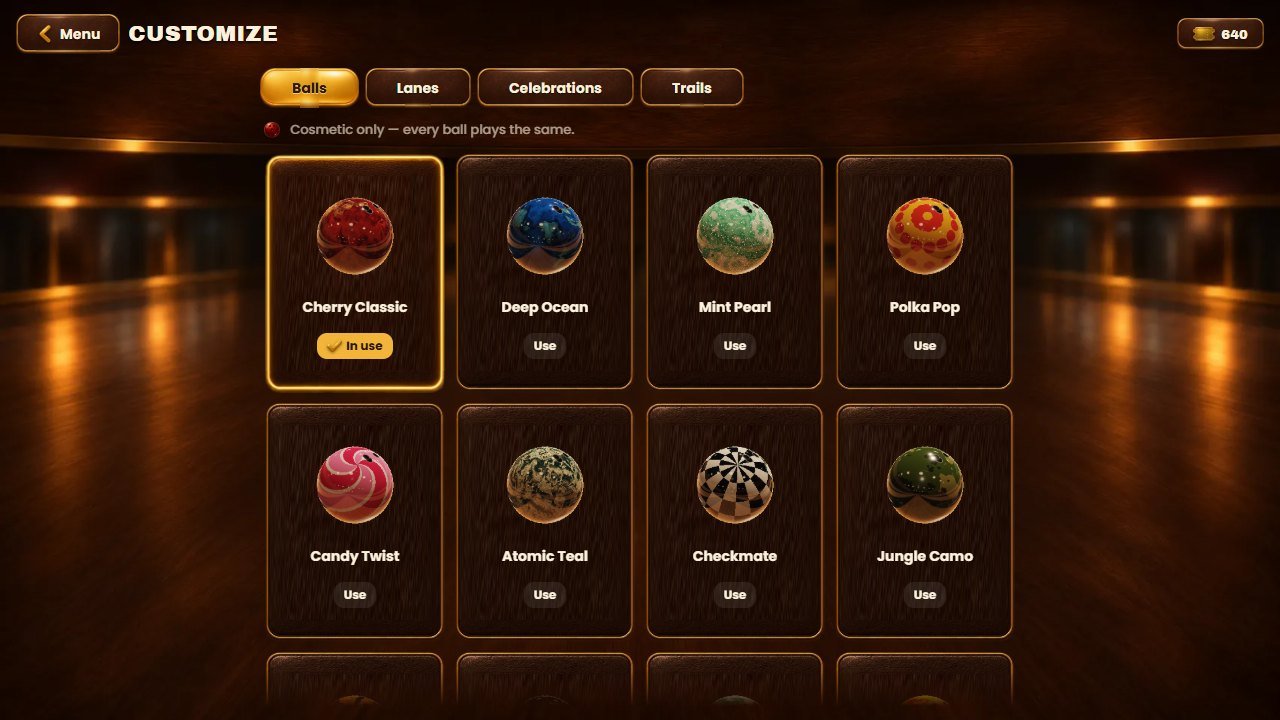
款式和价格在 src/game/catalog.js 里。一个球长这样:
{
  id: 'ocean',
  name: 'Deep Ocean',
  pattern: 'swirl',
  colors: ['#1d6fd6', '#071a4a', '#7fe0ff'],
  unlock: { type: 'shop', price: 120 },
},
- 复制一个代码块,给它新的
id和name,再修改颜色。 -
图案:
solid swirl marble pearl galaxy stripes flames checker dots split tiger rings camo candy gold grid. -
unlock可以是{ type: 'free' }、{ type: 'shop', price: 120 }或{ type: 'achievement', id: 'score_150' }。 -
在
config/game.config.js中,catalog.unlockAll决定哪些内容一开始就免费。默认是['ball', 'lane']。用[]让玩家自己赚取所有内容,用true则全部开放。 - 所有球的物理表现都相同,所以新球绝不会改变难度。
5. 规则、票券和手感
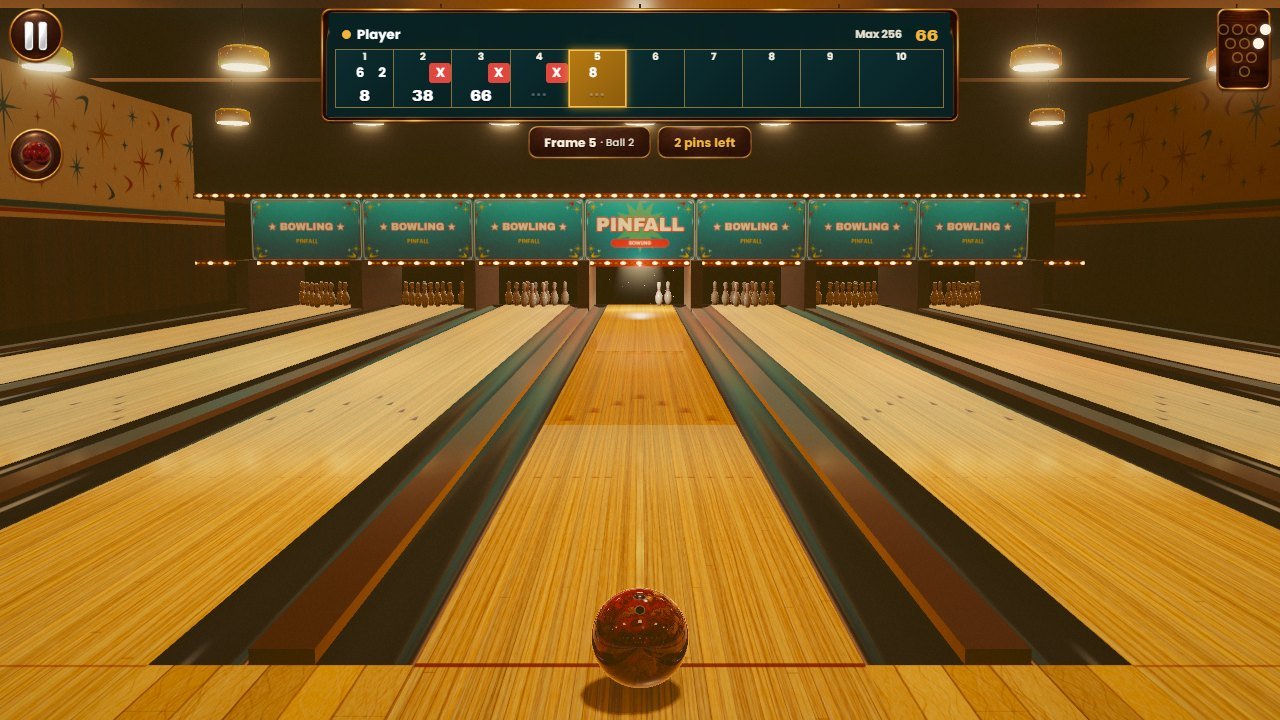
在 config/game.config.js 中:
| 设置项 | 作用 |
|---|---|
gameplay.laneLength |
从犯规线到头瓶的米数(默认 15;正式长度为 18.29)。 |
gameplay.maxPlayers |
派对中的最大玩家数(最多 4)。 |
gameplay.defaultControls |
'swipe' 或 'precision'。 |
gameplay.aimGuide |
'full'、'short' 或 'off'。 |
gameplay.tutorial |
true 或 false:第一局游戏的互动教程。 |
gameplay.startingTickets |
新玩家一开始拥有的票券。 |
economy |
每得 1 分、全中、补中、刷新最高分以及每局派对游戏获得的票券。 |
quality |
'auto'、'low'、'medium' 或 'high'。 |
挑战在 src/game/challenges.js 里:哪些球瓶立着(pins)、目标、尝试次数和奖励。撞击顿帧、慢动作、镜头抖动和横幅显示时间在 src/config/feel.js 里。
6. 文字和语言
- 所有文字都在
src/lib/locales/里,每种语言一个文件(en.js、pt-BR.js、es.js...)。修改冒号后面的文字,保留键名不动。 -
也可以不碰这些文件,直接在
config/game.config.js里修改文字:texts: { en: { menu: { play: 'Bowl!' } } }, - 要固定使用一种语言,请设置
language: 'pt-BR'。'auto'表示跟随浏览器。 -
新增语言:把
en.js复制成新文件并翻译,然后加到src/lib/locales/index.js里。语言选择界面会自动显示它。
7. 声音和音乐
所有声音都是 assets/audio/ 里的 MP3。替换文件时保持文件名不变。
| 文件 | 播放时机 |
|---|---|
music_lounge, music_synthwave, music_island |
Starlight Club、Cosmic Neon 和 Tiki Sunset 的音乐。 |
amb_club-*, amb_neon-*, amb_beach-* |
每条球道的背景环境音。 |
ballPin-*, pinPin-*, pinFloor-*... |
球和球瓶的撞击声。 |
roll_lane-*, roll_gutter-* |
球滚动的声音(循环)。 |
sting_strike-*, sting_spare-*, sting_turkey-*... |
简短的庆祝旋律。 |
ui_click-*, ui_back-*, ui_coin-*... |
按钮和奖励的声音。 |
末尾的数字是版本号:游戏会随机选一个。如果只想用你自己的文件,或使用名称不同的文件,请把它加到 audio.files 里,它位于 config/game.config.js:
files: { music_lounge: 'assets/audio/my-song.mp3', ballPin: ['assets/audio/hit-a.mp3', 'assets/audio/hit-b.mp3'] },
8. 存档键和重新开始
进度保存在每位玩家的浏览器里,键名为 pinfall-bowling.template.save.v1。如果你在同一个域名下放了两份副本,请为每份设置各自的 storagePrefix,它位于 config/game.config.js。要重新开始:依次点击设置、玩法说明标签页、清除所有进度。
9. 发布你的版本
- 在
source/里运行npm test和npm run build。这会生成source/dist/。 - 先备份你网站上的游戏,然后上传
dist/的内容来替换旧文件。 -
保持文件夹结构不变。如果你在
index.html旁边新增了文件或文件夹,请把它的名称加到PARTS里,它位于source/tools/build.mjs。 - 清除浏览器缓存即可看到新版本(见买家指南)。
支持: willian@polargames.com.br