1. Before you start
- Make a copy of the whole download. If something goes wrong, you can go back to it.
- Install a free code editor such as Visual Studio Code (or Notepad++ on Windows). For pictures, the free GIMP or Krita open and export WebP files. For sounds, the free Audacity exports MP3.
-
Work inside
source/. To see your changes, open a terminal in that folder and runnpm run dev, then openhttp://localhost:5180/. The game does not run by double-clickingindex.html, because browsers block JavaScript modules onfile://. -
No terminal? Edit the files of
game/directly, upload them to your host and reload the page.
2. Your brand: name, logo and icon
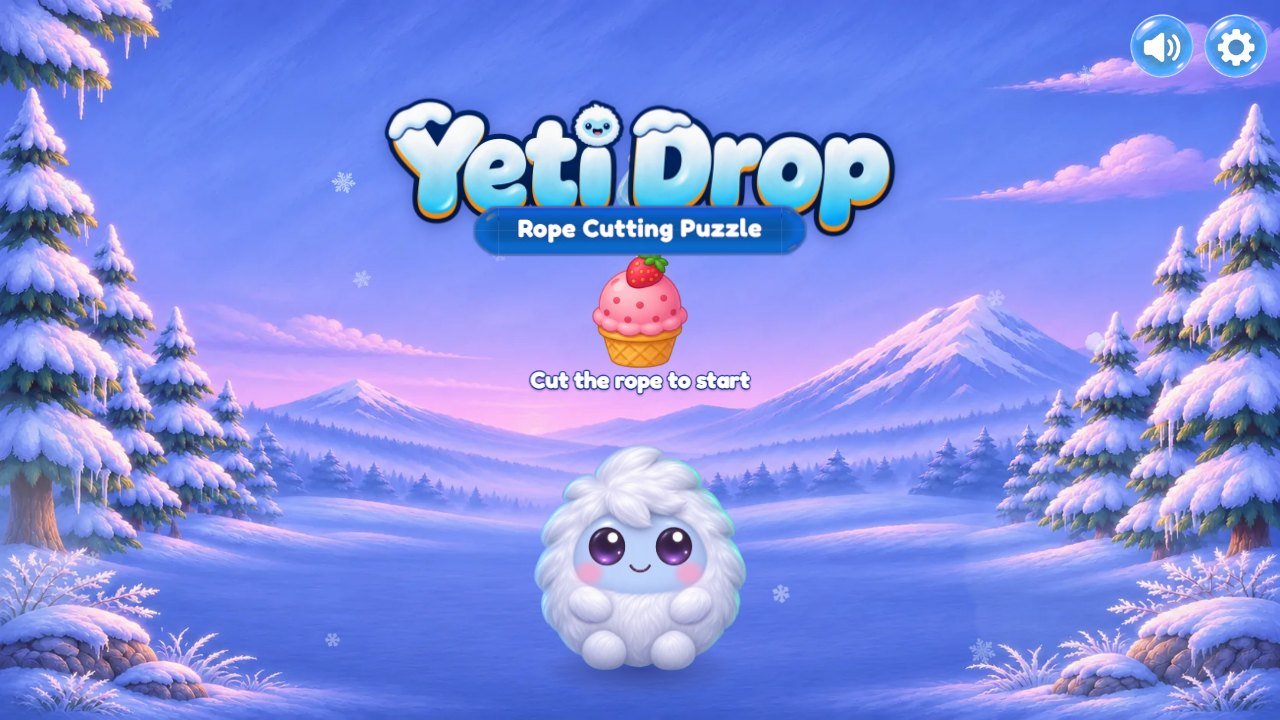
- The name in the browser tab is the
<title>line ofindex.html. -
The logo is
assets/img/logo.webp(1100 x 366 pixels, transparent background). To use your own, save it at the same size with a transparent background. -
The logo has a small plaque under the name, and the words on it come from live text: the
subtitlekey of each language file. With your own logo, either leave a plaque in the same place or hide the words by addingdisplay: none;to the.logo-subrule instyle.css. - The page icon is
assets/icon-192.png(192 x 192 pixels).
3. Colors and the look
Almost every piece of the interface (buttons, panels, bubbles, stars) is a picture in assets/ui/,
so you change the look by editing those pictures (see table 4). The few colors of the text are at the top of
style.css, inside :root:
--ink: #fff; /* text color */
--orb: 64px; /* size of the round buttons */
--lime: #8fdc16; /* color of the green buttons */
--txt: 0 2px 3px rgba(18, 40, 120, 0.55), 0 0 10px rgba(30, 70, 170, 0.3); /* text shadow */
The stars needed to open each world are need in WORLDS in
src/config.js (the world names are the keys w1 to w4 of each language
file):
{ id: 2, key: 'w2', need: 10, music: 'world2' },
4. Replace pictures (reskin)
Replace a file with another of the same name and a similar size. Nothing else needs to change.
| On screen | File |
|---|---|
| Backgrounds of the 4 worlds |
assets/img/bg-portrait.webp and bg-landscape.webp (Snowy Pines); the same with
bg2 (Ice Cave), bg3 (Aurora Lake) and bg4 (Mountain Peak)
|
| Aurora ribbons | assets/fx/aurora-portrait.webp and aurora-landscape.webp |
| World bubbles of the map | assets/ui/w1.webp to w4.webp |
| The ice cream and the stars | assets/img/candy.webp and assets/img/star.webp |
| Icicle ball, rope hook, rope knot and cable |
assets/img/icicle.webp, anchor.webp, knot.webp and
rail.webp
|
| Snow cloud, snow mound and aurora crystal | assets/img/cloud-*.webp, mound.webp and crystal.webp |
| Ice portals |
assets/img/portal.webp and portal2.webp (the whirl inside is drawn by the code)
|
| Sparkles, ice drops and wind | assets/img/sparkle.webp, drop.webp and wind.webp |
| The bubble of the "New!" notice (in a level the bubble is drawn in code) | assets/img/bubble.webp |
| Ropes: normal and elastic | assets/fx/rope-gold.webp and rope-pink.webp |
| The baby yeti |
assets/img/yeti-*.webp (body, arms, cheeks, eyes and mouths) and yeti.json
|
| Snowflakes, ice shards, mist, gold and the other effects | The other files of assets/fx/ |
| Buttons, panels, rows, switches, sliders, stars and level bubbles |
The files of assets/ui/, one per piece, named by its job (pause.webp,
restart.webp, panel.webp, toggle-on.webp...)
|
5. The baby yeti
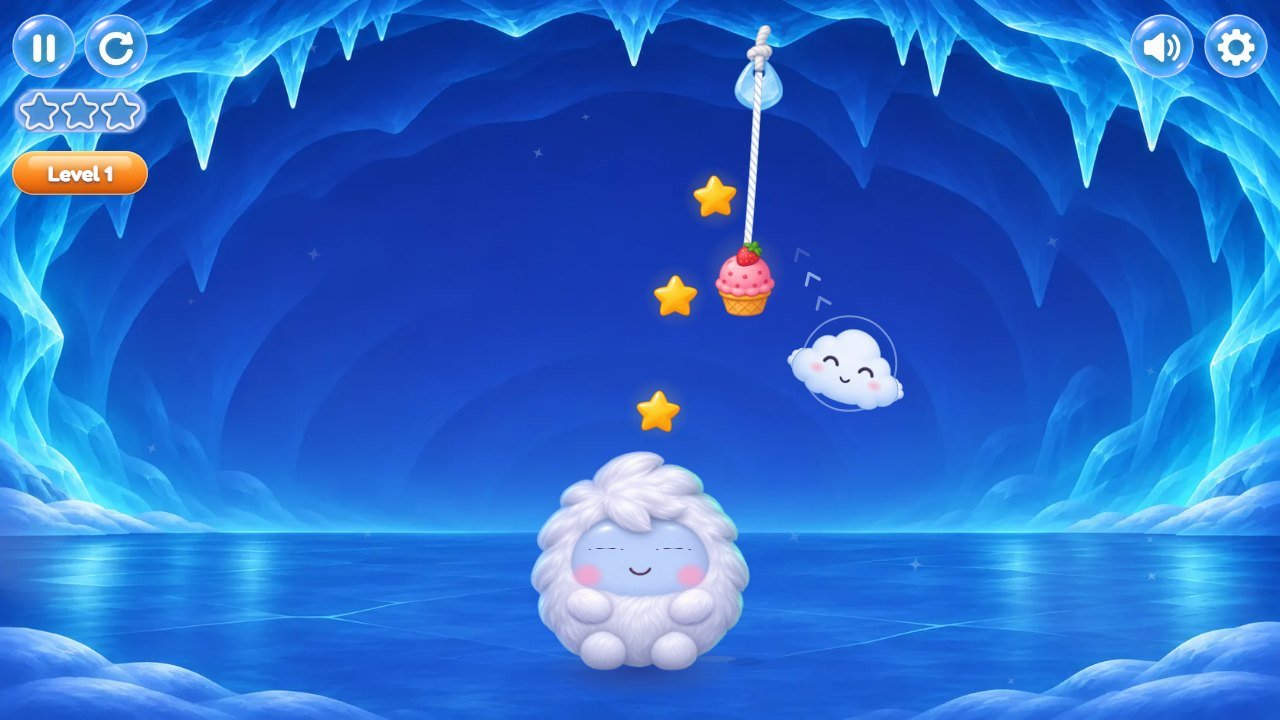
The yeti is made of layers: one body without a face (assets/img/yeti-body.webp), two arms
(yeti-armL.webp, yeti-armR.webp), a cheek (yeti-blush.webp), the eyes
(yeti-e-*.webp) and the mouths (yeti-m-*.webp). The code moves them: it breathes,
blinks, opens the mouth when the ice cream comes close and cheers when you win.
To recolor the yeti, edit the pictures and keep their size and the position of each piece.
assets/img/yeti.json lists the size of the body, where each arm turns, where the cheeks are and
where the open mouth is. If you draw the pieces at another size, update that file; the code is in
src/yeti.js.
6. Levels
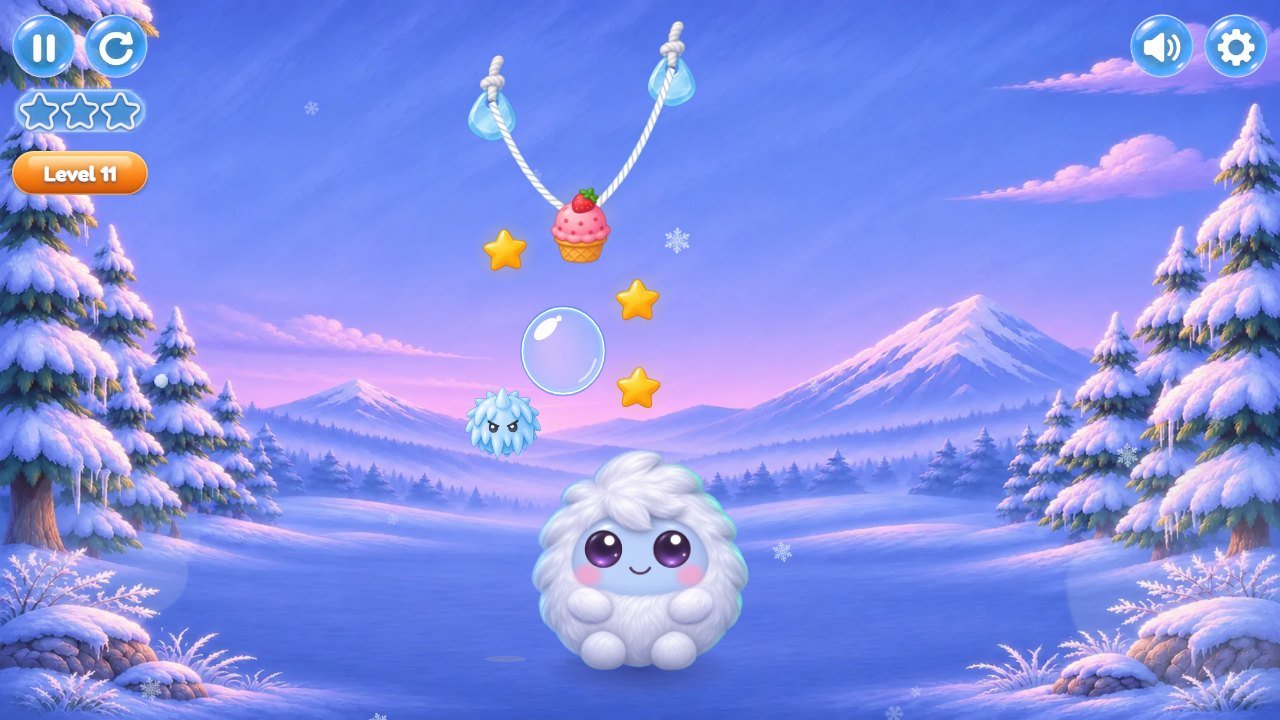
The levels are in data/levels.json, one per line. The world is 720 wide and 960 high. The top
left corner is 0, 0 and y grows downward. The mouth of the yeti is around y = 800. This is level 1-6:
{"id":"1-6","world":1,"candy":[317,322],"ropes":[{"a":[332,158],"slack":0}],"bubbles":[[302,500,54]],"stars":[[346,420],[360,543],[360,649]],"mouth":[360,800],"sol":[{"f":29,"rope":0},{"f":121,"pop":true}]}
| Field | What it is |
|---|---|
id |
Unique name: the world and the number (1-6). Solved levels are remembered by it. |
world |
The world (1 to 4) the level belongs to. |
candy |
Where the ice cream hangs: [x, y]. |
ropes |
The ropes. a is where a rope is tied, slack is extra length (0 to 0.06),
elastic: true makes it stretchy and rail: [amplitude, period, phase] makes the
peg slide sideways (the period is in frames).
|
stars |
The 3 stars: [[x, y], [x, y], [x, y]]. |
mouth |
Where the yeti waits: [x, y]. The mouth catches the ice cream near this point. |
bubbles, spikes, puffs, portals, pads,
moons
|
Optional obstacles and helpers. bubbles and spikes (icicle balls) are
[x, y, radius], puffs (snow clouds) are [x, y, angle in degrees],
portals are [x1, y1, x2, y2] (a pair of ice portals), pads are
[x1, y1, x2, y2] (the two ends of a snow mound) and moons are
[x, y] (aurora crystals).
|
sol |
The stored solution (see below). |
sol lists the actions that win the level. f is the frame (60 per second),
{ "f": 14, "rope": 0 } cuts rope 0, { "f": 150, "pop": true } taps the bubble,
puff taps a snow cloud and moon taps an aurora crystal (the number is its place in
the list). npm test replays it, and the hint ring shows it to players who get stuck.
After moving things, run npm test. If a level fails, change the cut times (f) until
it wins with 3 stars again. Small moves of the stars and of the mouth are the safest edits.
To add a level, copy a line, give it a new id and set its world. The levels of a
world appear in the order of the lines. The tests of this package expect 4 worlds of 15 levels: if you add or
remove levels, change the first test in tests/levels.test.mjs.
7. Difficulty and game feel
Open src/config.js. The most useful numbers:
| Setting | What it does |
|---|---|
PHYS.yetiReach |
How far the yeti steps sideways to catch ice cream that falls close. Raise it for an easier game, lower it for a harder one. |
PHYS.mouthR |
The size of the circle in which the mouth catches the ice cream. |
PHYS.cutNear |
How much a swipe that just misses a rope still cuts it. |
PHYS.g |
Gravity. Changing it changes the stored solutions, so run npm test. |
FEEL.hintAfter and FEEL.coachAfter |
Seconds before the hand shows the swipe to a new player, and how many failed attempts before the hint ring appears. |
WORLDS[].need |
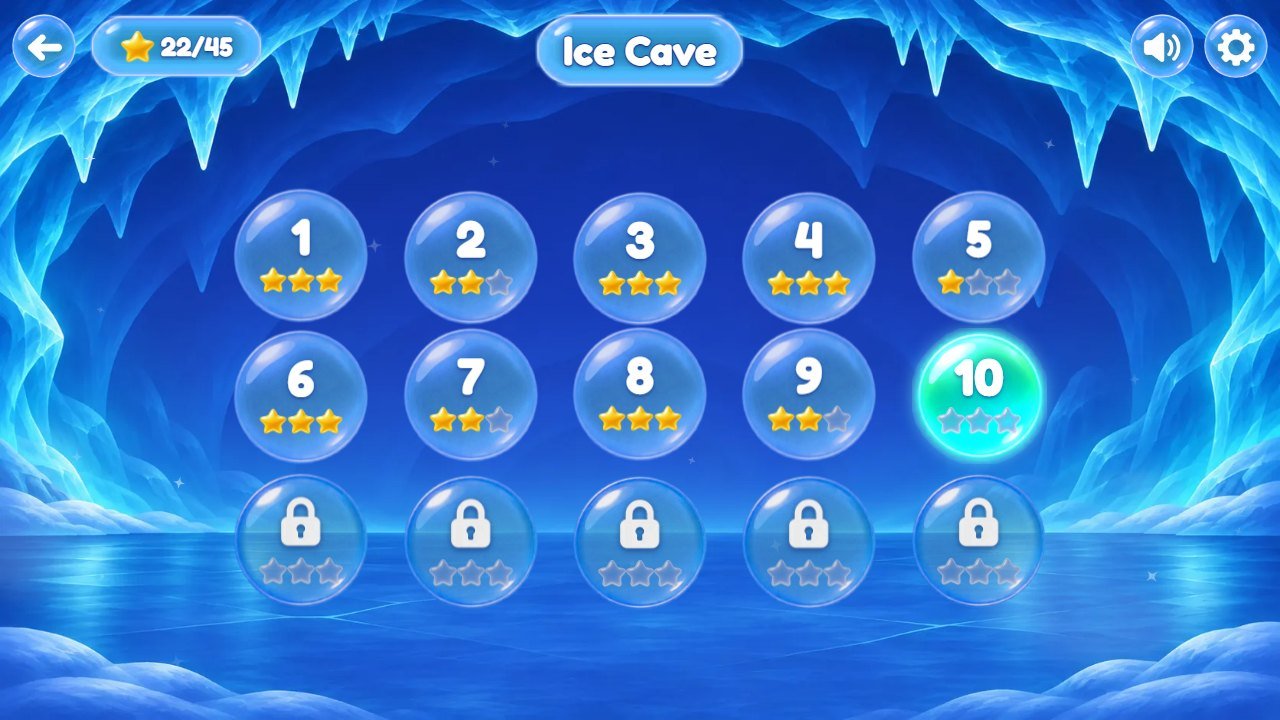
The stars needed to open each world (0, 10, 45 and 90). The world names are the keys w1 to
w4 in each language file.
|
FEEL |
Every other animation number: hit pause, shake, particles, the yeti jump, the bubble transition and the retry rewind. |
8. Texts and languages
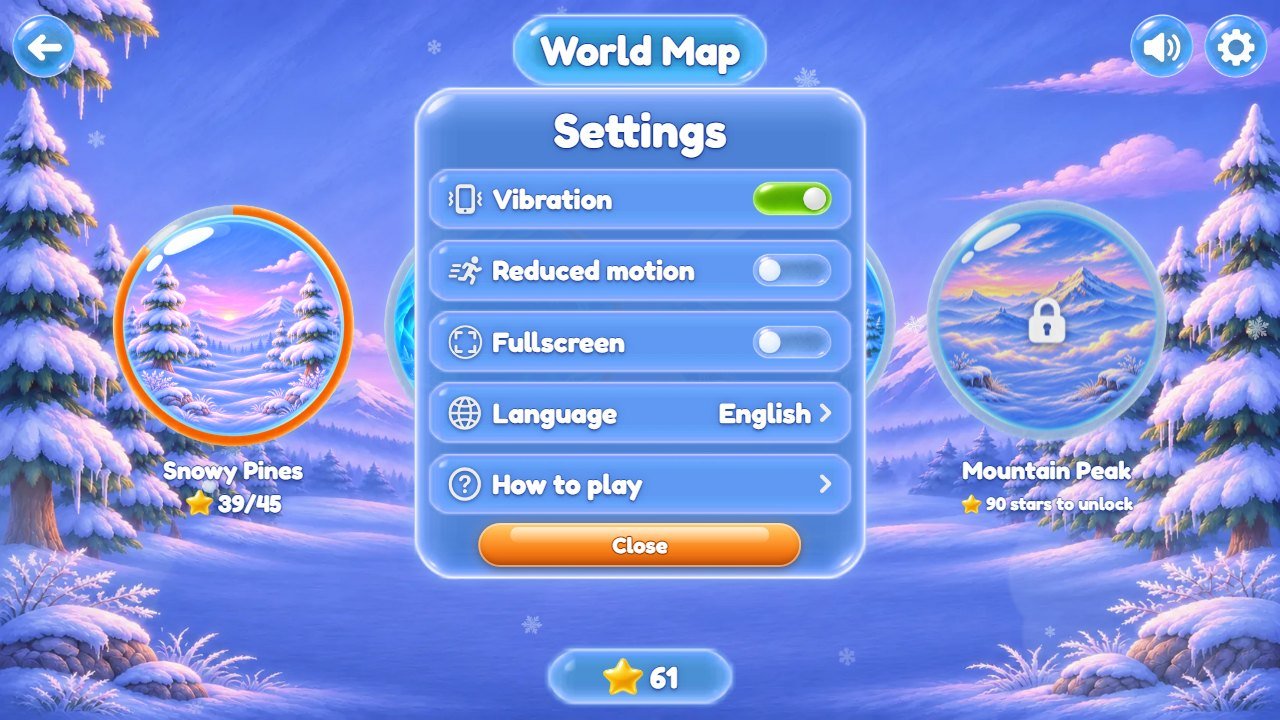
-
Every text is in
src/lib/locales/, one file per language (en.js,pt.js,es.js...). Change the text after the colon and keep the key. -
The first visit uses the language of the browser. To open the game in a given language, add
?lang=pt(or another code) to the address. -
New language: copy
en.jsto a new file, translate it, import it insrc/lib/locales.jsand add its code toSTRINGS,LANGSandLANG_NAMES. The Settings panel shows it by itself.
9. Sounds and music
Every effect is an MP3 in assets/sfx/. Replace a file and keep its name.
| Files | When they play |
|---|---|
cut-*, swipe-* |
Cutting a rope and moving the finger across the screen. |
star-*, star-stamp-* |
Collecting a star and the stars stamping on the result panel. |
bite-*, splash-*, victory-* |
The yeti eating the ice cream, the splash and the victory jingle. |
fell-away-*, sigh-*, defeat-* |
A lost level. |
bubble-enter-*, bubble-pop-*, unlock-* |
Entering a level or a world through a bubble, popping it, and unlocking something new. |
burr-*, puff-*, portal-*, pad-*,
crystal-*, elastic-*
|
The elements: icicle ball, snow cloud, ice portal, snow mound, aurora crystal and stretchy rope. |
button-*, panel-* |
Buttons and the sound and settings panels. |
night-ambience-1 |
The night loop that plays under the music. |
assets/music/menu.mp3, world1.mp3 to world4.mp3 |
The music: one track for the menus and one for each world. |
The number at the end is the version: the game alternates them. To add a version, put the file in the folder
and raise its number in SFX_FILES in src/audio/sfx-files.js. The volume of each
sound is in AUDIO.gains in src/config.js.
export const SFX_FILES = { cut: 2, swipe: 2, star: 2, 'star-stamp': 2, bite: 2 /* ... */ };
10. Save keys and starting over
The progress stays in the browser of each player, under the key yeti-drop.template.save.v1, and
the language under yeti-drop.template.lang.v1. If you host two copies on the same domain, change
these names in src/config.js and src/lib/i18n.js. To start over, clear the site data
in the browser.
11. Publish your version
-
In
source/, runnpm testandnpm run build. This writessource/dist/. -
Back up the game on your website, then upload the contents of
dist/in place of the old files. -
Keep the folders as they are. If you added a new file or folder next to
index.html, add its name toPARTSinsource/tools/build.mjs. - Clear the browser cache to see the new version (see the buyer guide).
Support: willian@polargames.com.br