Jigsaw puzzle

Stillpiece Puzzle

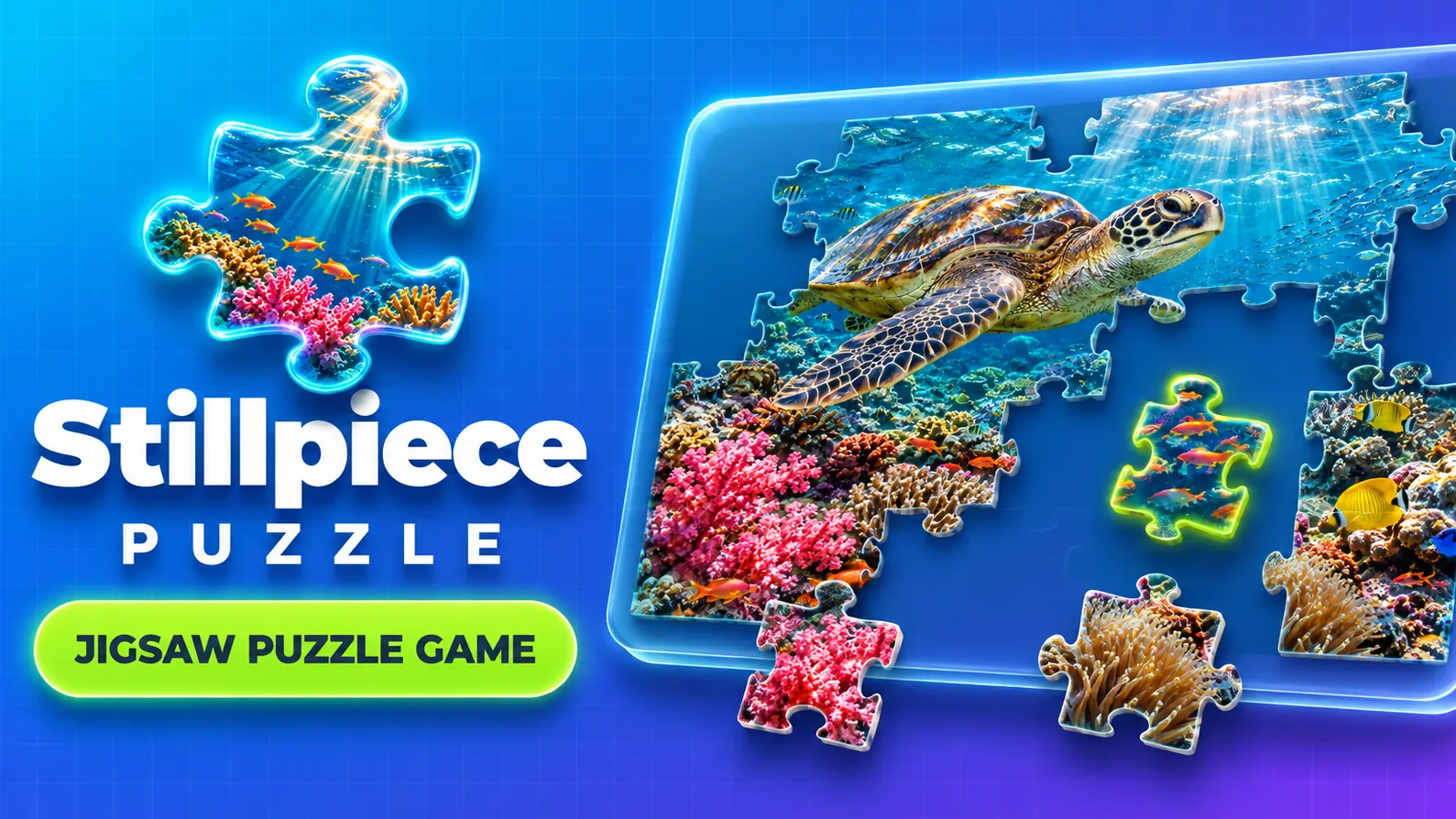
Jigsaw puzzle with 120 realistic photos

Stillpiece Puzzle

Pick a realistic photo and snap it together, piece by piece.

Play nowPlay in a bigger window. Close it to return whenever you like.Get this game for your brand
Developed by Polar GamesOpen in another tab

Pick a photo, choose the pieces and snap it together

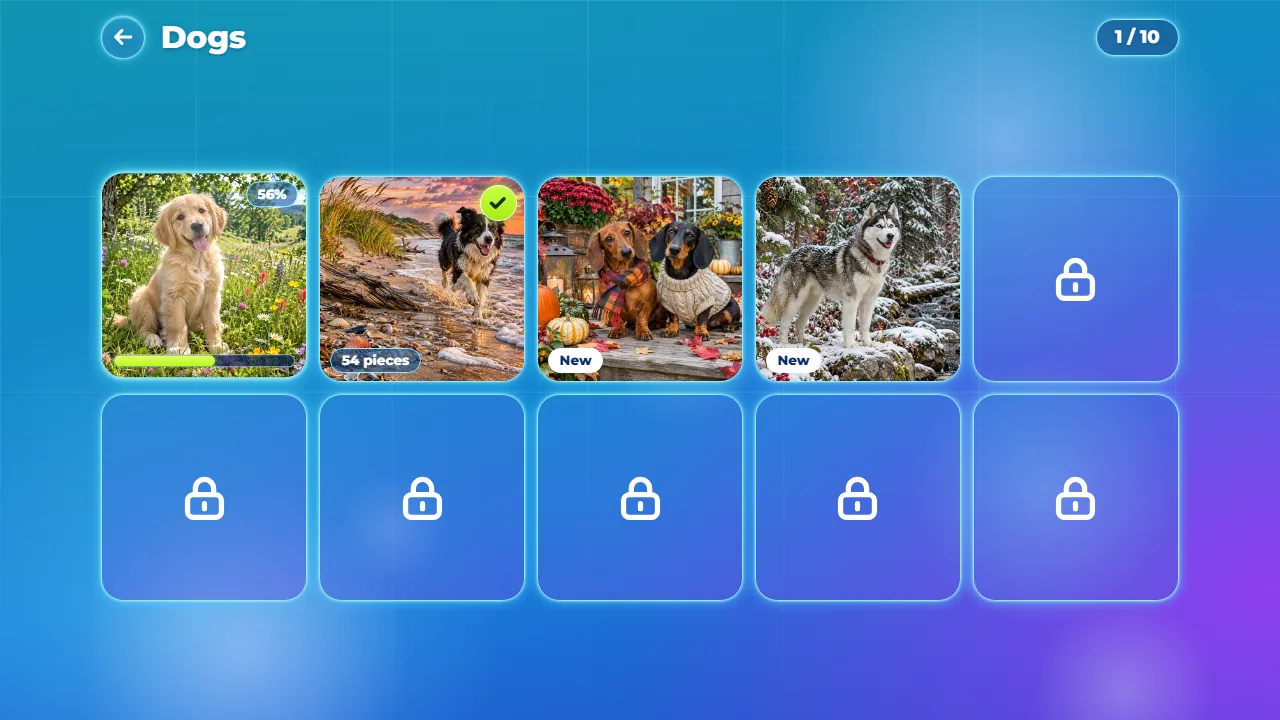
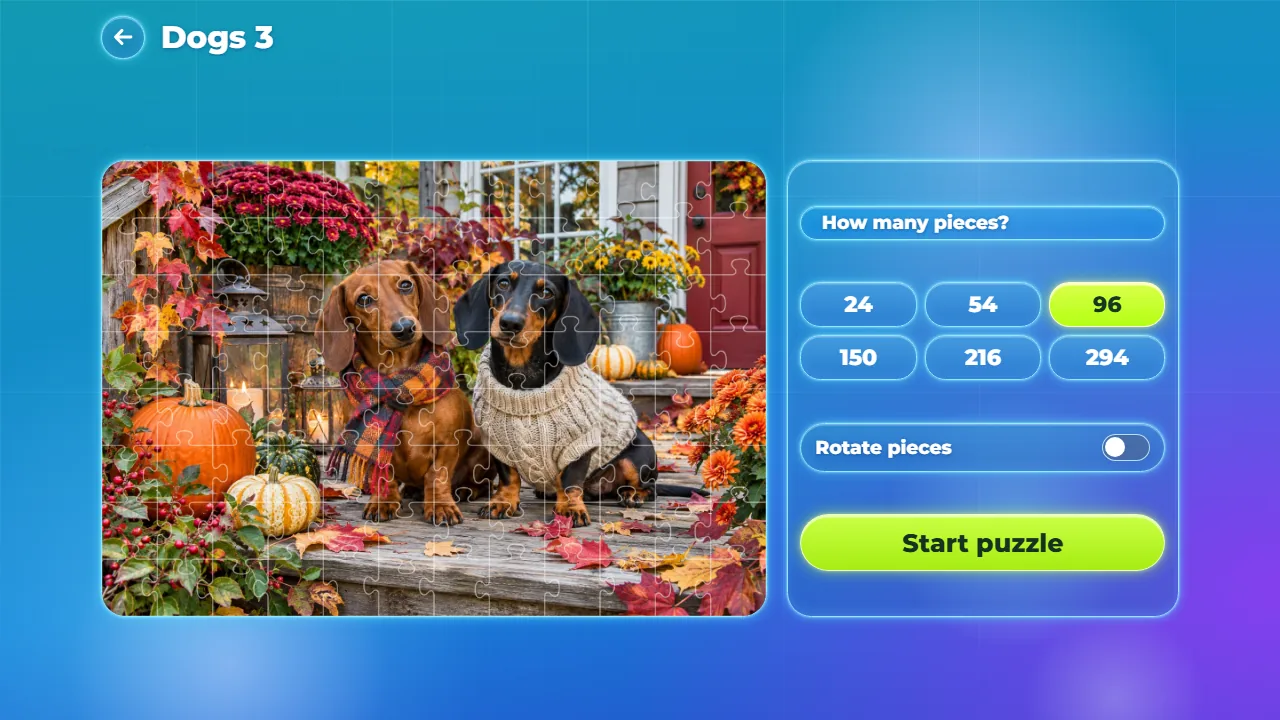
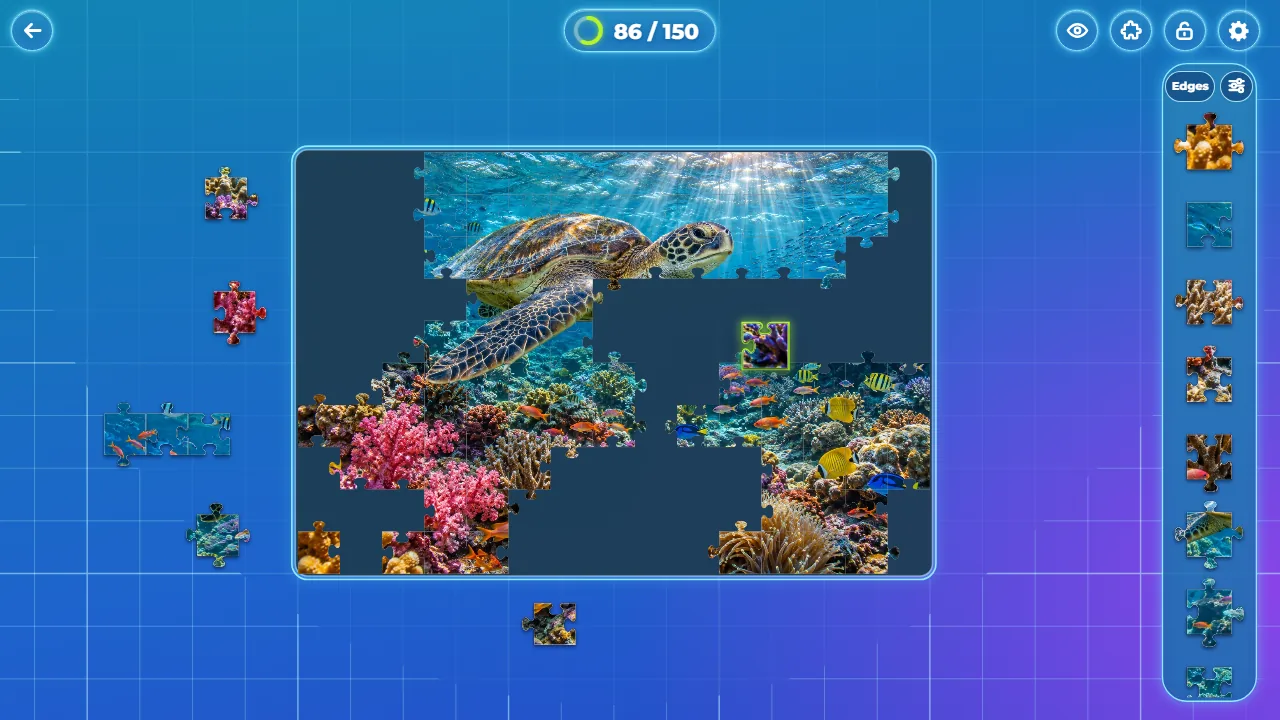
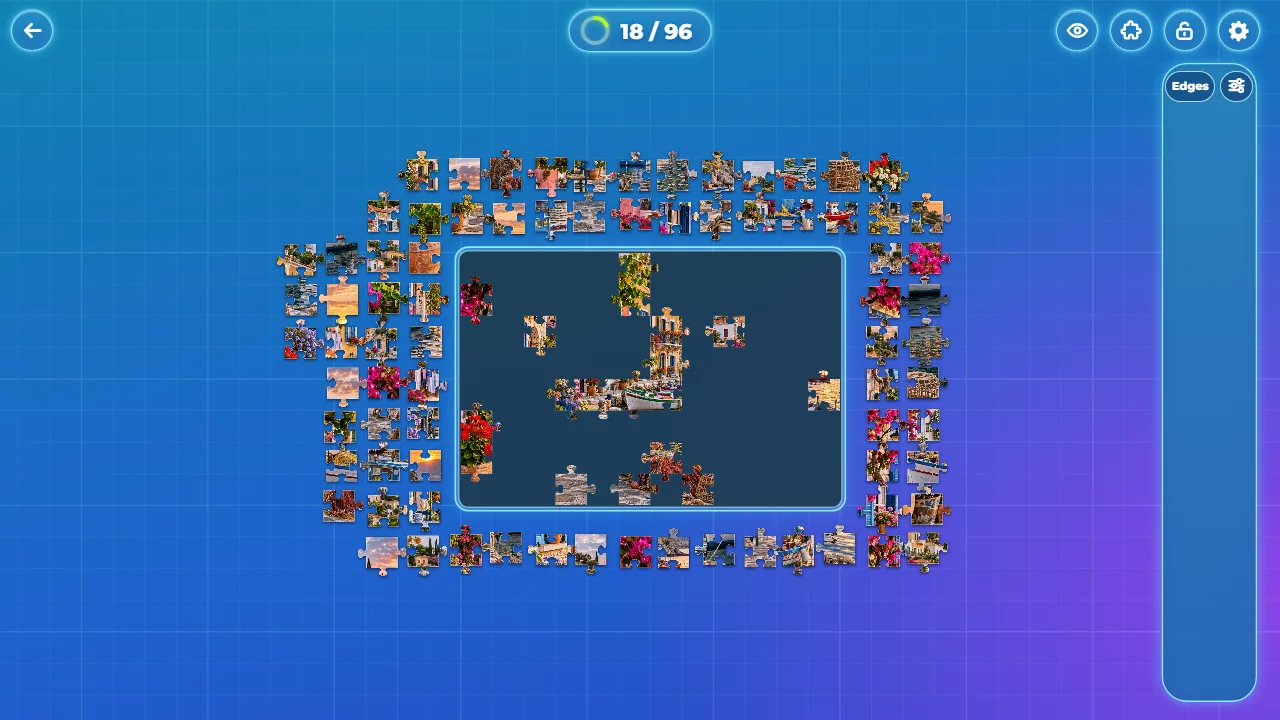
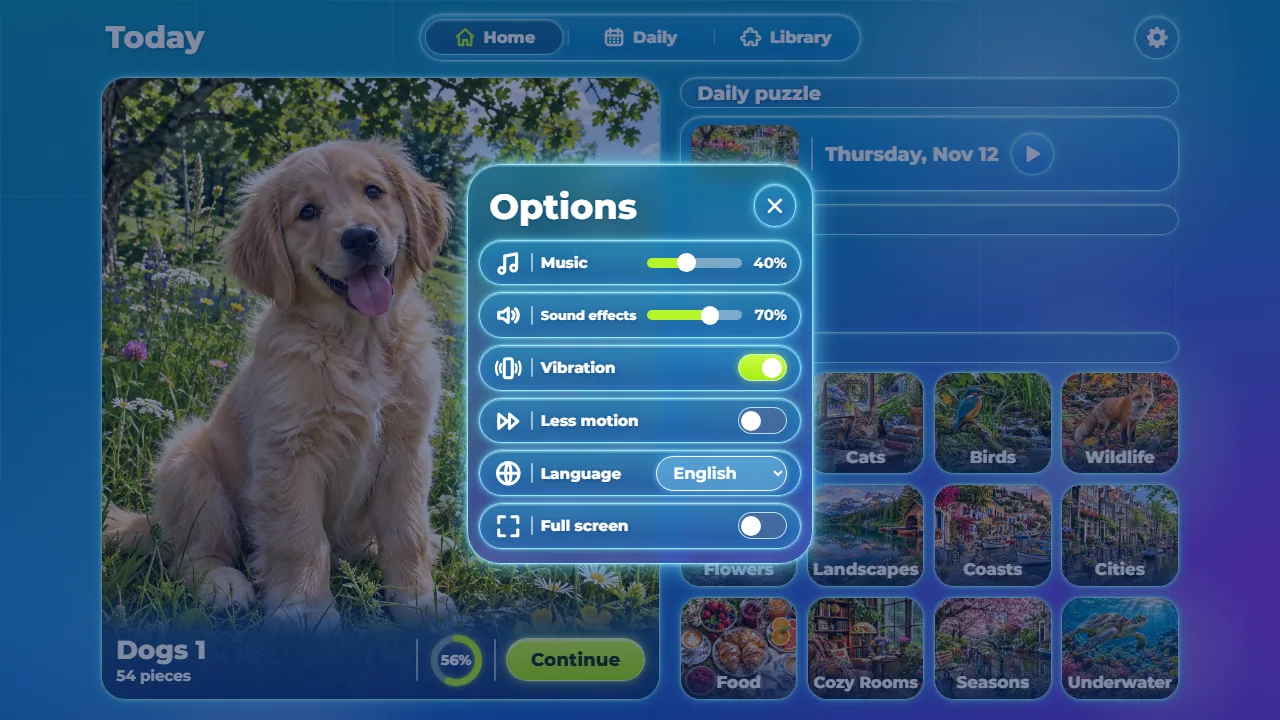
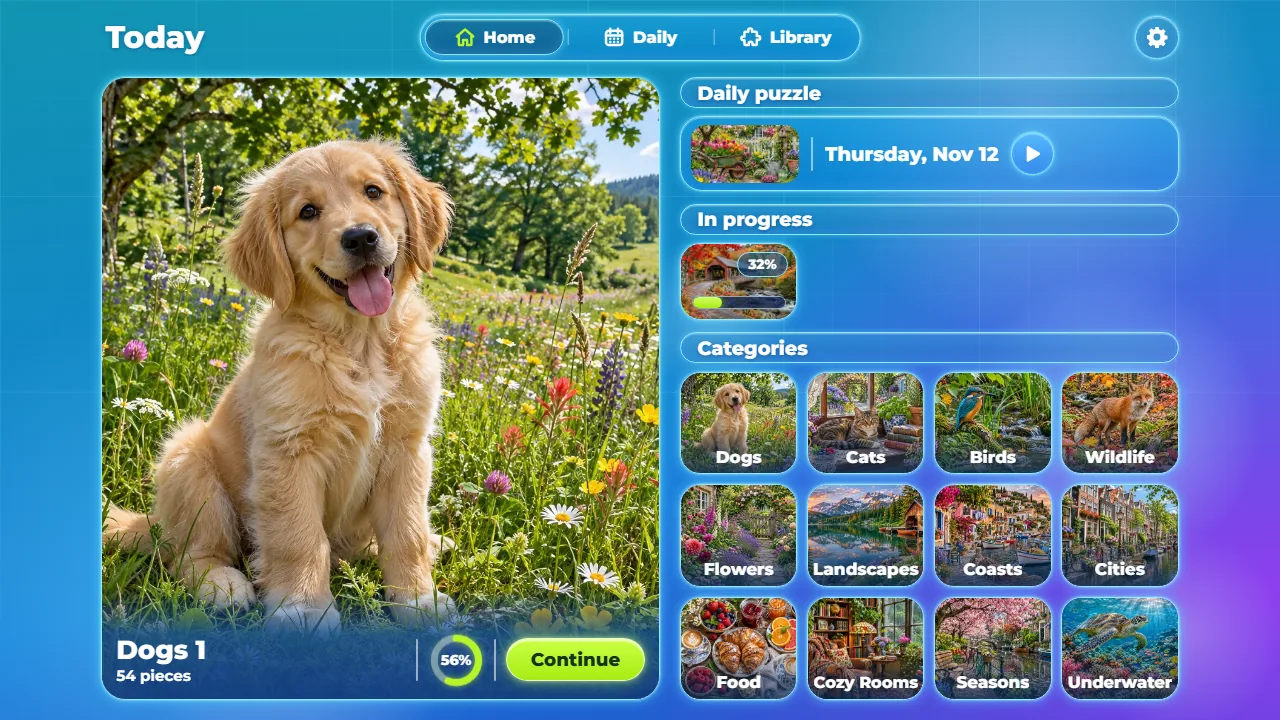
Stillpiece Puzzle is a calm jigsaw puzzle for the browser. Pick one of 120 realistic photos in 12 categories, choose from 24 to 294 pieces and drag them out of the tray onto the board; close to its place, a piece locks in with a green flash.

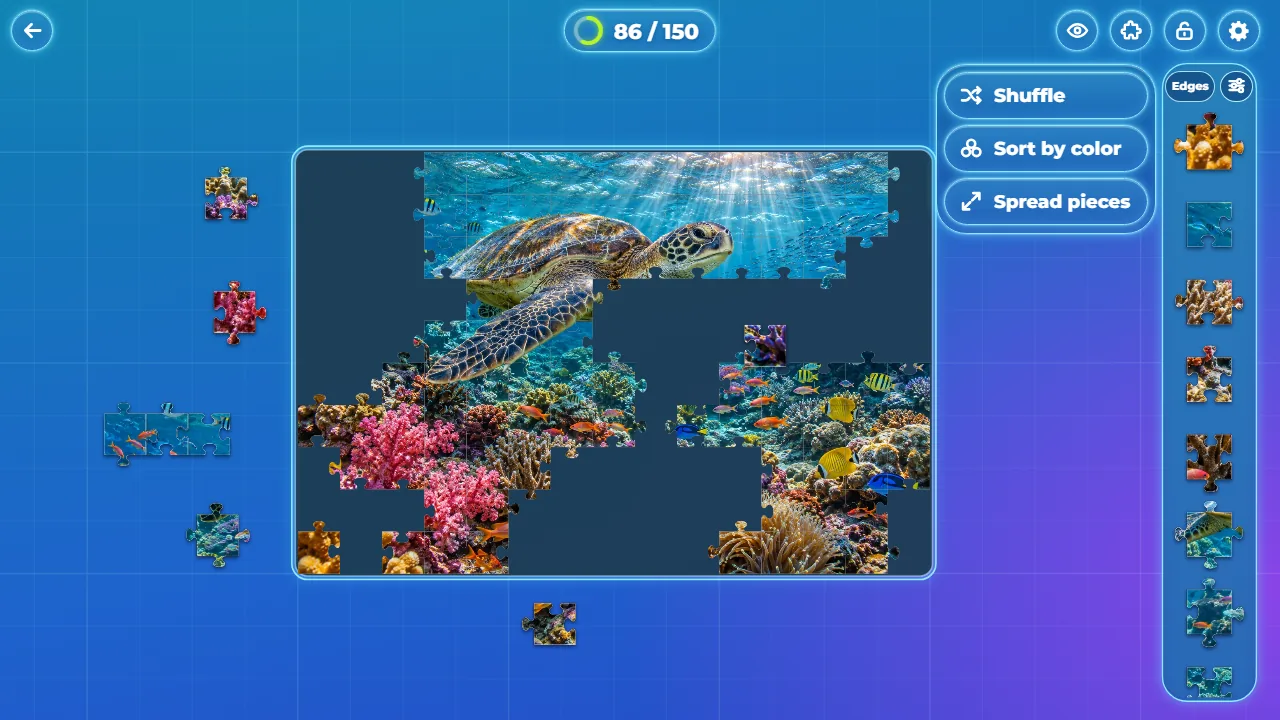
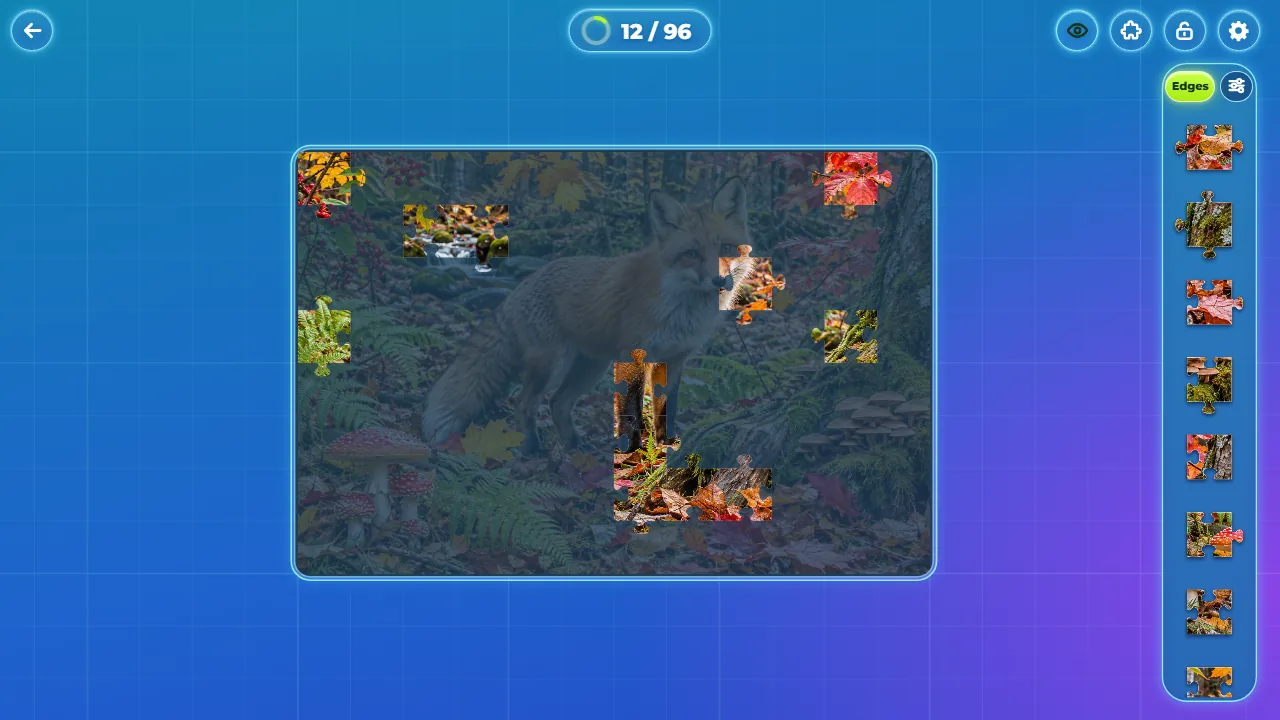
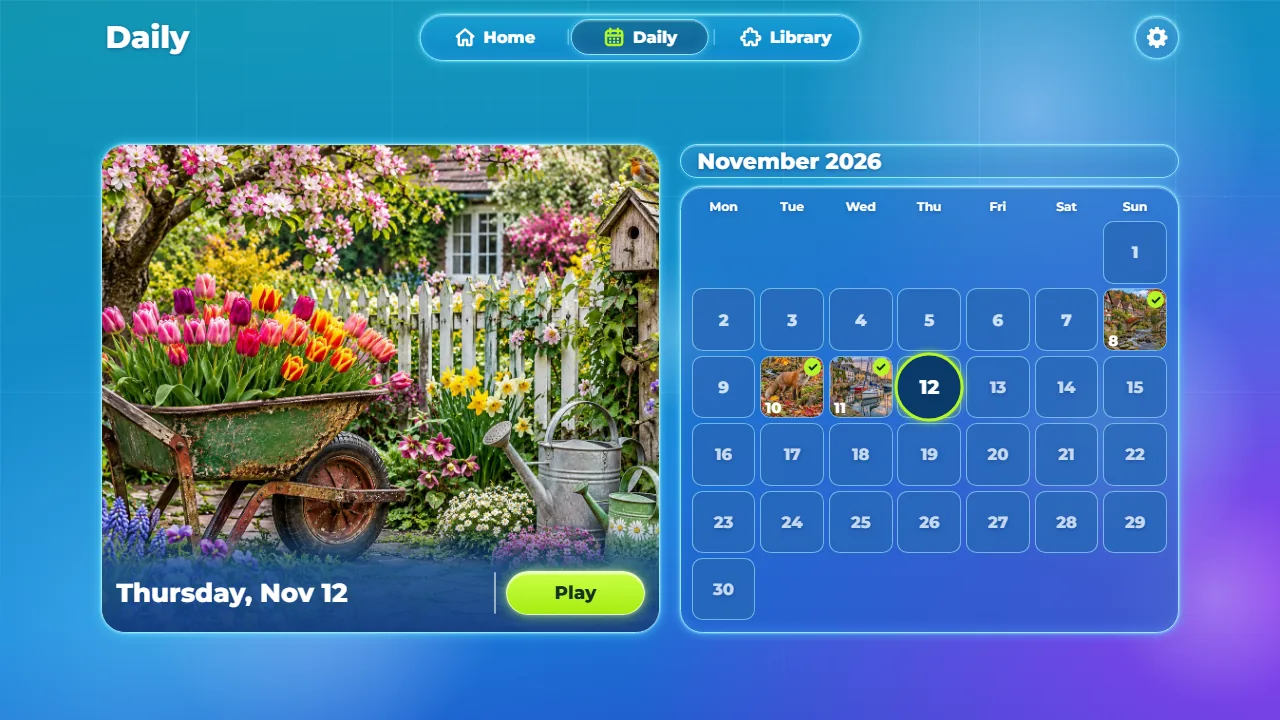
Matching loose pieces join into groups, the tray can show only the edges or sort the pieces by color, and a faint ghost photo can sit under the board. Every puzzle in progress is saved, and a daily puzzle comes with a calendar of the month.

How to play Stillpiece Puzzle

  1. Pick a photo in the Library and choose how many pieces to play with.
  2. Drag a piece out of the tray and drop it near its place: it locks in with a green flash.
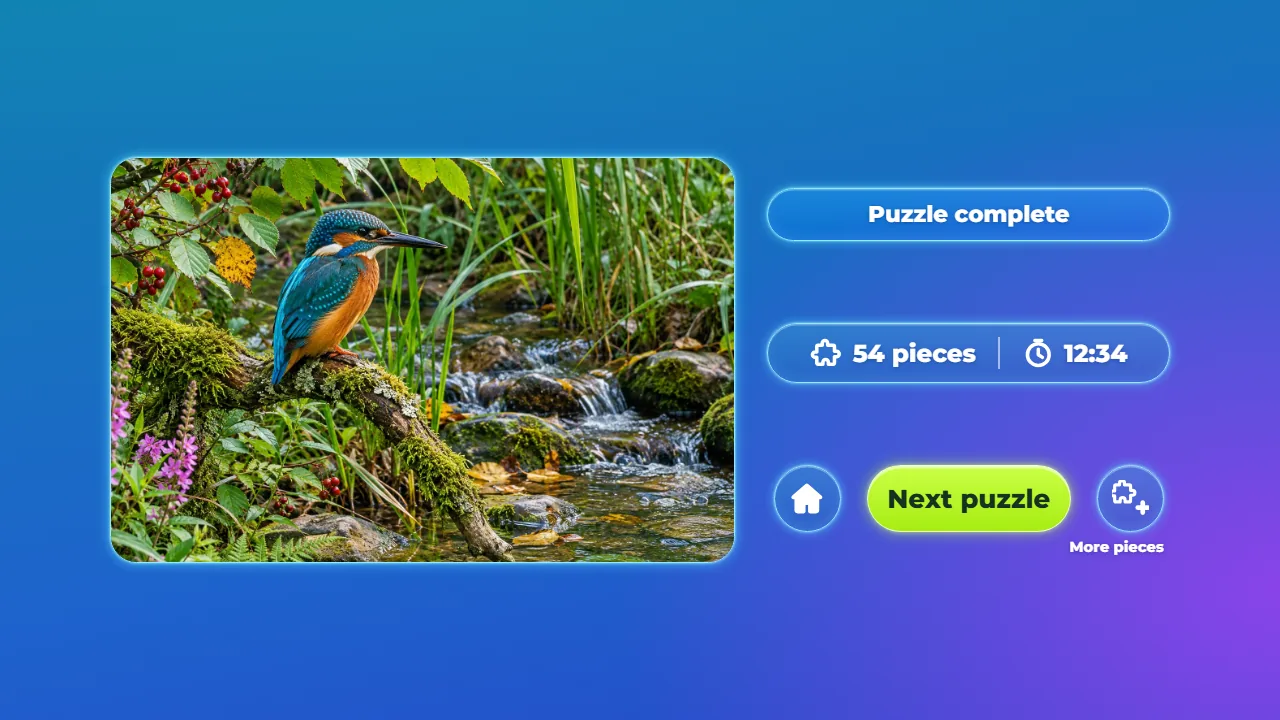
  3. Join loose pieces into groups, start with the edges and finish the photo.

Modes: Single player, 120 puzzles in 6 sizes · Daily puzzle

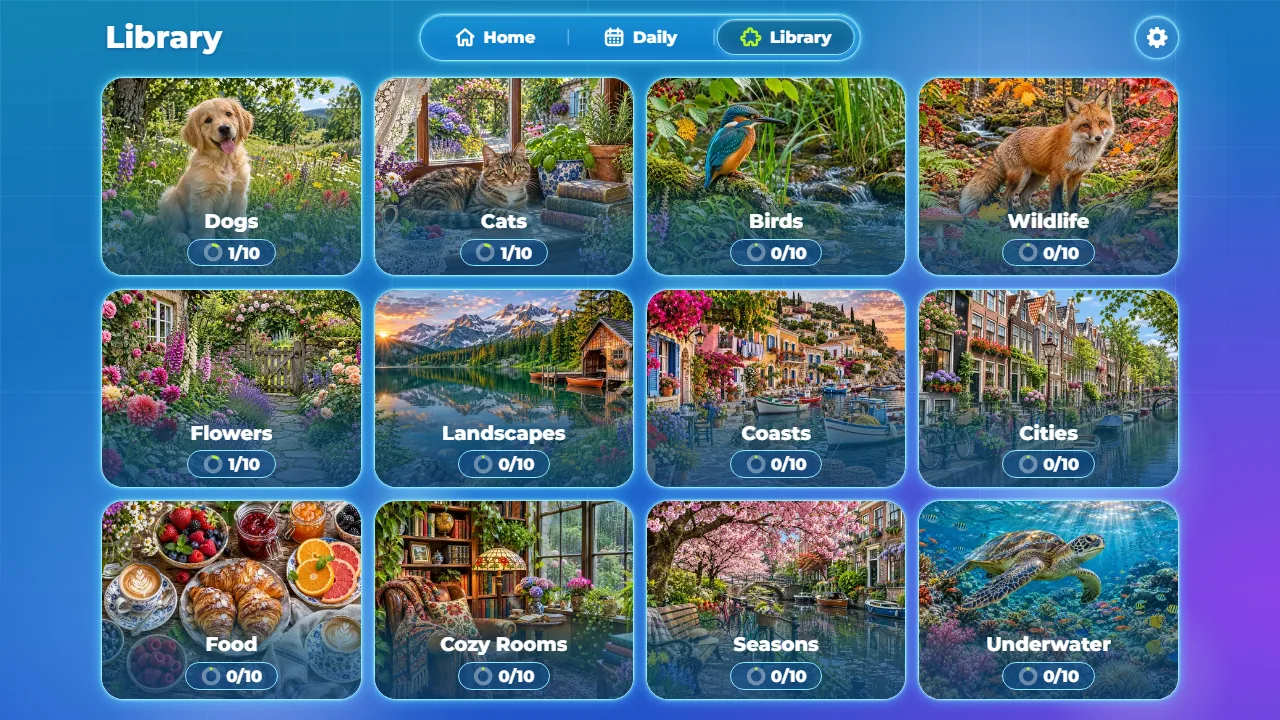
  • 120 photos, 12 categories

    Dogs, Cats, Birds, Wildlife, Flowers, Landscapes, Coasts, Cities, Food, Cozy Rooms, Seasons and Underwater, 10 photos each.

  • 24 to 294 pieces

    Six sizes for every photo, and an optional mode where the pieces start turned.

  • Smart tray

    Edges shows only the border pieces; Shuffle, Sort by color and, on computers, Spread pieces help you find the next one.

  • Daily puzzle

    One photo per day, with a calendar of the month and the days already played.

  • Saved progress

    Leave a puzzle and continue later exactly where you stopped, with its time.

  • 14 languages

    The interface comes in 14 languages, with music, sound effects, vibration and a less motion option.

Stillpiece Puzzle has layouts for phones and computers, upright or sideways, with touch or mouse.
FOR YOUR NEXT ROUND

Tips: Stillpiece Puzzle

  1. Turn on Edges and build the border first.
  2. Sort by color puts pieces of the same tone together in the tray.
  3. Join loose pieces on the table: a group moves as one and locks in at once.
  4. Tap the eye for a faint ghost photo under the board, or hold it to see the whole photo.

BEFORE YOU PLAY

Questions: Stillpiece Puzzle

What is Stillpiece Puzzle?

Stillpiece Puzzle is a jigsaw puzzle for the browser with 120 realistic photos in 12 categories, 6 sizes from 24 to 294 pieces, a daily puzzle and 14 languages.

How do I play Stillpiece Puzzle?

Pick a photo, choose how many pieces to play with and drag each piece from the tray to its place on the board. It locks in when it is close enough. Fill the board to finish the photo.

Is Stillpiece Puzzle free?

Yes. It is free to play in your browser.

Does it work on phones?

Yes. It has layouts for phones and computers, upright or sideways, with touch or mouse. Tap once on the start screen to turn on the sound.
Is my progress saved?

Yes. Every puzzle in progress is saved in your browser with its time, so you can continue later where you stopped.

FOR YOUR OWN SITE OR BRAND

Want Stillpiece Puzzle for your own project?

Stillpiece Puzzle is also available as an HTML5 game template with full source code. License it for your site, portal or brand.

See it in the Marketplace

Open in another tab