
Tower Defense Source Code: Waves, Towers and Balance in TypeScript
Barricade Z keeps its 30 waves, 12 tower levels and economy in three data files. Here is what that means for a buyer.
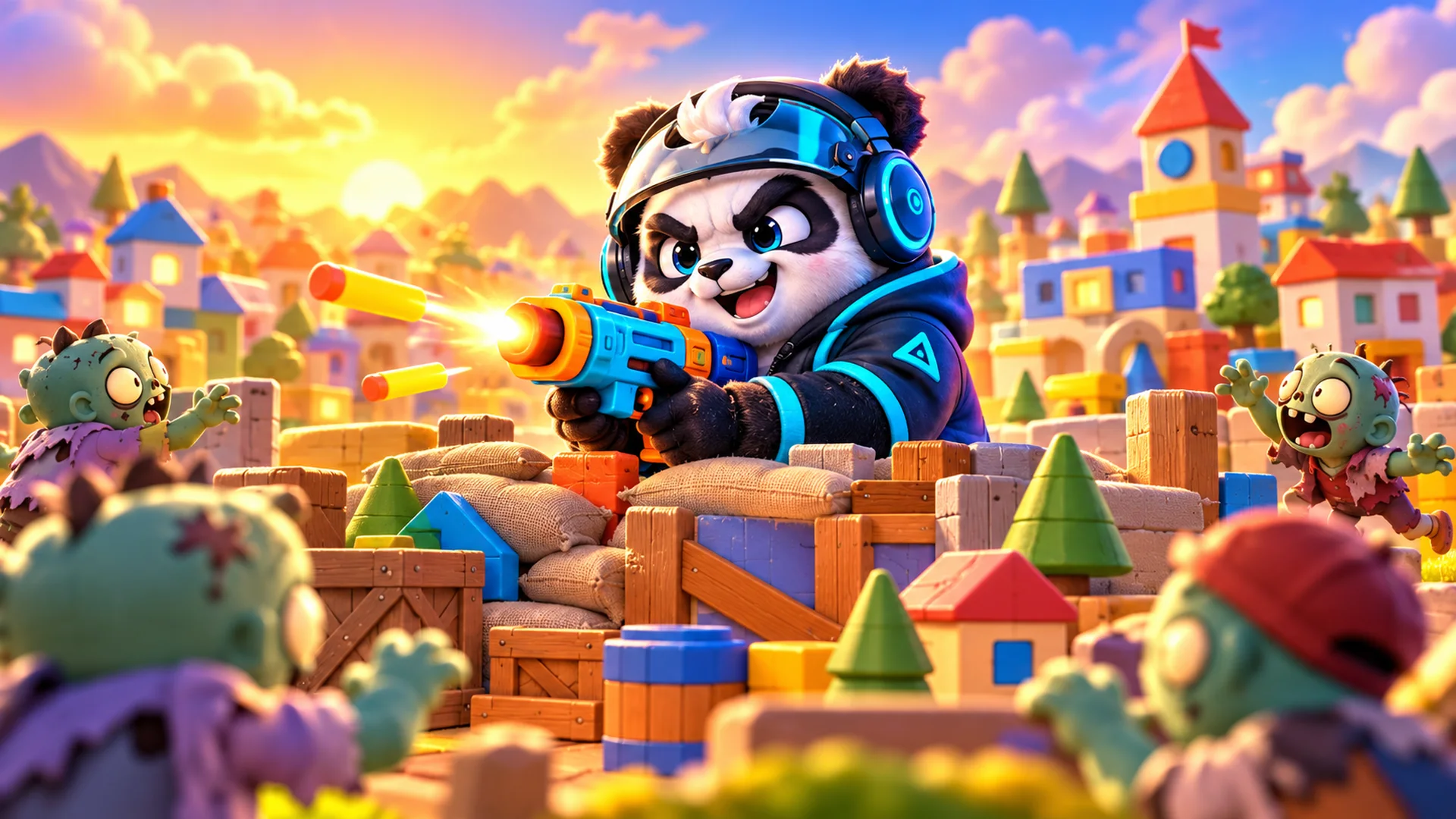
In tower defense source code, the game design lives in data: how strong each tower is, what each wave sends, how fast coins arrive. If that data is scattered through the rendering code, rebalancing a single wave means reading the whole project. Barricade Z, our merge tower defense template, keeps towers, waves and balance in three TypeScript files, and this guide shows where they are and how to change them safely.
There are two levels of change in this package. A text editor is enough for the page title and the save name. Everything else, from the towers to the zombie waves, goes through the TypeScript source and a rebuild. Knowing which is which before you buy saves a surprise later.
Every file name below comes from the illustrated buyer guide that ships with the game, which is available in the same 14 languages as the interface.
What this tower defense source code contains
Barricade Z is a merge defense game. Players fabricate turrets in a reserve, drag two identical levels together to make the next one, up to level 12, and move the strongest into five barricade positions. A 30-wave campaign runs across three environments, with bosses at waves 10, 20 and 30. Grenades unlock at wave 3 and Overdrive at wave 7, and a Workshop sells upgrades. Daily challenges and Endless mode open as the player progresses.
- game/: the playable build, ready to upload, with Phaser 3.90 in lib/phaser.js and the Bungee and Barlow Condensed fonts.
- game/barricade-z.config.js: the two settings you can change without a rebuild.
- source/: the readable TypeScript project, for developers only.
- documentation/index.html, plus DOCUMENTATION.html at the root: the buyer guide, which opens offline.
- THIRD-PARTY-LICENSES/: notices for the engine and the fonts.
The interface comes in 14 languages, with portrait and landscape layouts for touch and mouse. The announcer is recorded in English only, and the language setting changes the interface text, not the voice.
See Barricade Z: demo, guide and price
The three files that hold the game design
Open source/src/data/ first. These three files are the reason to buy the source edition at all, because they are where a tower defense game is actually designed.
- towers.ts: the 12 tower levels, their weapon attributes and muzzle data.
- waves.ts: the 30 campaign waves and where the bosses appear.
- balance.ts: economy, health, damage and progression tuning.
Around them, source/src/i18n/ holds the dictionaries for the 14 languages, source/src/ui/ holds the menus, the HUD, the toolbar, the panels and the tutorial, and source/src/audio/ handles sound routing and the announcer. The built code in game/assets/ has hashed file names; do not edit those by hand, rebuild instead.
What you can change with a text editor
Open game/barricade-z.config.js, change a value, save and reload. No rebuild is needed. Only two settings live here.
- title: the browser tab title. It does not replace the illustrated logo.
- storagePrefix: the namespace for saved data. Changing it starts a separate save and leaves the old keys in place. Use only letters, numbers, dots, underscores and hyphens, up to 64 characters.
storagePrefix is more useful than it looks. Two copies of the game on the same domain share saves even if they sit in different subfolders. If an agency hosts one copy per client on one domain, give each copy its own prefix so players' progress does not mix.
Anything beyond those two values, including the logo, icons, artwork, rules, towers, waves and text, needs the source edition and a rebuild.
Rebuilding after a real change
The game/ folder already contains the playable build, so hosting needs no Node.js. You only install it to change the game itself.
- Install Node.js 20.19 or newer.
- Inside source/, run npm ci. The tested tool versions are pinned in package-lock.json.
- Make your change, then run npm run typecheck and npm test.
- Run npm run build. The output goes to source/dist/.
- Upload the contents of source/dist/ to replace the hosted game, the same way as game/.
Three optional commands help along the way: npm run dev starts a local development server, npm run preview serves a build for checking, and npm run balance runs a full campaign simulation from the command line, which is handy after you touch balance.ts.
What a buyer usually changes first
- The tab title and save prefix in the config file, so the copy is yours from the first upload.
- Logo and artwork in the source. Keep the existing proportions when you replace visuals, as the guide asks.
- Interface text in the i18n dictionaries, in every language you plan to ship.
- Difficulty: wave composition in waves.ts, then coin flow in balance.ts.
- Towers last, in towers.ts, because every wave was tuned against them.
If you sell or run several merge games, the same reserve-and-merge idea appears in two other templates of ours, each with its own theme and rules.
Deepforge: merge pickaxes and send them into a physics-driven mine
Plop: a fruit merge physics puzzle with 11 tiers
Hosting, updates and saves
Upload only the contents of game/ to an empty folder, such as public_html/my-game/, and open the address in a current Chrome, Edge, Firefox or Safari. No npm, PHP, database or account is needed, and HTTPS is recommended. Double-clicking index.html on your computer does not work. Your host must serve .js as JavaScript, .css as CSS, fonts and .mp3 with their normal types, and file names are case-sensitive on many hosts.
Saves live in the player's browser under barricadez.save (campaign and checkpoint) and barricadez.settings (language, sound, tutorial, unlocks, records), with the default prefix. There is no account and no cloud sync. A reload restarts the current wave from its checkpoint.
- To update: back up game/ and your edited config file, upload the new game/ over the old one, keep storagePrefix unchanged and reload.
- If the old version still shows, clear cached images and files or press Ctrl+F5. Do not clear site data: that deletes the save.
- The game ships a manifest.webmanifest, but the guide is clear that it is not packaged as an installable offline app.
Native app projects are not included. If you want the game in an app store, the wrapper and the store listing are separate work, which we can quote.
What is not included, and the licence
The edition has no advertising SDK, analytics, payment provider, online multiplayer, remote leaderboard or cloud saves, and no native app, hosting or custom development. Adding any of them is development work with your own accounts.
Barricade Z costs $39 at list price, or $33.15 during the Black Friday promotion that runs until 30 November 2026; two or more templates in one order also earn a bundle discount of 5% to 20%. The licence is perpetual and non-exclusive, for one end product, yours or one client's. You may change the code, art and audio, replace our brand with yours, and offer the game free or with ads. Reselling the template or its code on its own is not allowed. Six months of support come with it, twelve with the extension; new features and integrations are quoted first.
FAQ
Which engine does the tower defense source code use?
Phaser 3.90 with TypeScript. The engine is bundled in game/lib/phaser.js under the MIT licence, so nothing loads from a CDN.
Can I change waves and towers without Node.js?
No. The config file only sets the tab title and the save prefix. Waves, towers and balance are in the source and need Node.js 20.19 or newer and a rebuild.
Is the announcer translated?
No. The 14 languages cover the interface. The announcer's recordings are in English, and the other languages have no narration.
Does it work on phones?
Yes. Portrait and landscape layouts work with touch and mouse. Performance depends on the device, so test on the phones your audience uses.
Can two copies on one domain keep separate saves?
Yes, if each copy has its own storagePrefix in barricade-z.config.js. A different subfolder alone does not separate them.
Who should buy it
Barricade Z suits a portal that wants a finished zombie defense game, a freelancer or studio preparing a branded game for one client, and a developer who wants to read how a TypeScript and Phaser tower defense keeps its design in data. If you only need to host it under your own name, the config file and the logo cover most of the work. If you plan a new campaign, the three data files and npm run balance are where you will spend your time.