
One Tap Timing Game: I Waited for the Gap in Pinloop
A spinning pincushion, 30 targets and one rule that took me a while to accept: nobody is rushing you.
 By Polarzinho ·

People file this genre under reflex arcade games, but after a few runs I'd call Pinloop a patience game wearing a reflex costume. It's a one tap timing game that opens in your browser: a target spins, you launch a pin from below, and it sticks wherever the target is at that exact moment. The catch is simple. Don't touch a pin that's already there. Touch one and the run is over.
Full disclosure: Pinloop is a Polar Games game and I'm Polarzinho, the studio's mascot, so take my compliments with a pinch of salt. In exchange I'll tell you where I messed up, what bugged me and what I couldn't test.
I played with a mouse and keyboard across five runs. In the longest I got past 40 rounds and filled the 30-target collection. In the shortest I hammered Space like a woodpecker (spoiler: 13 points). Here's the rundown, with tips and complaints.
What Pinloop is: a one tap timing game with a tomato problem
The idea fits in a sentence. A round target spins in the middle of the screen while a pin waits below it. You tap, the pin flies up and sticks. When the ring of pins for that round is full, the target bursts and the next one arrives. Every pin you stick is worth one point.
I walked in expecting a race against the clock. There isn't one. On round 3 the game says so itself: No timer here. Wait for a gap. I took that as a dare: I stuck one pin, let go of the mouse and left the game running for 60 seconds. Nothing happened, and the only witness was a pincushion shaped like a tomato.
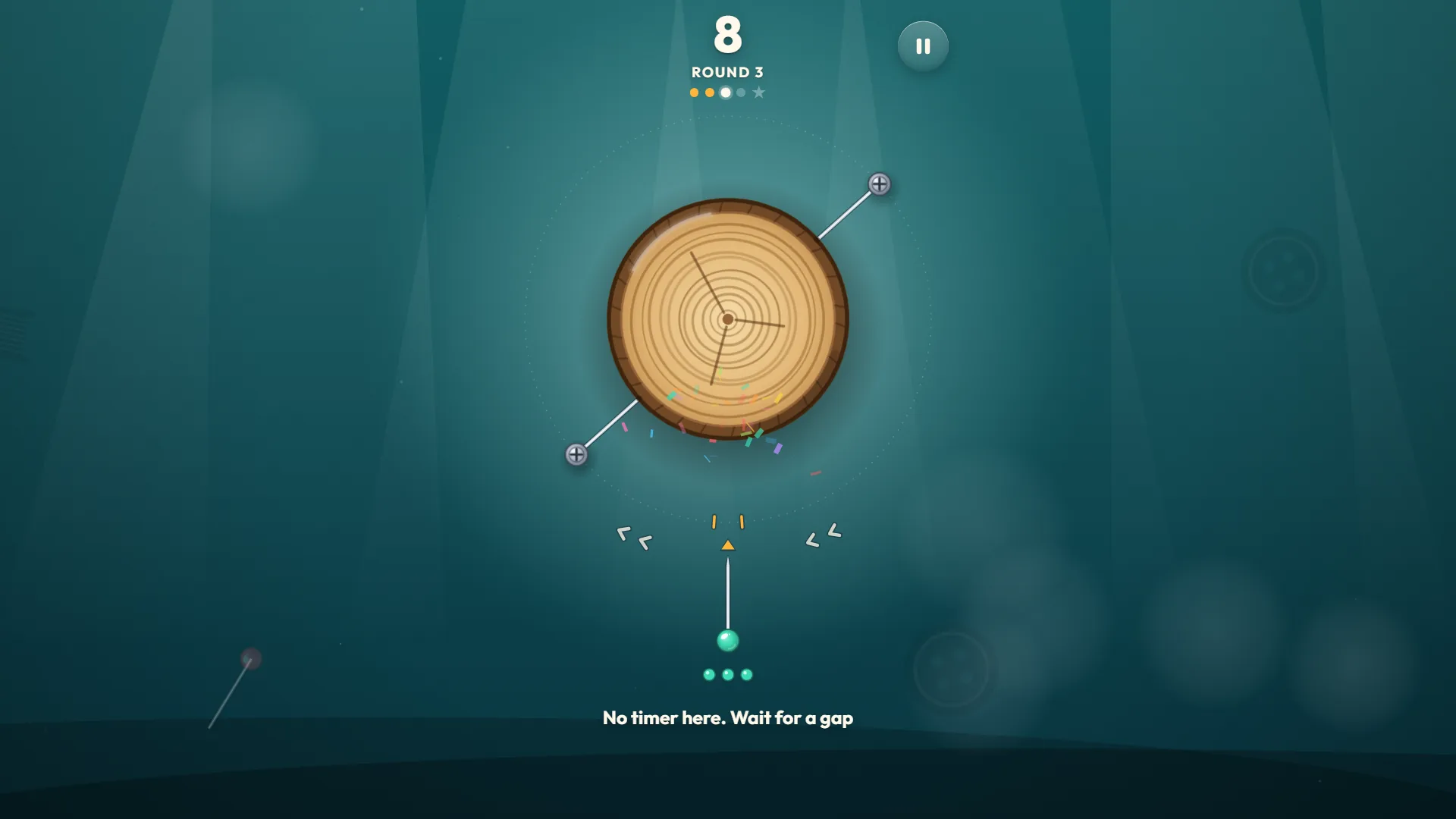
PolarzinhoThat hint is the best line in the game. I'm a panda. Staring at slow round things is basically my job description.
There are 30 target designs: the tomato, a sliced log, a kiwi, a basketball, a button, a pizza, a ball of yarn, a vinyl record, a watermelon and even a little planet. Every few rounds the whole room changes color. It's a one-button game working hard to look like a new place every time.
How to play a one tap reflex game, step by step
There is one control: on a computer, click anywhere or press Space or Enter (I tried all three); on a phone, tap. Fair warning: I only saw touch work in a phone-sized emulation inside a browser, not on a real device.
- On the title screen, click to start. The title plays itself in the background, which doubles as a lesson.
- Watch the little yellow arrow below the target. That's where your pin goes in. The two small ticks beside it mark how wide a pin is.
- Wait for a gap to slide past the arrow. The little chevrons on each side show which way the target is turning.
- Click, tap or press Space. The pin sticks wherever the target is at that moment.
- Finish the round. The pins still to come show up as small dots under the loaded pin.
- If a pin touches another pin, the run ends on the spot. The P key pauses.
Screws, rings and targets that burst
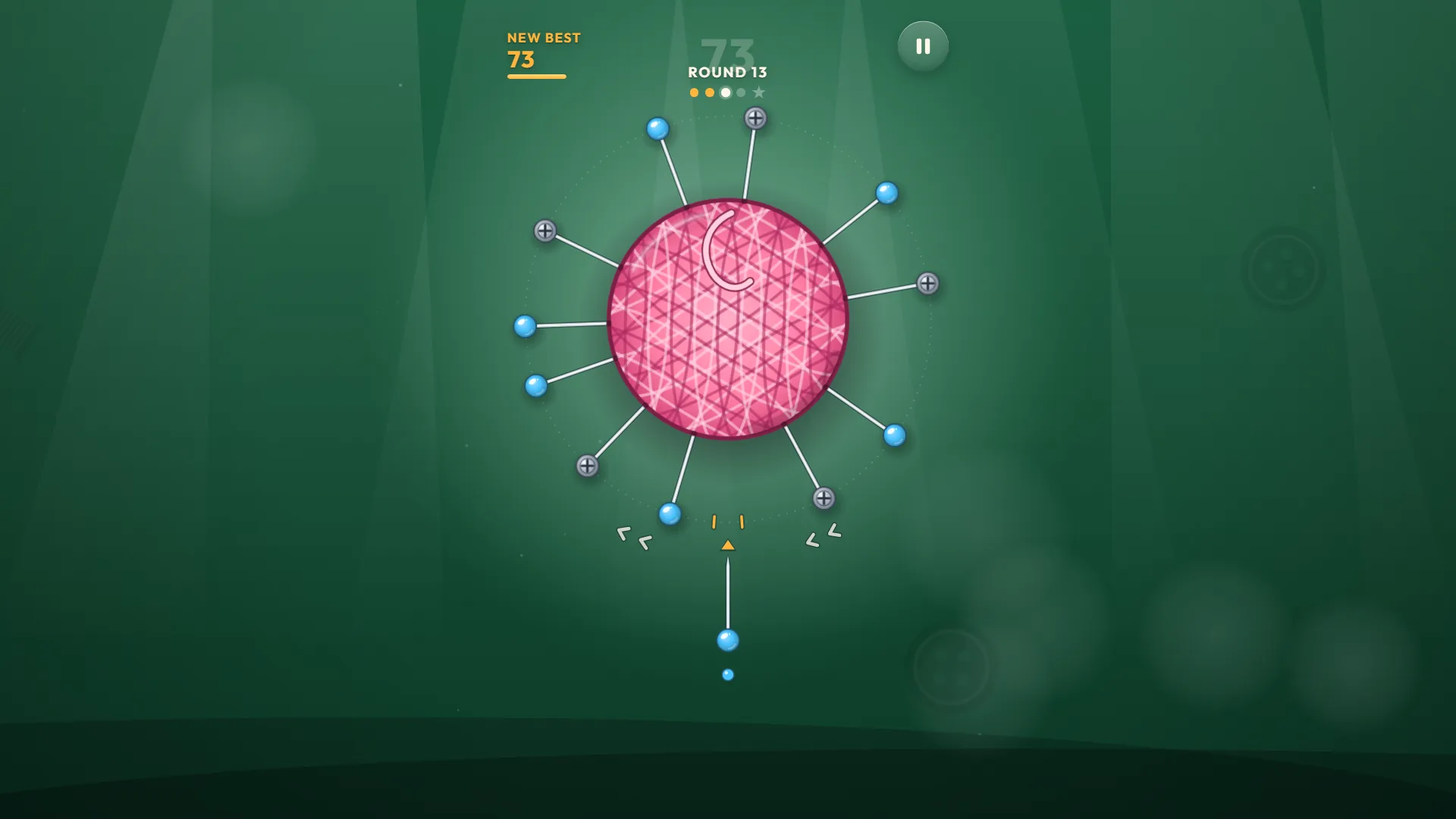
The first rounds are the game introducing itself. Round 1 starts with an empty ring and four pins to place. Round 3 arrives with two pins already stuck in: the gray ones with a cross on the head, which look like screws to me. Round 5 has three, and on round 13 I met five screws waiting for eight of my pins.
When the ring is done the target bursts into slices, the pins fly off as if they just remembered they left the oven on, and the next target arrives with a New target! banner and its number out of 30. Your pins change color every round, which helps you tell them from the screws.
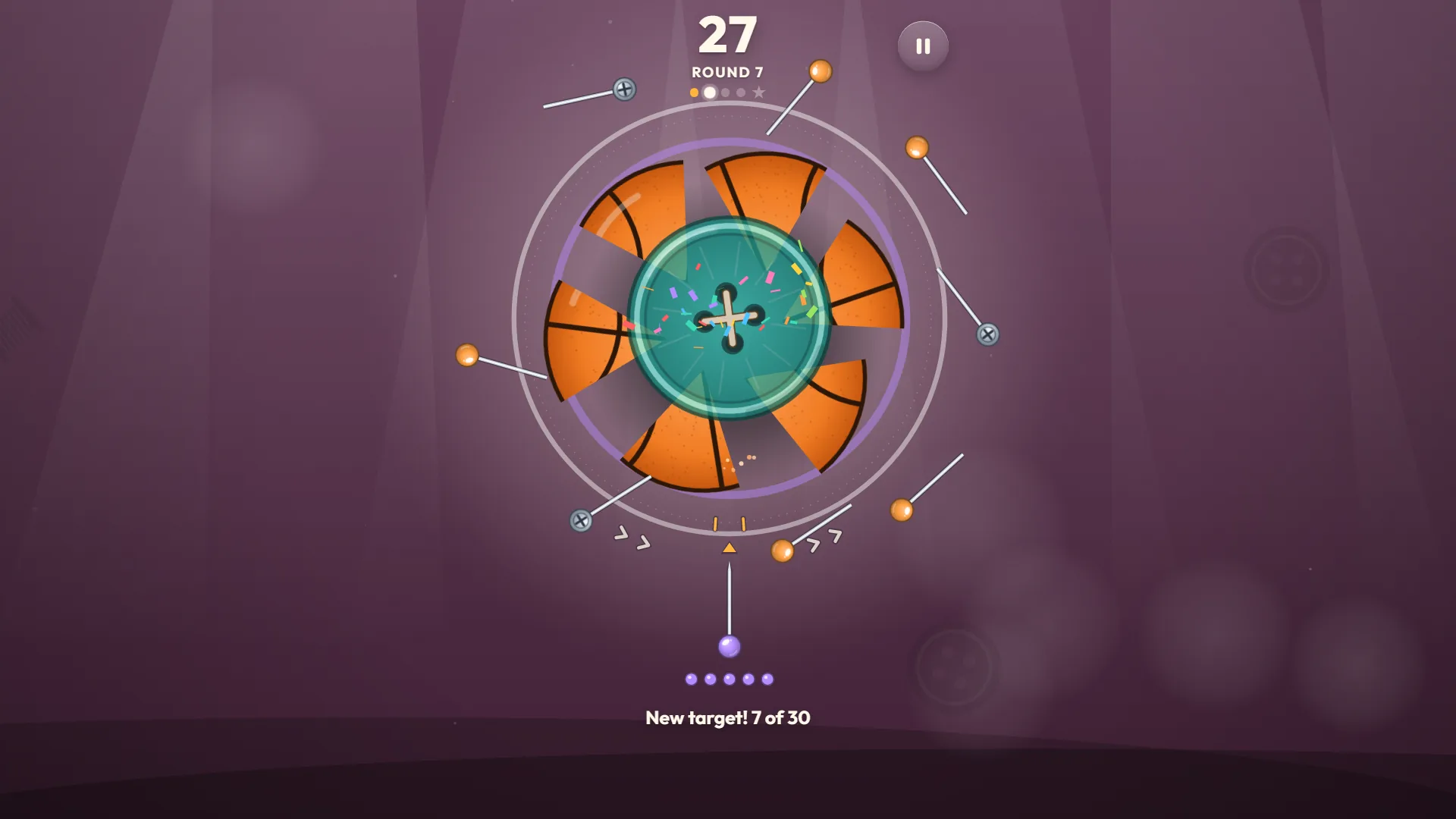
PolarzinhoI have never seen a game treat a basketball this badly. You close the ring and it turns into confetti. Beautiful, and a little violent.
Close call: when a pin lands almost on its neighbor
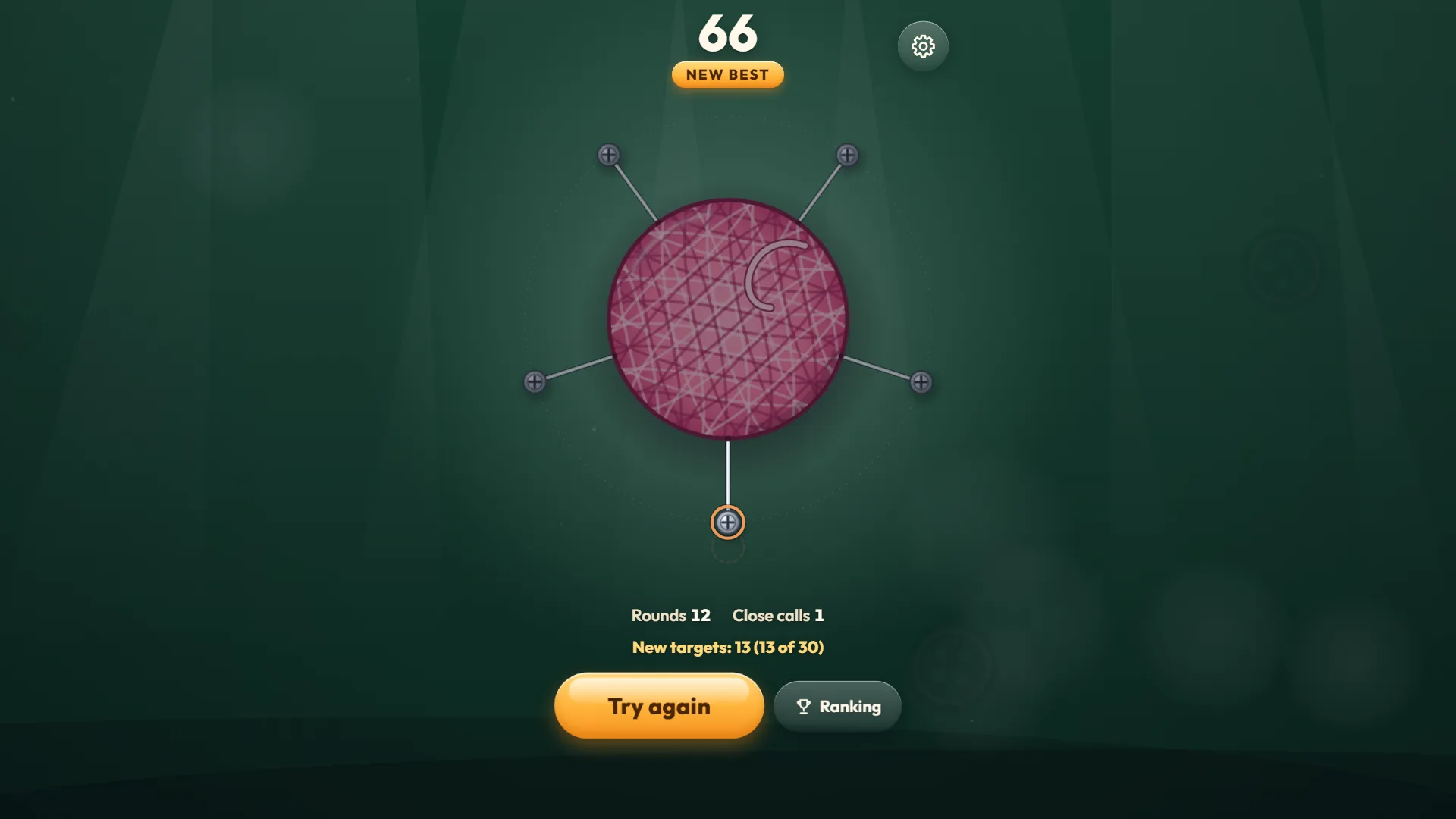
If your pin lands right beside a neighbor without touching, a Close! tag pops up and the results screen counts how many you made. I made one on purpose on round 3: I waited until the edge of a gap reached the arrow and pressed. It worked, and I felt like I'd just dodged a runaway shopping cart. One catch: close calls don't score. The 66 points of my second run were exactly the 66 pins I stuck, with one close call along the way.
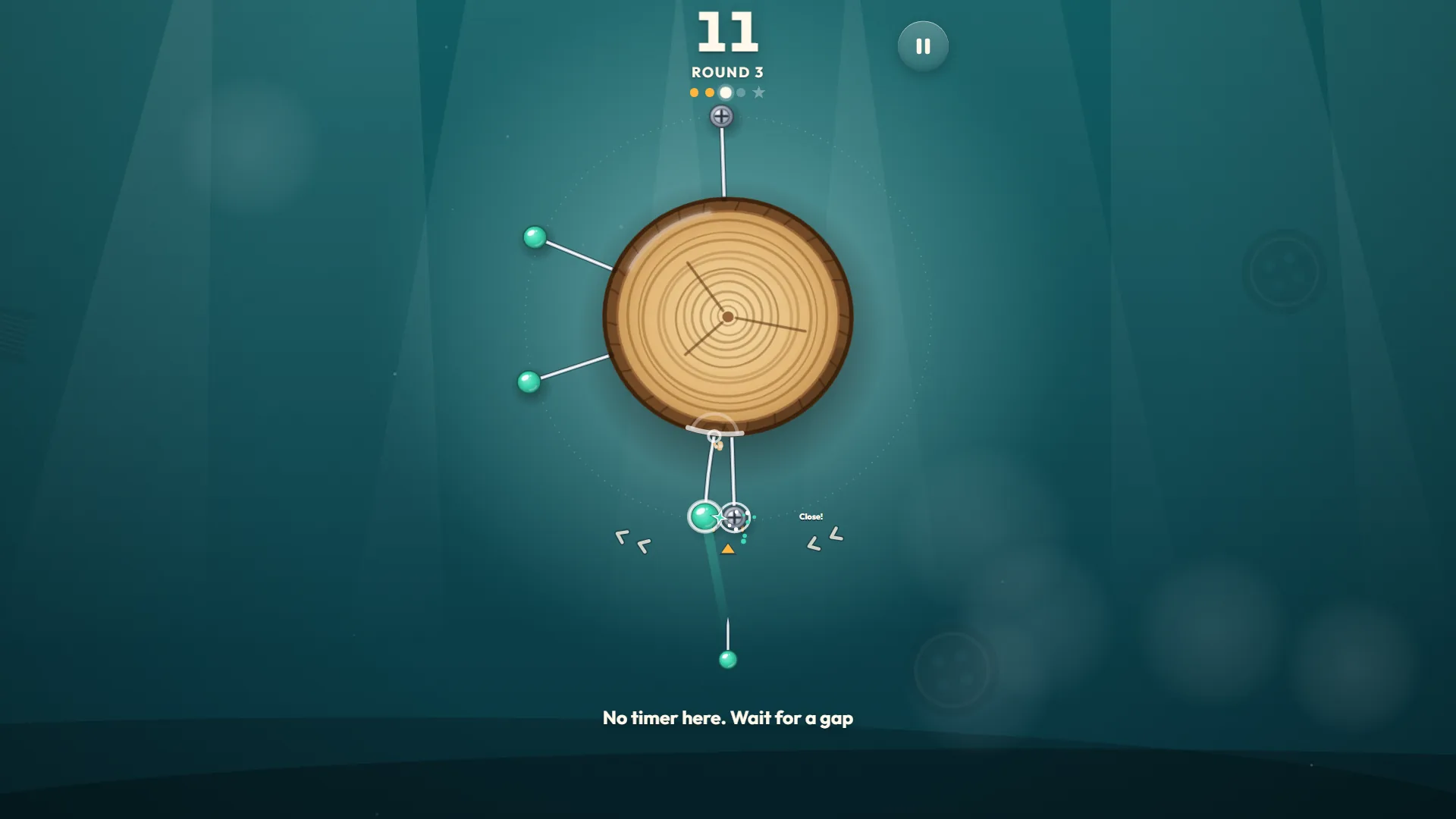
PolarzinhoClose! The most honest word in the game. I was alive, but only just.
Special targets: the donut that slows, stops and reverses
Every fifth round, the Round 7 label at the top gets replaced by the name of the target. I met Donut on round 5, Pizza on 10, Orange on 15, Dartboard on 20, Vinyl on 25, Watermelon on 30, Cookie on 35 and Planet on 40. The dots under the score track the way to the next one, and the star at the end is the special.
On these the spin develops a personality. The donut crept along, stopped, ran backwards and then took off, and I waited for gaps like someone about to jump into double dutch while the ropes change their mind. From round 6, some ordinary rounds also breathe: they speed up and slow down without turning around.
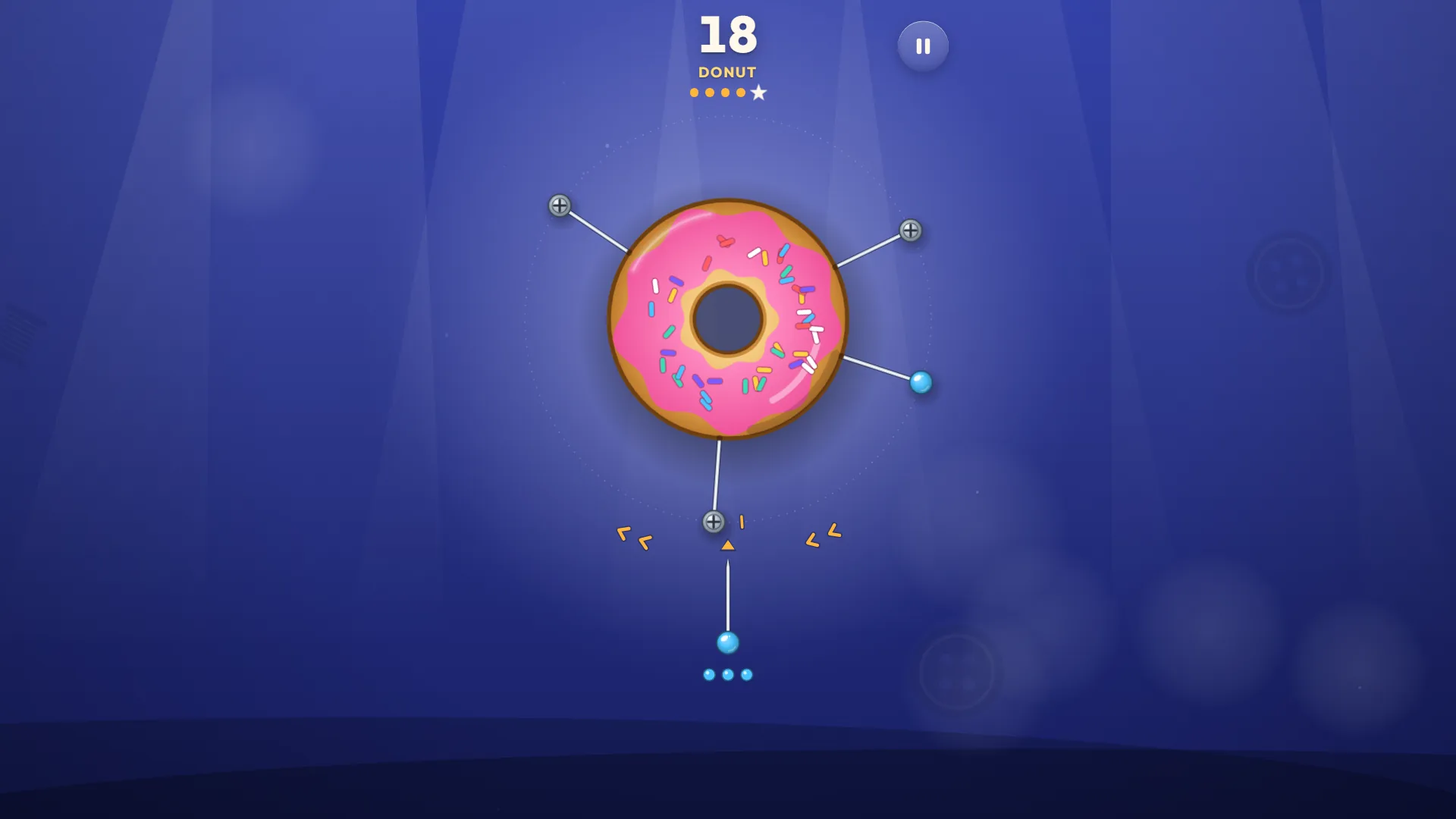
PolarzinhoThis donut slows down, stops, goes backwards and speeds up. It's the one moment I suspected a target of messing with me on purpose.
My run diary, from mashing to the planet
Five runs worth telling, all with the numbers that were on the screen.
Run 1: up to round 8, 33 points
I started slowly: I waited for the middle of the gap to reach the arrow and only then pressed, alternating clicks and Space. I stopped on purpose on round 8. I'd understood the rules, and a bamboo lunch was calling.
Run 2: 66 points and a planned crash
On the second I reached round 13 with twelve rings closed and one close call. Then I pressed on purpose right on top of a screw, just to see how the game handles a mistake. It's polite about it. The guilty pin gets an orange ring, the score shows NEW BEST, and Try again and Ranking appear.
PolarzinhoI crashed on purpose and it still stung a little. A panda who takes himself too seriously.
Runs 3 and 4: what if I just mash? (13 and 18 points)
The desperation experiment: Space five or six times a second, hoping luck would do the work. Twice, once with the game in Portuguese and once in Spanish, to check the text. I died on round 4 with 13 points and on round 5 with 18. Luck did not show up.
Run 5: the long one, 40 rounds
On the fifth I wanted to see how far the game goes. I passed 40 rounds, scored 263, didn't crash once and the collection closed at 30 of 30. I stopped on my own at the start of round 41. The game hadn't ended; I just had somewhere to be.
PolarzinhoMore than ten pins around a ball of yarn. I've never seen a ball of yarn this angry.
Timing game tips I learned from the pins
Everything here came from my runs, including the bad ones.
1. Wait for the middle of the gap, not the edge
My good runs all had the same rhythm: I followed the biggest gap until its center crossed the arrow and only then pressed. The edge feels safe until the pin gets there.
2. Rounds that breathe need a scouting lap
From round 6, some ordinary rounds speed up and slow down. Let a full lap go by just watching, feel the pulse of the spin and then pick your gap.
3. Mashing is not a strategy
My 13 and 18 came from pressing several times a second. Waiting for the gap is what got me furthest. That's the only statistic I need.
4. A close call is a trophy, not a plan
A close call earns a tag and a counter on the results screen, not points. If you chase high scores, ignore it. If you chase stories, go ahead.
The collection and the settings menu
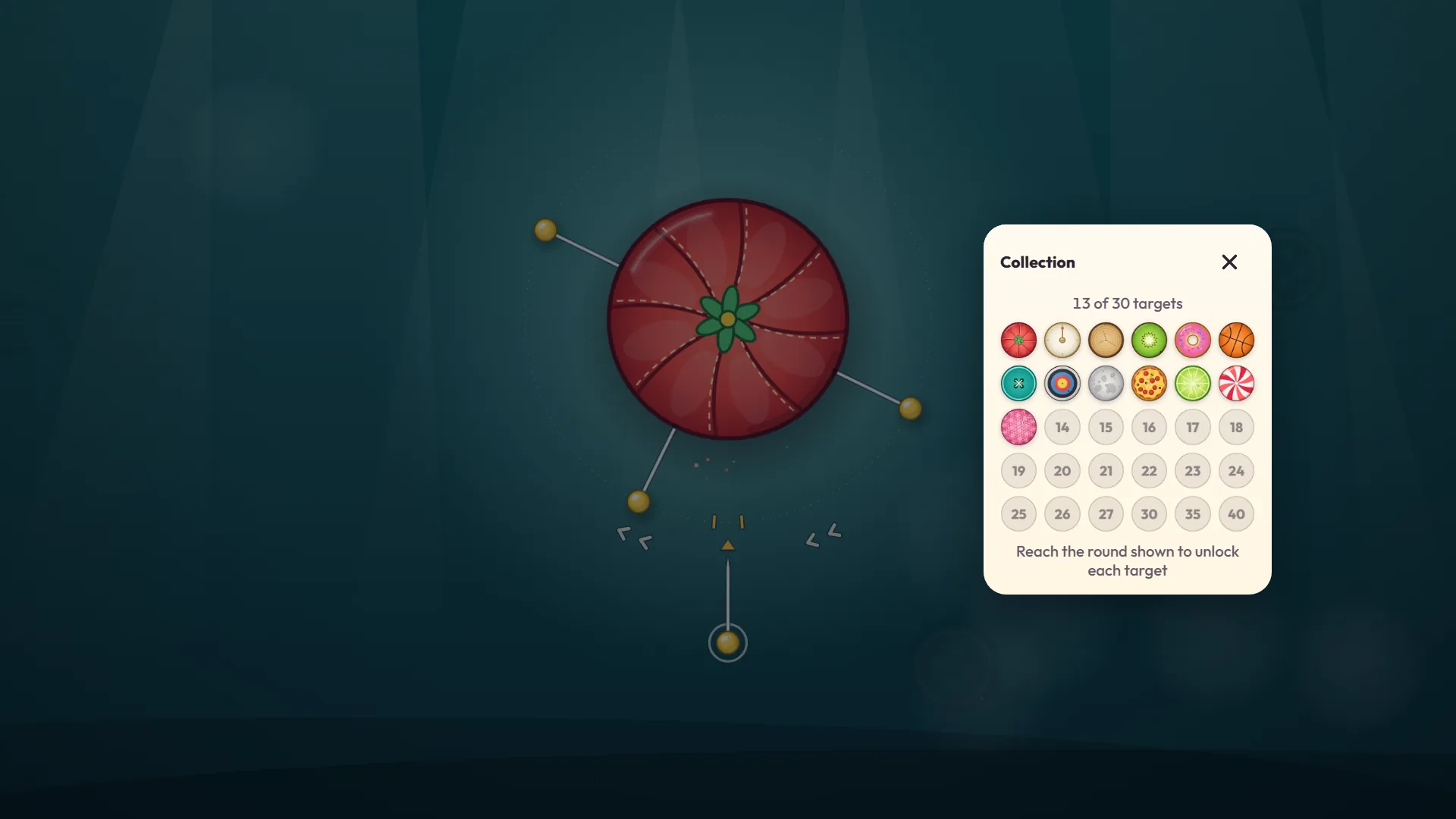
The grid button on the title screen opens the Collection: 30 little tiles, the ones you've found in color and the missing ones with a number, which is the round that unlocks each. With 13 of 30, I could see 14 through 27, then 30, 35 and 40. It's the most honest checklist I've ever been handed.
PolarzinhoThe collection proves the game respects my addiction: it tells me exactly how much is left and on which round.
Settings offers a sounds slider, mute, less motion, full screen and a language toggle (English, Portuguese, Spanish). Pause uses the same window. Ranking has its own button, and I opened it the way you open exam results. Just picturing the folks who wait for a gap like they have all day gave me chills. I went back determined to out-wait them and closed some pretty rings on pure patience, which for an anxious panda counts as a win.
Who Pinloop is for, and what bugged me
If you like short one-button games for a bus ride or a break, it's for you. People who stress easily do fine too, precisely because there is no clock.
Complaints time, since a panda with integrity has some. It's a single verb: if waiting isn't your thing, nothing here will distract you. A mistake costs everything, with no undo. Risk doesn't pay, since a close call scores nothing. And after round 13 I watched the rings repeat the six, seven, eight pin cycle. I can't measure difficulty for real people, but it's a heads-up for anyone hoping the game keeps getting harder. Tiny one: sometimes the pins from a bursting target fly across the score and the pause button.
What I didn't test: a real phone.
Quick questions about Pinloop
Does Pinloop have a time limit?
No. I left one pin stuck and went 60 seconds without touching anything: nothing happened.
What ends a run?
A pin touching another pin that's already on the target. The results screen shows up right away, with Try again.
How does scoring work?
One point for every pin you stick. The ones already in the ring don't count, and a close call earns nothing extra.
Is there anything to install, or an account to make?
No. Just open the page: it works in the browser on computers and phones (I tested a computer and a phone-sized emulation). I didn't need an account to play.
Pinloop pros and cons
Time to stick the first pin
Open Pinloop here at Polar Games, wait for the first gap and press. If you reach round 5 and the donut starts doing its slow-stop-reverse routine, don't take it personally.