
Game Templates Ready to Launch: What to Check and Change First
What separates a finished HTML5 game template from a starter kit, how to choose one for your use, and the order of edits that gets it online.
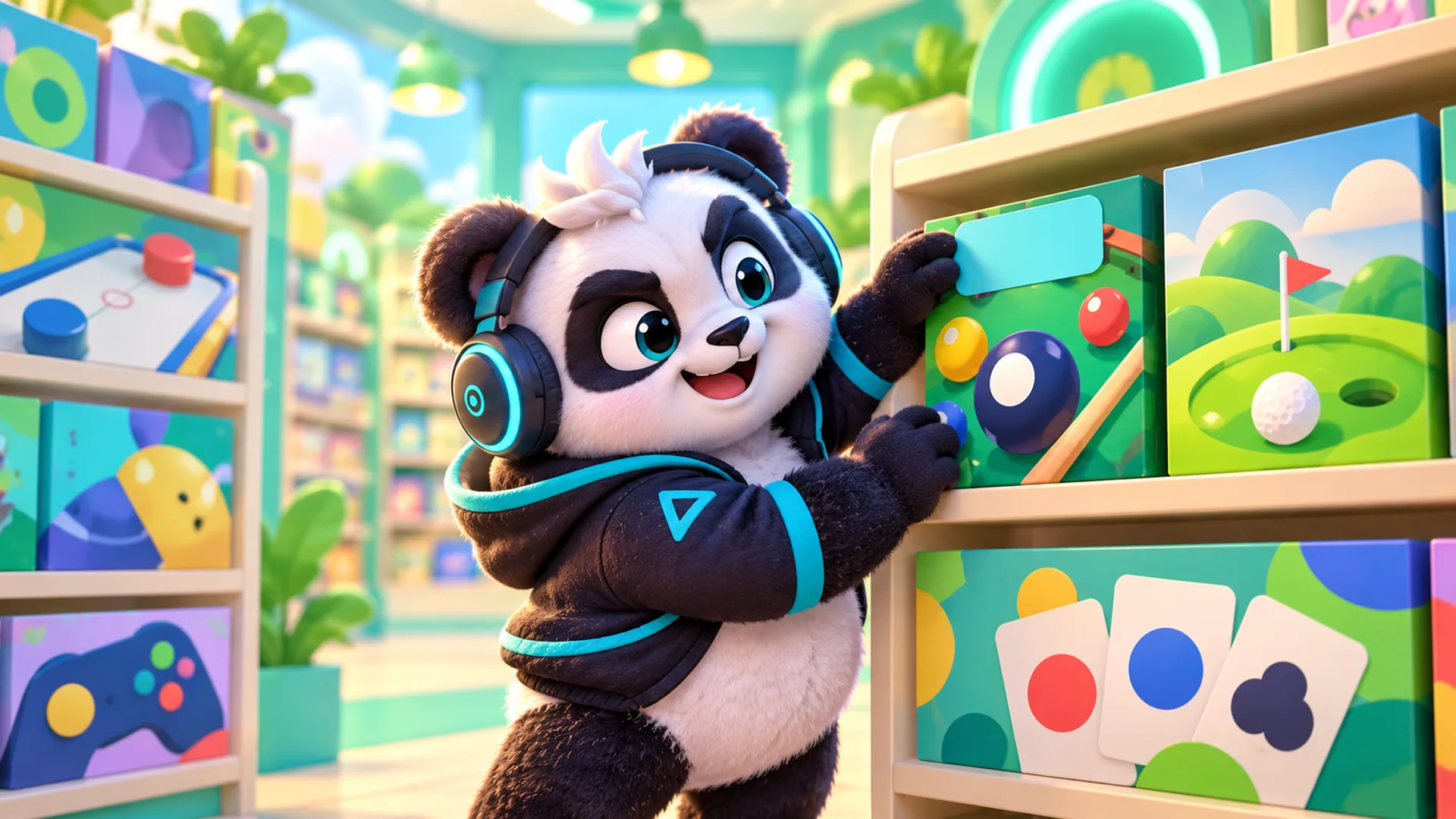
A game template is a finished game sold with its source code and a licence to publish it under your own name or a client's. The good game templates are ready on day one: you upload a folder, the game runs, and every change after that is your choice, not a missing piece. The weak ones are starter kits: a mechanic, some placeholder art and a lot of work left for you.
This guide is about telling the two apart and getting a ready template online. We cover what a game template contains, five tests of readiness, how to choose by use (website, portal, app wrapper, kiosk, brand), the order of edits we recommend, and what to check in the demo and the manual before you pay. Then a short walk through our own catalogue of 28 HTML5 templates by genre, with list prices.
We are Polar Games, a studio that has sold game source code on CodeCanyon as author polargames since 2013 and now also sells from its own store. So this is a seller's guide. The checks work on any seller, us included.
What game templates are, and what you get in the box
In the HTML5 world, game templates are complete browser games packaged for reuse. You buy a licence, download the files, put your brand on the game and publish it. You do not get the game's trademark or exclusive rights; you get the right to use that edition in an end product.
What arrives in the box varies by seller. In our store every edition has the same five parts:
- A game/ folder ready to host on any static web host: no PHP, no database, no account.
- The readable source code, yours to edit inside your end product.
- An illustrated manual or buyer guide for that edition.
- A licence certificate with a number and an authenticity code that anyone can check on our verification page.
- 6 months of support from the purchase date, or 12 if you choose the extension at checkout.
The licence is perpetual and covers one end product, yours or one client's. White label is allowed: your brand can replace ours. Reselling the template or its code on its own, as a template, kit or asset pack, is not.
Browse the 28 game templates and play the demos
Five tests of a ready template
A template is ready when you could publish it today with only your logo changed, and nothing would look broken or unfinished. In practice, that comes down to five checks.
- It is a finished game. There is a start screen, a settings menu, an end state and a way back. Count the levels or modes on the item page and confirm them in the demo.
- It hosts as static files. If the requirements list a server language, a database or an account with the seller, the template is not ready for a plain web host.
- The edit surface is documented. The manual names the files that hold the title, logo, colours, texts and rules, and says which changes need a rebuild.
- The limits are written down. A good item page lists what the edition does not include. Ours list things like online multiplayer, cloud saves, ad SDKs and native apps.
- The languages are stated precisely. Interface languages, content languages and recorded voices are three different counts, and a ready template tells you all three.
How to pick a game template by use
Genre matters less than where the game will live. Start from the use and the shortlist gets short quickly.
Your own website or a company site
Pick a game your audience understands in seconds, with progress saved in the browser and no login. One-touch arcade games such as Trimora or a daily puzzle such as Gridspark fit here.
A game portal
Portals need volume and variety, so look at bundles and at how many interface languages each edition has. Most of our editions list 14. Plop!, Zabum and Letter River have three, Aurora Words ten and Deepforge two. None of our editions ships with a portal SDK; integration is a separate, quoted service.
An app wrapper
Every edition we sell lists native apps as not included. Wrapping the game/ folder in an Android or iOS shell is your job or a service we quote, and store rules are yours to meet. Choose a game that already handles touch and phone screens: Sunset Rally, Mochi Monsters and Pip Club list touch controls, and Barricade Z lists portrait and landscape layouts.
A kiosk or event screen
Our games run offline from the downloaded folder and work on touch screens, which suits a kiosk. Serve the folder from a local web server: several item pages say that opening index.html from disk with file:// is not supported. Pick games with short sessions and clear restart, and test with the exact screen you will use.
A brand or campaign
Look for editions with a configuration file you can edit without a rebuild. Tenguin's config sets the title, logo path, accent colour and default language; Mochi Monsters' sets the title, logo, initial language and save name. Anything deeper, such as new art or rules, goes through the source.
Buying for a brand or a client? See the options for companies
What to change first, in this order
- Title and save name. Change the browser title and, if the edition has one, the save namespace (Barricade Z calls it storagePrefix). A new namespace keeps your players' progress separate from any other copy of the game on the same domain.
- Logo and accent colour. In config-driven editions this is one file; in others, such as Trimora, the manual points to brand.ts and a rebuild.
- Texts. Interface strings live in language files, for example src/locales.js in Gridspark or js/lang/ in Ludo Cats.
- Rules, levels and content. Ricopop's 50 levels are text maps; Letter River's words and clues are per-language files; Zabum's questions are JSON. Back up first and change one thing at a time.
What to check in the demo and the manual before you pay
Every item page has a live demo of the edition you would download. Ten focused minutes there save hours later.
- Open the demo on the slowest phone and the oldest laptop your players are likely to use. The 3D games (Velvet Pool, Puttide, Sunset Rally, Beep Out!, Twirldrop, Trimora) require WebGL2.
- Open the settings menu. Look for language, reduced motion, colour options and volume controls, whatever your audience needs.
- Finish one level, lose one, then reload the page. Progress should still be there, saved in the browser.
- Switch the language and read a few screens. Check whether voices stay in English while the text changes.
- In the manual or item FAQ, find the file map, the rebuild requirement (for example Node.js 22.12 or newer) and the third-party licence notices you must keep.
Try the Gridspark demo: plain JavaScript, no build step
Time to launch: what makes it short or long
We do not quote a number of days, because the same template can go live the same afternoon or take a sprint, depending on what you change. What decides it is predictable.
The short path
You change only what the configuration file or plain files cover: title, logo, colours, language, texts. You upload game/ to a static host, test on two devices and publish. Editions with no build step at all, such as Velvet Pool, Puttide, Gridspark, Ricopop and Ludo Cats, stay on this path even when you edit code, because the files you change are the files you host.
The longer path
You change art, rules or levels in a TypeScript project. That means installing the Node.js version the manual names, running the build and the tests, and replacing the whole hosted folder with the new output. Add more if you need things the editions do not include, such as an ad SDK, a portal SDK, online rankings or a native app.
Our catalogue of game templates by genre
28 editions, list prices in US dollars. One readiness fact for each; the item page has the rest.
Puzzle (12)
- Brain Mischief, $5: 30 lateral-thinking scenes, 14 languages.
- Ninjolt, $19: 30 swipe stages; a validator checks every route after edits.
- Gridspark, $29: block puzzle, no npm install or build step.
- Letter River, $29: words, clues and tutorial in English, Portuguese and Spanish.
- Plop!, $35: fruit merge with physics, three languages.
- Beep Out!, $35: 3D parking, 30 levels, levels validated with one command.
- Tenguin, $39: number pairs; title, logo and colour in a config file.
- Mochi Monsters, $39: colour sorting, 60 levels, logo set in config.
- Aurora Words, $39: word search in ten languages, word lists in JSON.
- Solitaire Links, $49: word-association solitaire, twelve worlds.
- Bodoku, $59, and Frogdoku, $59: logic puzzles with 180 levels each.
See Tenguin: rebrand from one config file
Arcade (5)
- Trimora, $19: one-touch 3D stacking, one endless mode.
- Pinloop, $24: one-button timing, 30 targets and 12 backdrops in brand.ts.
- Twirldrop, $29: 3D tower drop, 30 towers plus endless.
- Ricopop, $39: ricochet, 50 levels as editable text maps, no build step.
- Deepforge, $39: merge and physics mining; interface in English and Portuguese.
Sports (4)
- Velvet Pool, $39: 8-ball, vanilla JavaScript, no build step.
- Puttide, $39: 3D mini golf, 30 holes, libraries bundled.
- Sunset Rally, $39: 3D table tennis, touch and mouse.
- Golazo, $49: tabletop football, 50 national teams, rules in config.js.
Board, strategy and cards (5)
- Barricade Z, $39: merge tower defense, portrait and landscape.
- Pip Club, $49: dominoes against three computer opponents.
- Ludo Cats, $49, and Ludo Space, $49: Ludo for 2 to 4 players on one device or against the CPU.
- Boba Club, $49: Klondike solitaire with 120 deals verified solvable.
Music and trivia (2)
- Riffvolt, $49: four-lane rhythm game, 12 tracks.
- Zabum, $49: trivia with about 1,000 questions per language in three languages, installable as a PWA.
See Ludo Cats: readable JavaScript, no build step
Prices, bundles and support
List prices run from $5 (Brain Mischief) to $59 (Bodoku and Frogdoku). Until 30 November 2026 a Black Friday promotion takes 15% off every template; from 1 December prices return to list.
Buying several templates in one order lowers each licence: 5% off for two, 10% for three, 15% for four and 20% for five or more. The bundle discount applies after the promotion, and the checkout summary shows the final figure before you pay.
The 12-month support extension costs 30% of the list price, rounded to a whole dollar ($12 on a $39 template), and no discount applies to it. Support covers installing and using the files and reproducible defects. Customisation, hosting, SDK integration and app wrapping are quoted separately.
FAQ
What is a game template?
A finished game sold with its source code and a licence to publish it as your own end product. You change the brand, texts and, if you like, the rules, and host it yourself. Ours run as static files on any web host.
Are game templates free to use commercially?
Not free, but commercial use is the point. Our licence covers one end product, yours or a client's, and players may access it free or with ads. If you plan to charge players, ask us in writing before you buy.
Can I put a game template in the App Store or Google Play?
Our editions do not include native apps, so wrapping the game is your work or a quoted service, and you must meet each store's rules yourself. Check touch support and phone layout in the demo first.
How do I know a template is really finished?
Play the demo to the end of a level, open every menu and read the list of what is not included. If the seller has no demo or no such list, treat it as a starter kit.
Pick one, then play its demo
Choose the use first, then two candidate templates. Run the demo checks on both, write your change list and see which one needs fewer rebuilds. That one is ready for you.