Merge and physics mining

Deepforge: Merge & Mine

Merge and physics mining

Deepforge

Merge your picks. Find the core.

Play nowPlay in a bigger window. Close it to return whenever you like.
Developed by Polar GamesOpen in another tab ↗

Merge your picks. Find the core.

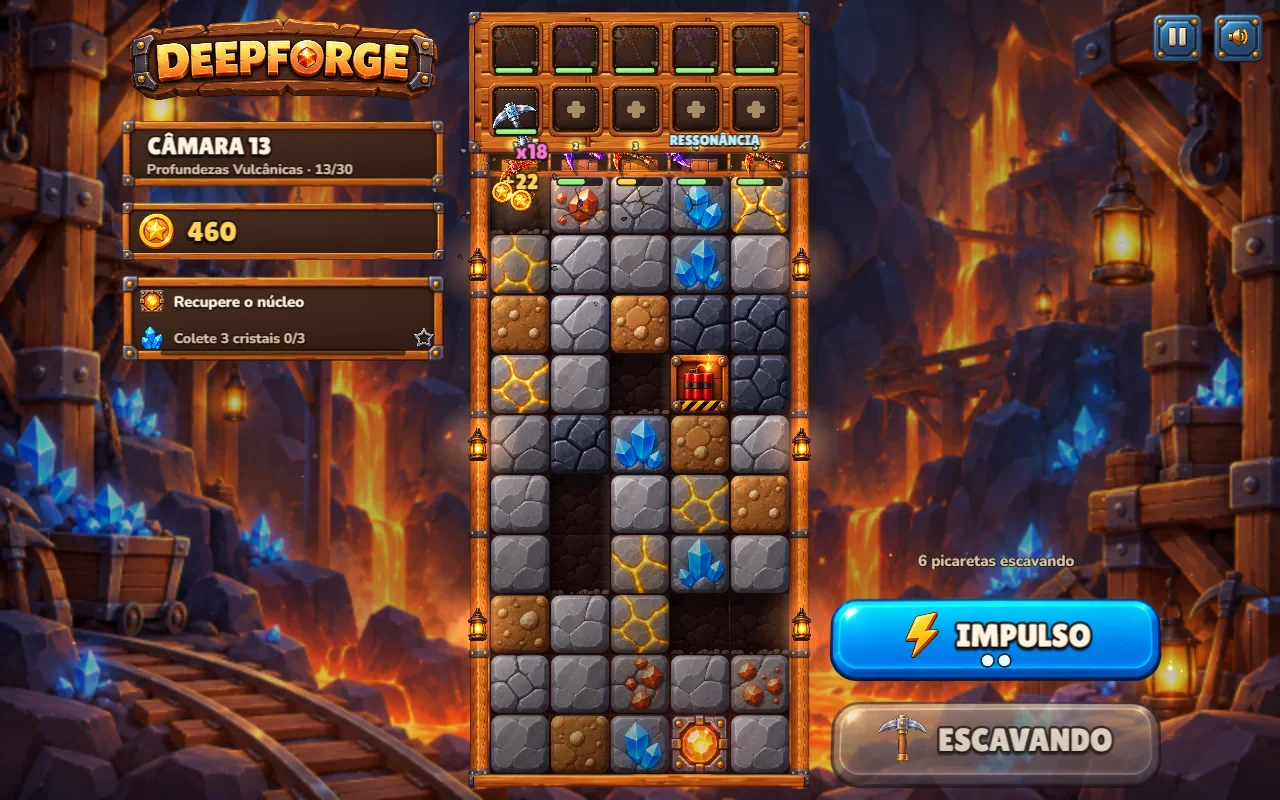
A pair of small picks can become the tool that breaks through. Combine matching levels on the workbench, choose their positions and send them bouncing into layers of rock, ore and crystal.

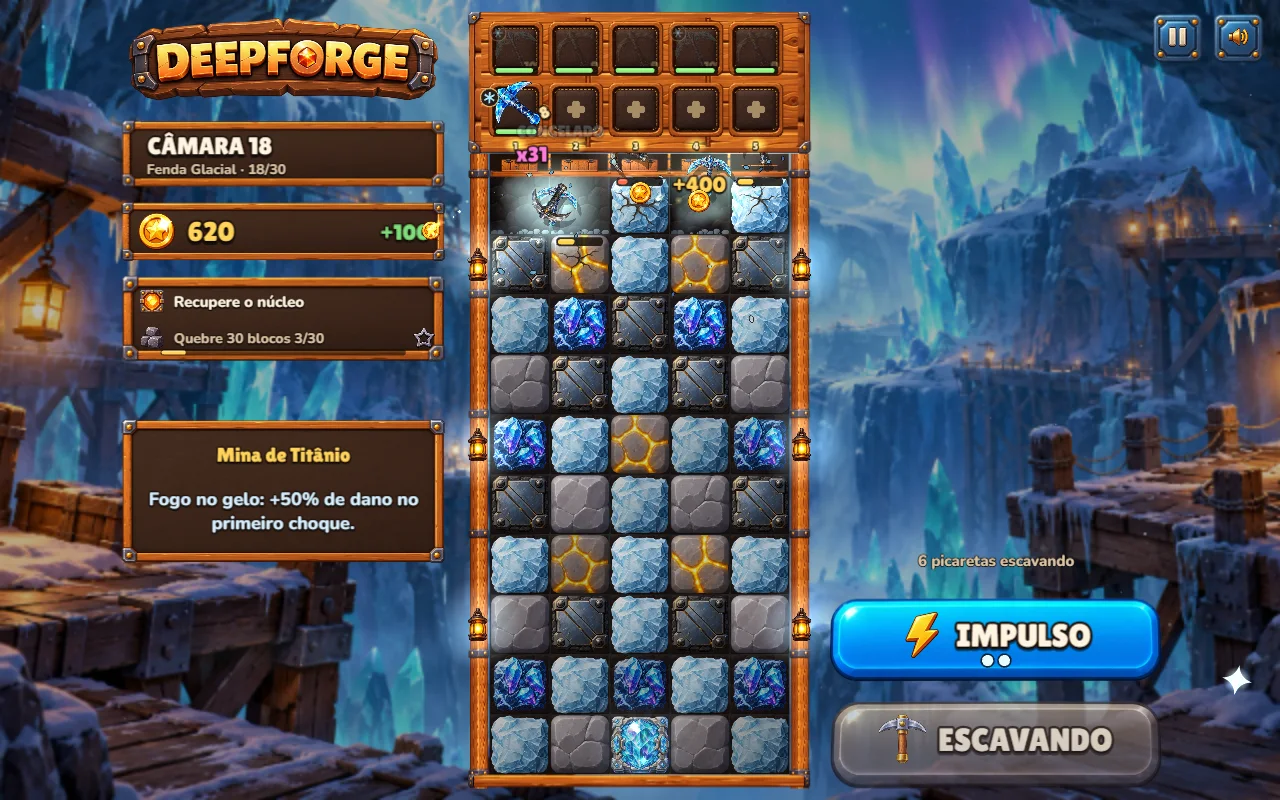
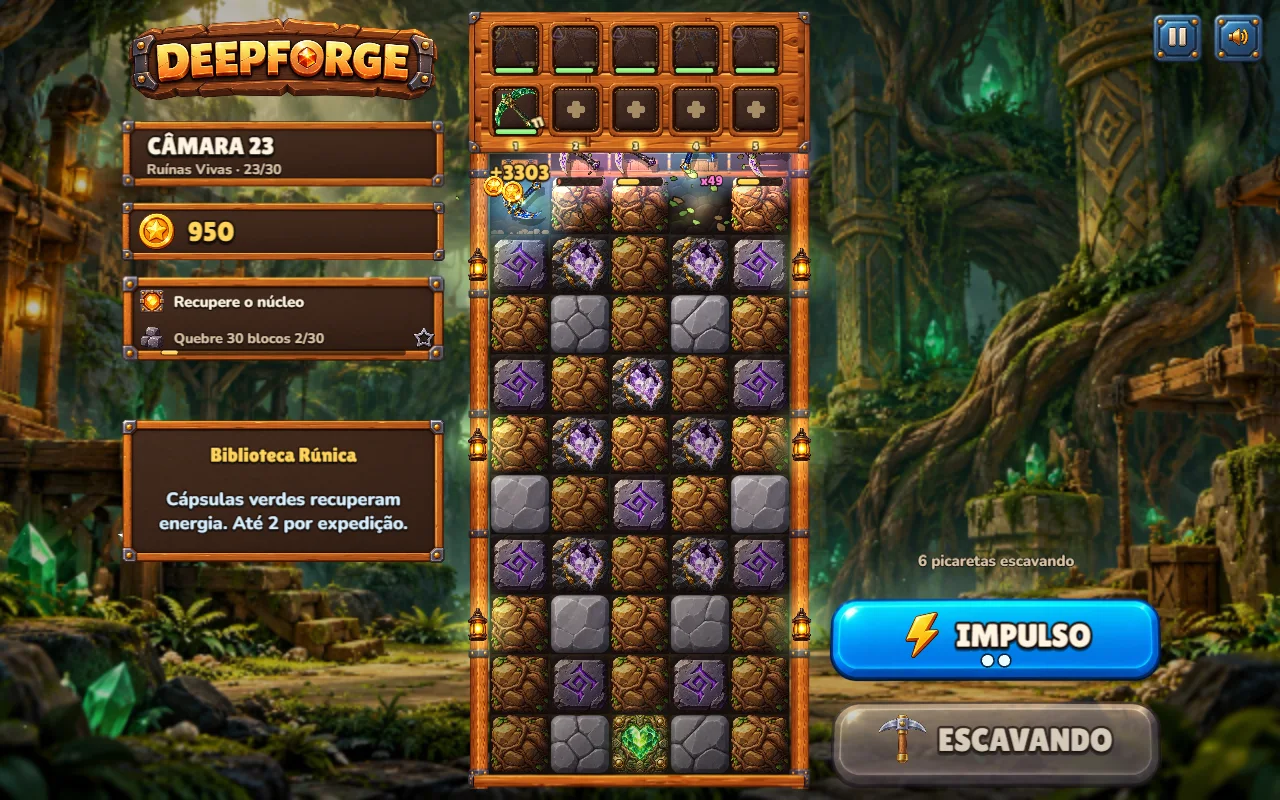
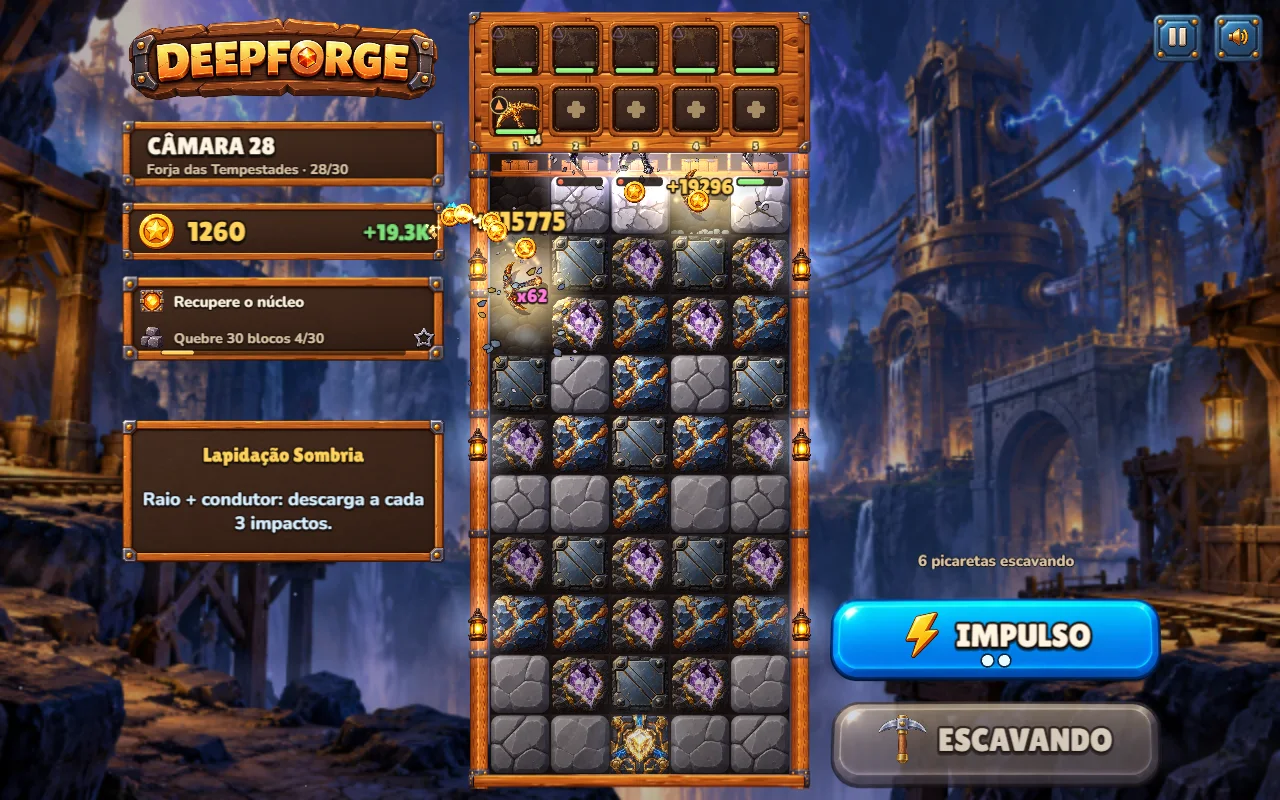
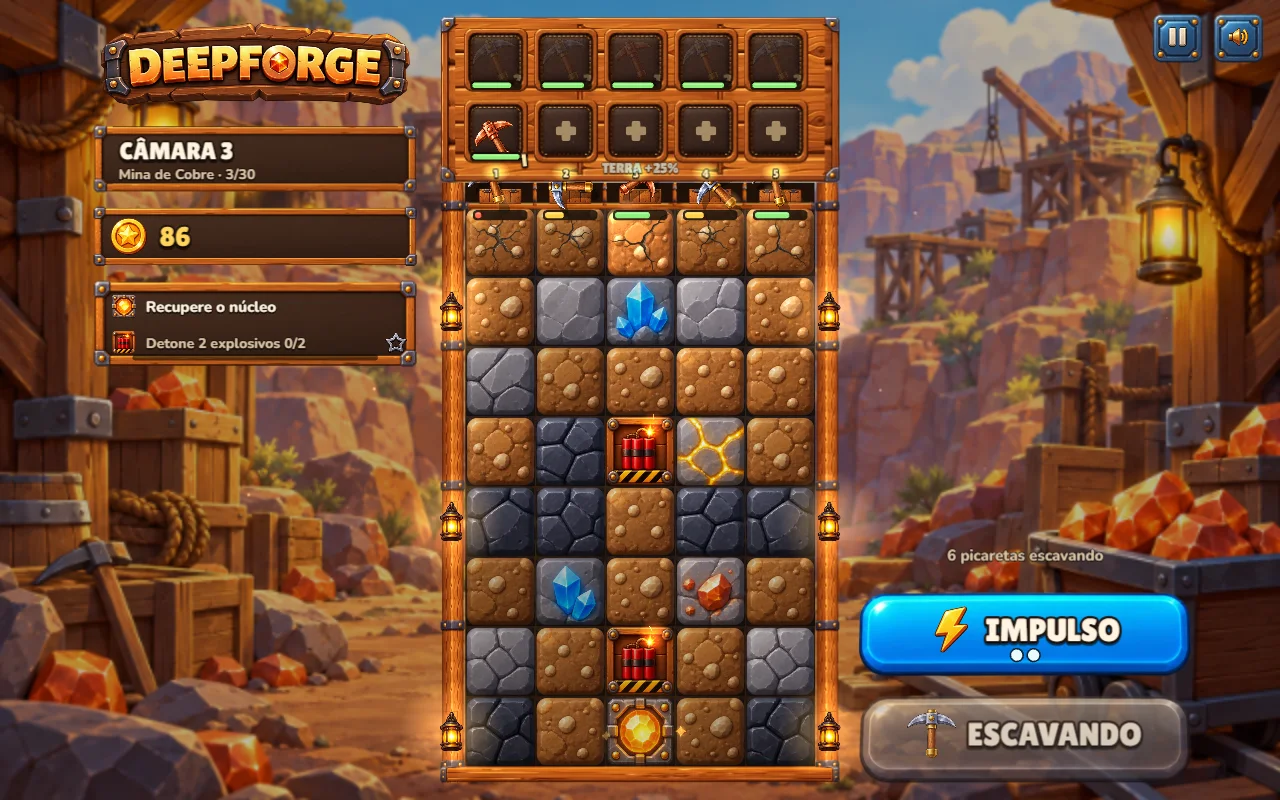
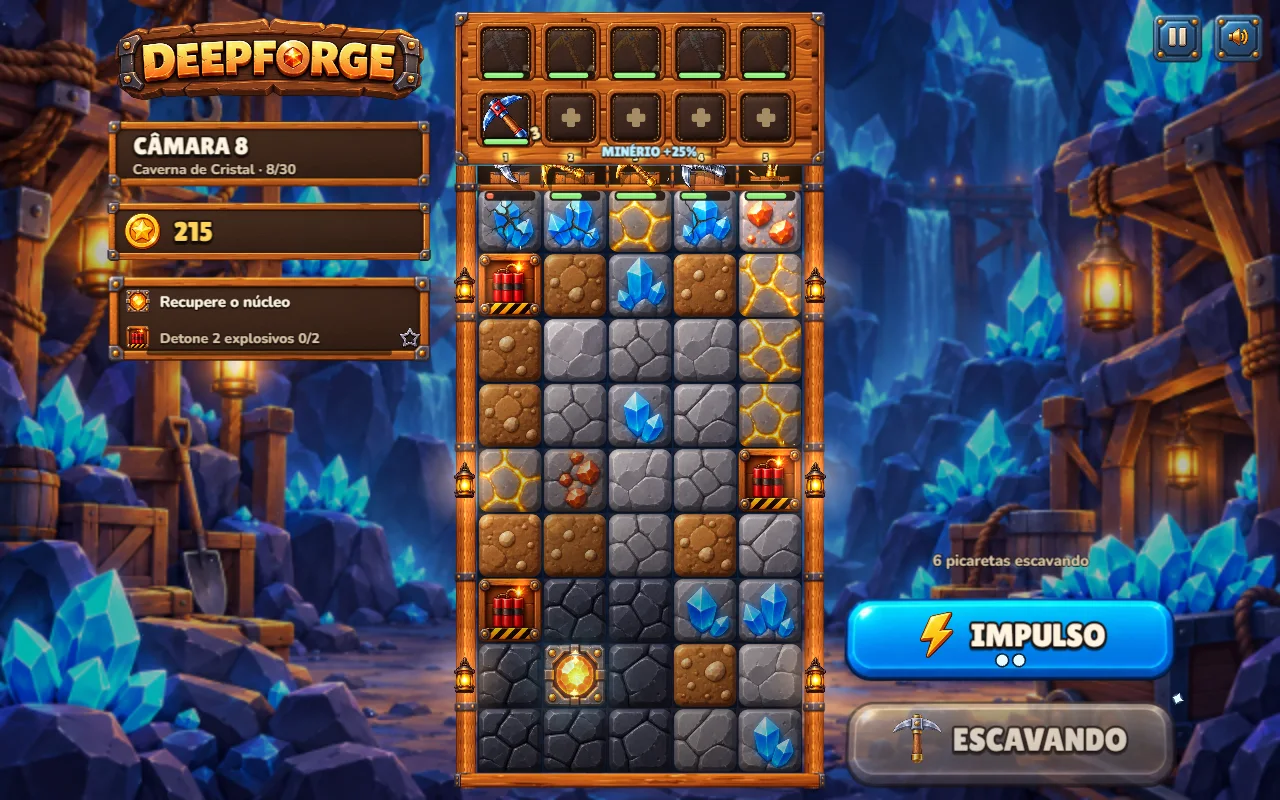
Build toward 16 pickaxe levels through 30 campaign chambers. Discover six biomes, elemental runes, adjustable deflectors and guardian cores. Aim a lightning boost at the column that needs another push, then spend your haul preparing the next expedition.

How to play Deepforge: Merge & Mine

  1. Buy picks with coins, then drag one onto another of the same level to merge them.
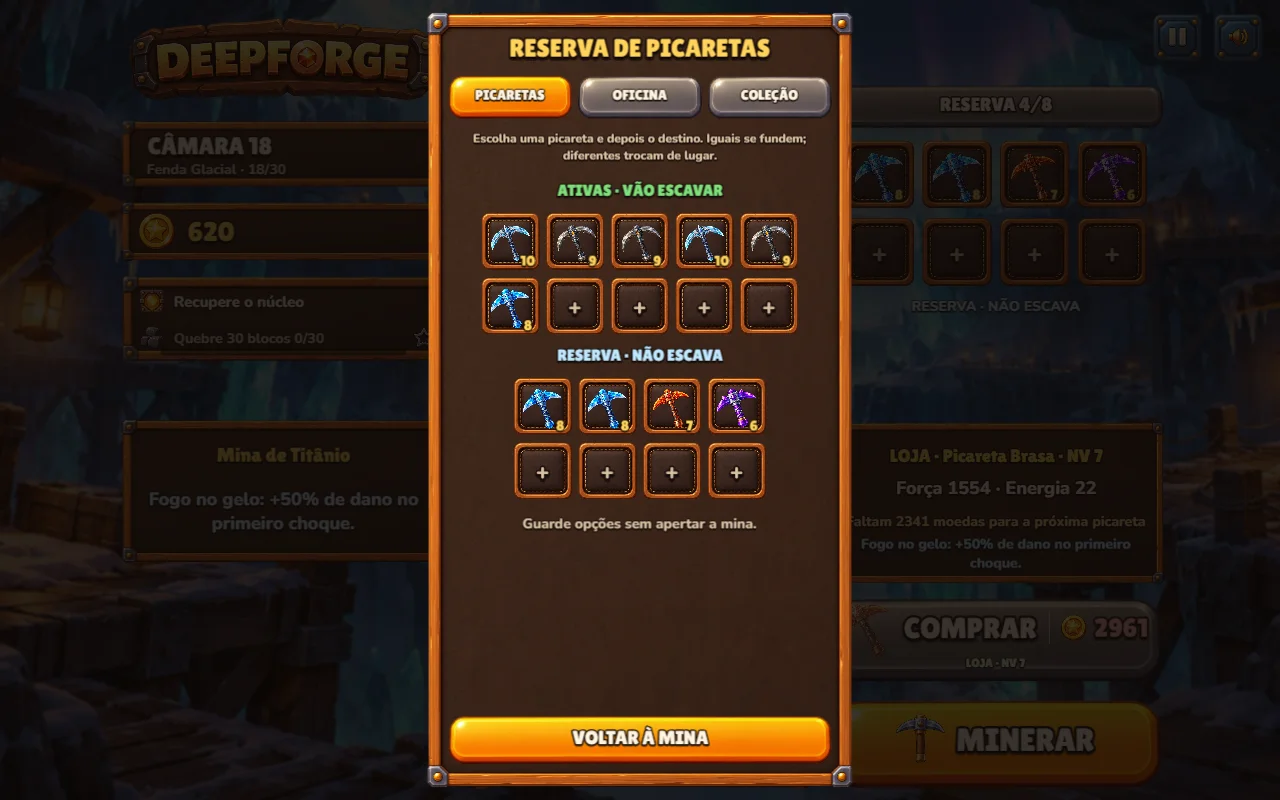
  2. Arrange your tools on the workbench and keep useful spares in the reserve.
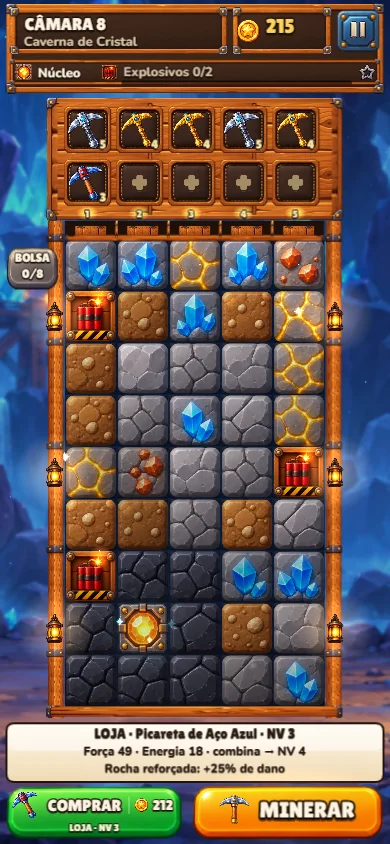
  3. Choose Dig to launch an expedition. Picks bounce and strike blocks automatically.
  4. Tap Boost, then a mine column, to send a charged pulse and pull the picks back through it.
  5. Recover the chamber core, collect the rewards and prepare for the next chamber.

Modes: Campaign · Abyss

  • 16 pickaxe levels

    Turn copper tools into increasingly powerful picks, keeping spare tools in the reserve.

  • 30 chambers, six biomes

    Dig from a sunlit canyon through crystal caves, volcanic depths, frozen caverns, overgrown tunnels and ancient ruins.

  • Elements and mining tricks

    Unlock elemental runes, redirect tools with deflectors and aim a charged boost where it matters.

  • Make each expedition count

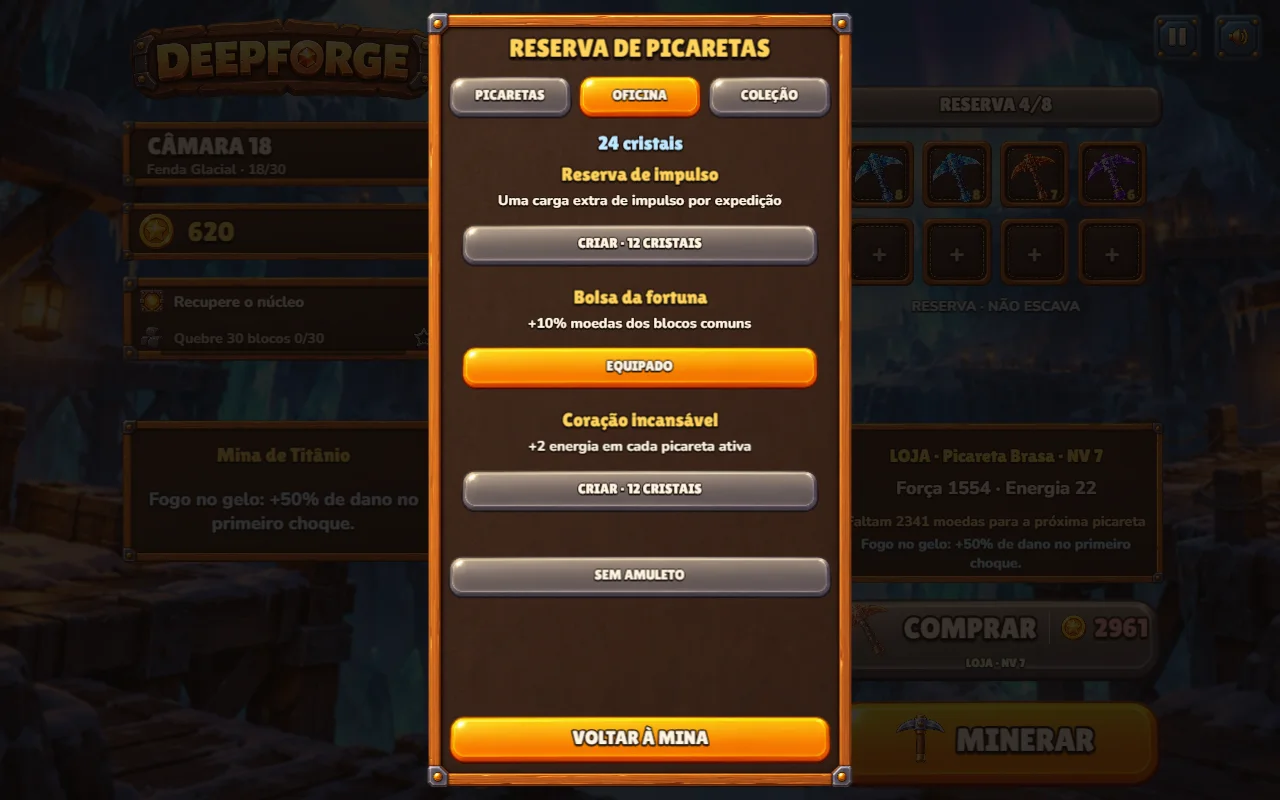
    Recover cores, pursue optional medals and use crystals for permanent workshop charms. Continue into the Abyss after the campaign.

The game interface is available in English and Brazilian Portuguese. Progress is saved in this browser; using another device or clearing browser storage starts a separate save.
FOR YOUR NEXT ROUND

Tips: Deepforge: Merge & Mine

  1. Merge matching levels before buying more picks when the bench is crowded.
  2. Keep spares in the reserve so the workbench has room for the next merge.
  3. Place stronger picks above the path you want to open toward the core.
  4. Aim Boost at a useful column instead of spending every charge immediately.
  5. Read each biome hint: elements, roots and deflectors change how an expedition plays out.

BEFORE YOU PLAY

Questions: Deepforge: Merge & Mine

How many chambers and pickaxe levels are there?

The campaign has 30 chambers across six biomes and 16 pickaxe levels. Abyss is available after the campaign.

How do I merge picks?

Drag a pick onto another of the same level while preparing an expedition. The pair becomes a higher-level pick.

What does Boost do?

Choose Boost and tap a mine column. A charged pulse pulls the active picks back through that column, giving them another chance to hit blocks.

Can I play on my phone?

Yes. Use touch to buy, move and combine picks, start mining and aim Boost. There is also a desktop layout with keyboard shortcuts.

Does my progress sync between devices?

No. Progress is saved locally in the browser. Keep using the same browser and device to continue that save.

What languages does the game support?

The game interface supports English and Brazilian Portuguese. This website page is also available in Spanish.

Open in another tab ↗