Contents
1 Overview
A relaxing underwater match-3 puzzle game with a cheerful octopus diver. Swap neighbouring pieces to line up three or more and clear the level goals before the moves run out. 100 levels in five ocean worlds (Coral Reef, Sunken Ship, Kelp Forest, Crystal Caves and Pearl Kingdom), each with its own background and six pieces. Make striped pieces, sea bombs and magic pearls, clear bubble squares, use the Trident and Shell Rocket boosters, earn coins and stars, open a chest on every board and restore 35 places with before-and-after pictures. A guided tutorial opens level 1. Works on desktop and on phones in both orientations, with 14 interface languages.
2 Installation
Extract the ZIP. Open DOCUMENTATION.html for this guide. Upload
only the contents of game/ to your static HTTP(S) hosting, keeping all
folders beside index.html. Open that address in a browser. No database, PHP, account or Node.js
runtime is needed to play. Keep source/ and the full ZIP outside your public website.
3 Requirements and sound
Use a current browser with JavaScript, Canvas 2D, Web Audio and local storage enabled. Mouse and touch are
supported. The first click, tap or key press unlocks sound; check browser autoplay settings and the in-game
sound controls. Files are bundled locally; normal play makes no request to Polar ranking, advertising or
payment services. Host the complete folder; opening game HTML through file:// is not the
supported installation method.
4 How to play
Drag a piece onto a neighbour, or tap one piece and then the neighbour, to swap them. A swap that makes no line of three slides back and costs nothing. Four in a line make a striped piece (clears a row or a column), an L or T shape makes a sea bomb (clears the area around it) and five in a line make a magic pearl (swap it with any piece to clear every piece of that kind). Bubble squares need one or two matches on them. The Trident removes one piece and the Shell Rocket clears a row; each costs coins when the stock runs out (tap twice to buy). When the moves run out, you can buy 5 more moves with coins, retry or go home. Wins fill the reef restoration of the current world.
5 Interface guide
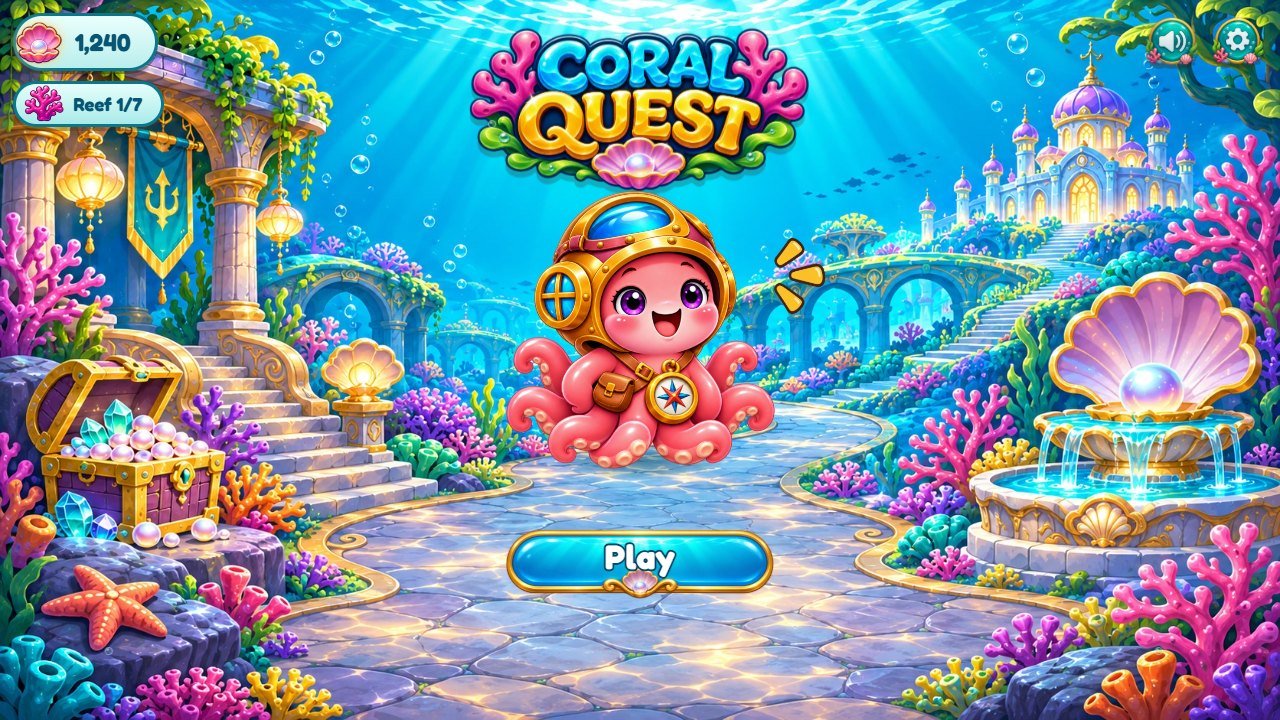
Marks on the screenshot
- Play
- Reef restorations
- Settings
- Sound
- Octopus mascot
- Logo
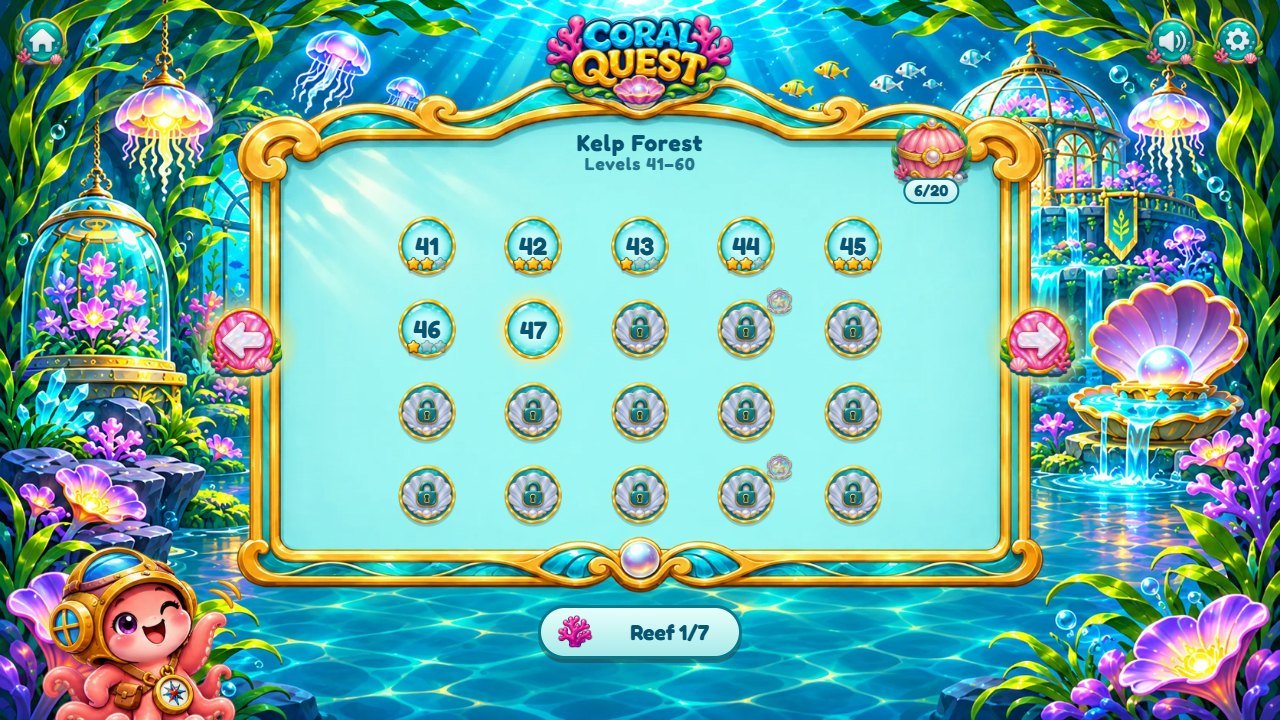
Marks on the screenshot
- Current level
- World name
- Board chest
- Change world
- Reef restorations
- Home
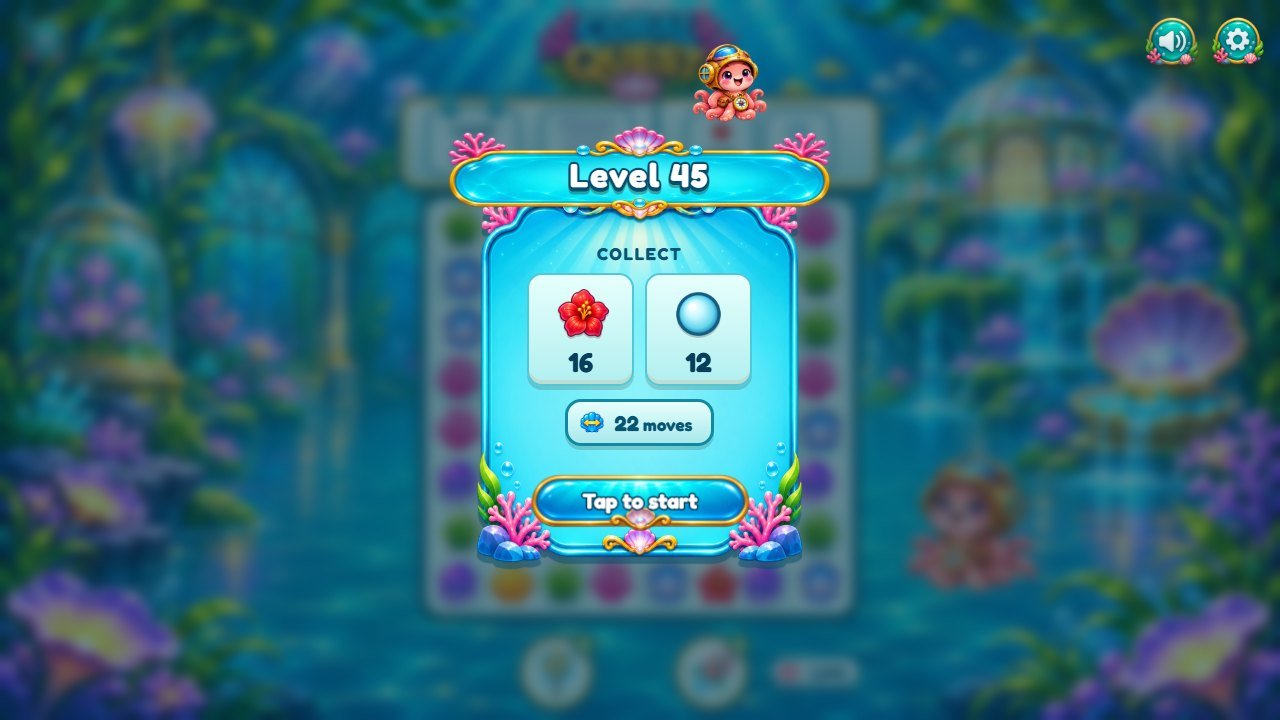
Marks on the screenshot
- Level goals card
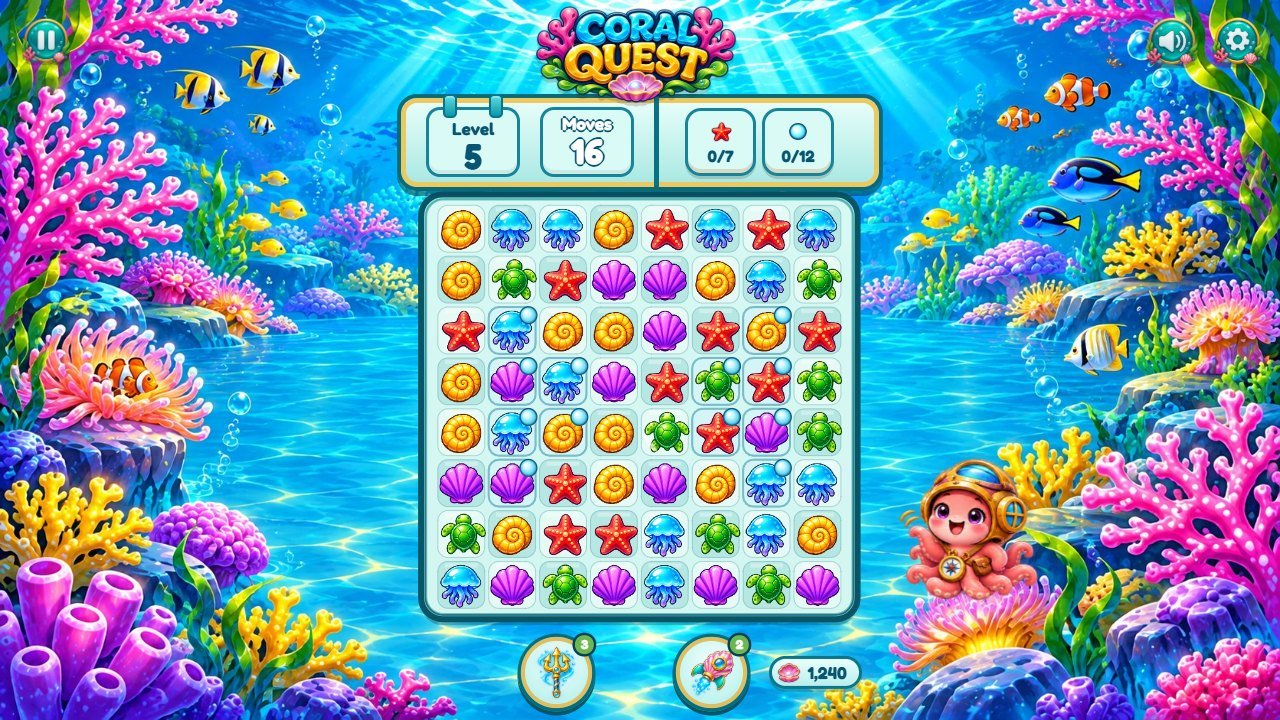
Marks on the screenshot
- Board
- Goals
- Moves left
- Boosters
- Octopus mascot
- Pause
- Coins
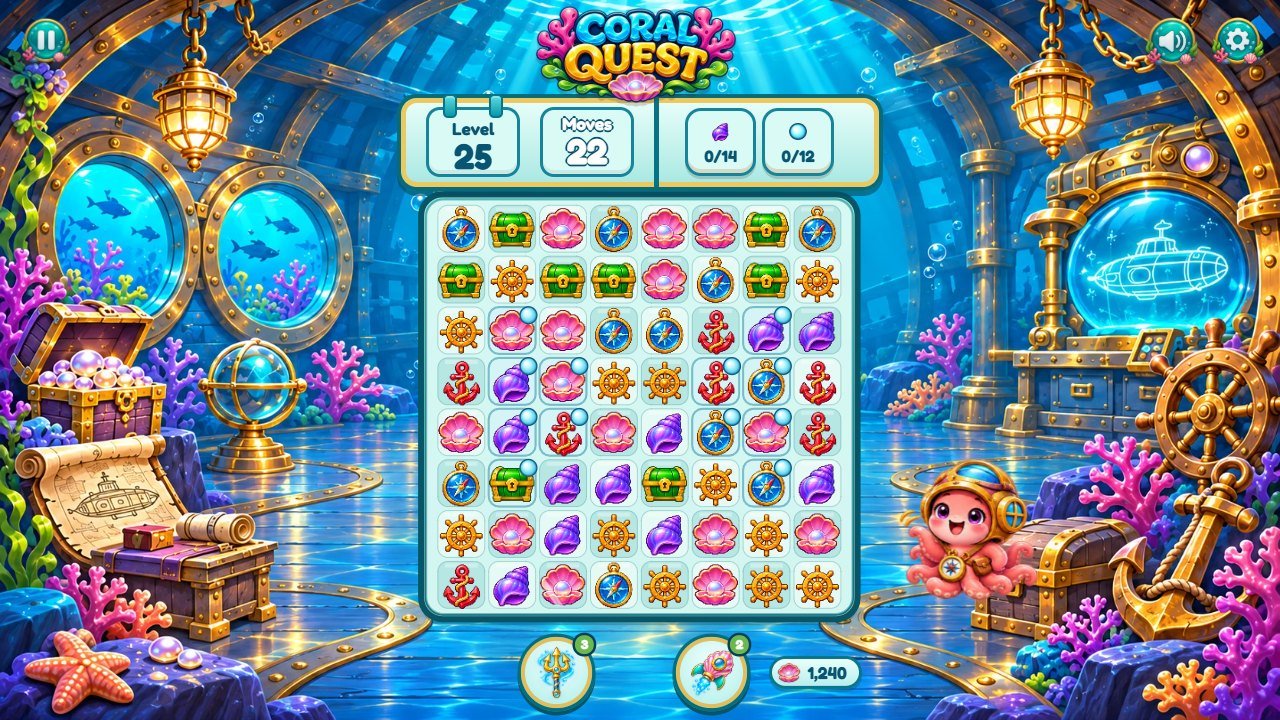
Marks on the screenshot
- Board
- Goals
- Moves left
- Boosters
- Octopus mascot
- Pause
- Coins
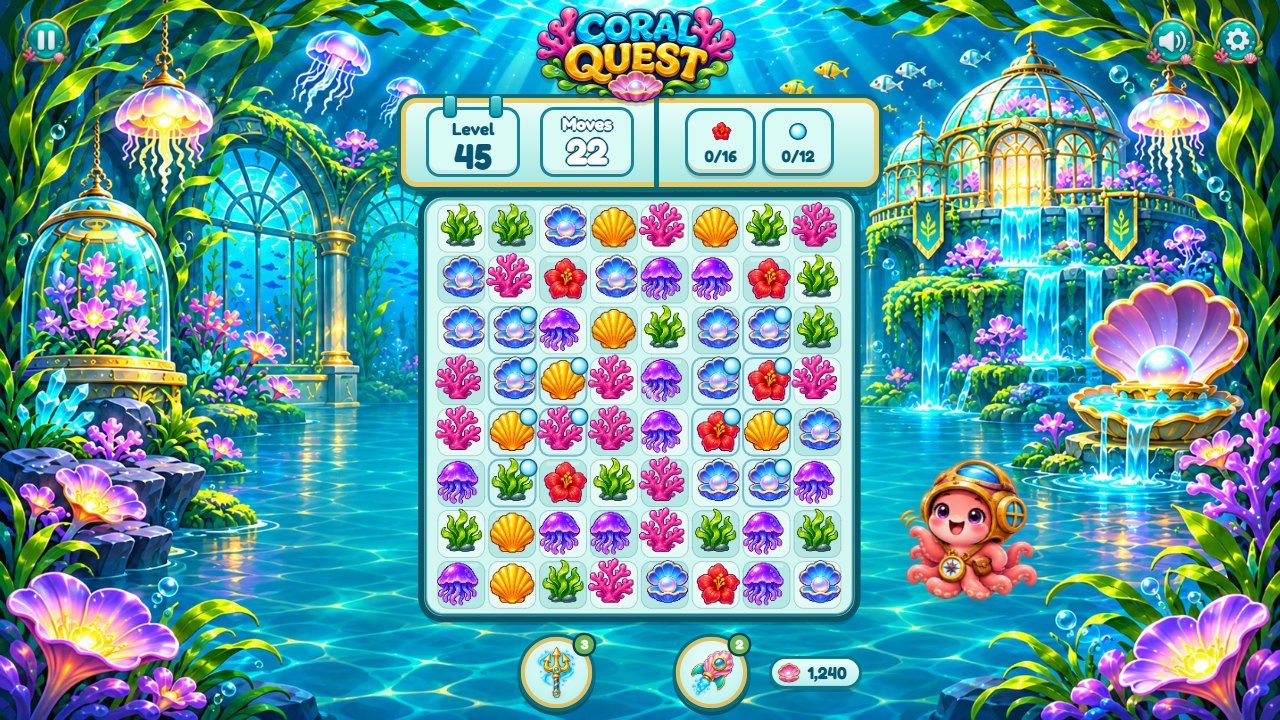
Marks on the screenshot
- Board
- Goals
- Moves left
- Boosters
- Octopus mascot
- Pause
- Coins
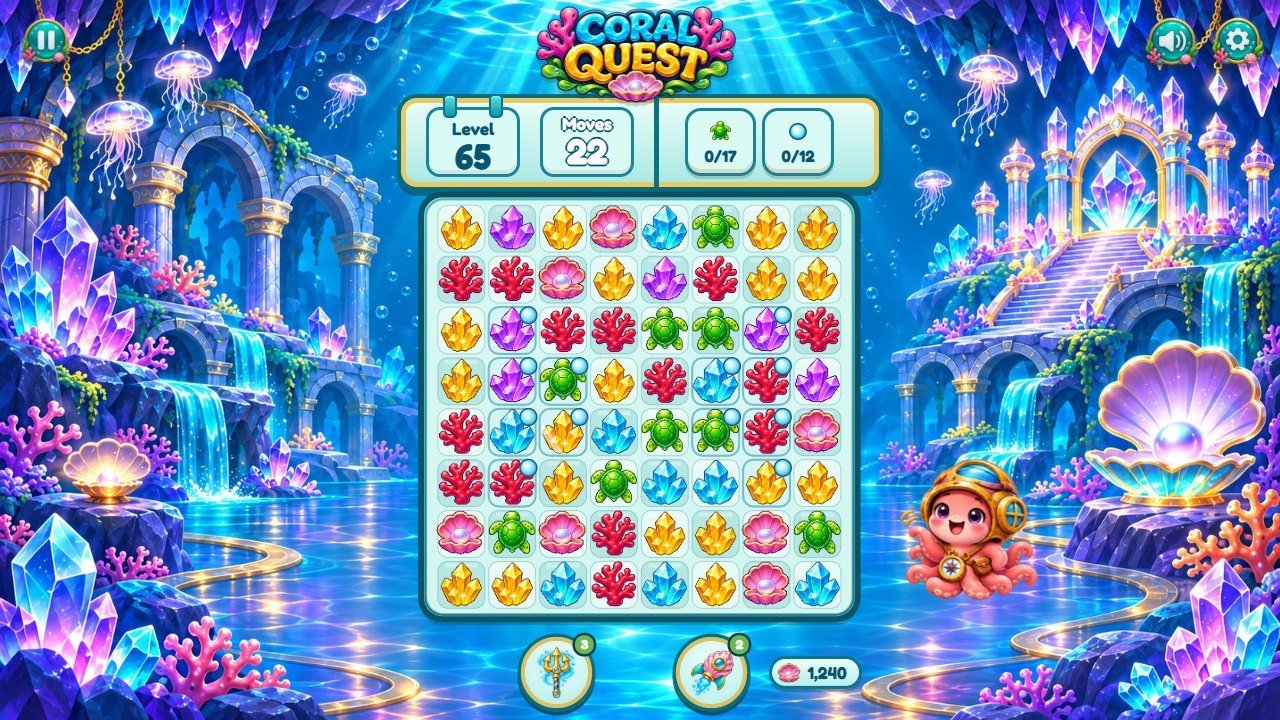
Marks on the screenshot
- Board
- Goals
- Moves left
- Boosters
- Octopus mascot
- Pause
- Coins
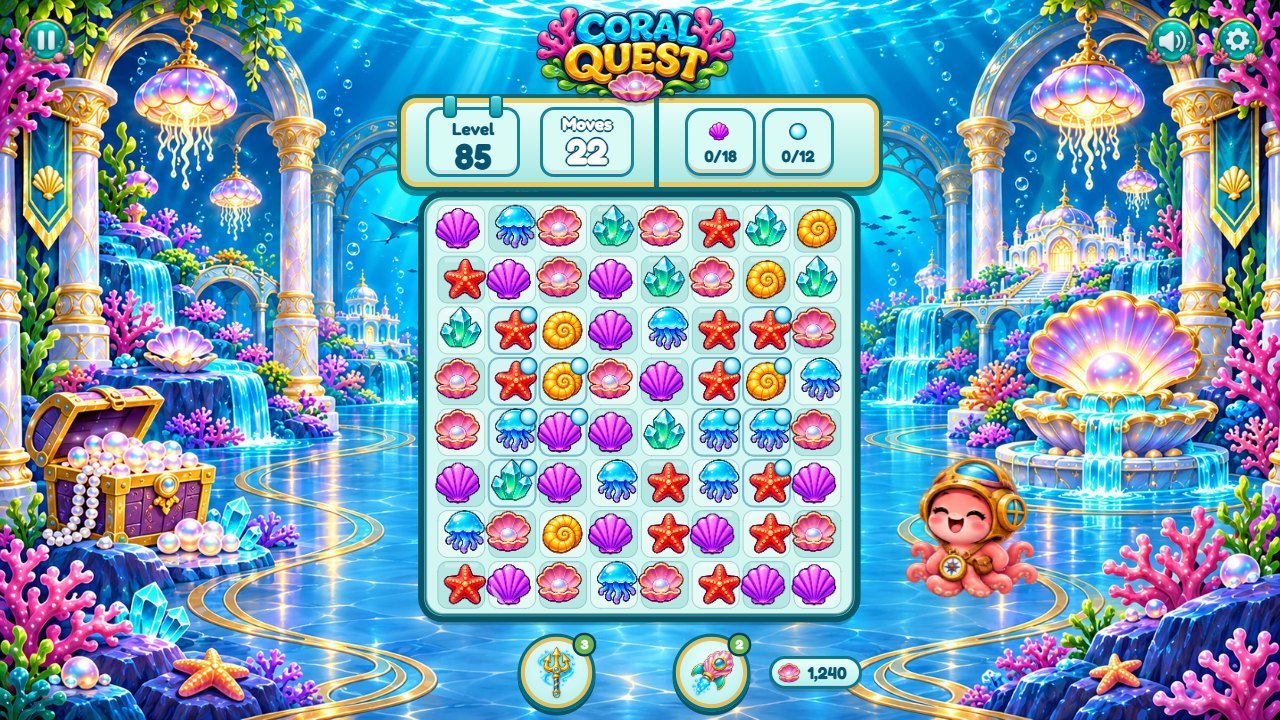
Marks on the screenshot
- Board
- Goals
- Moves left
- Boosters
- Octopus mascot
- Pause
- Coins
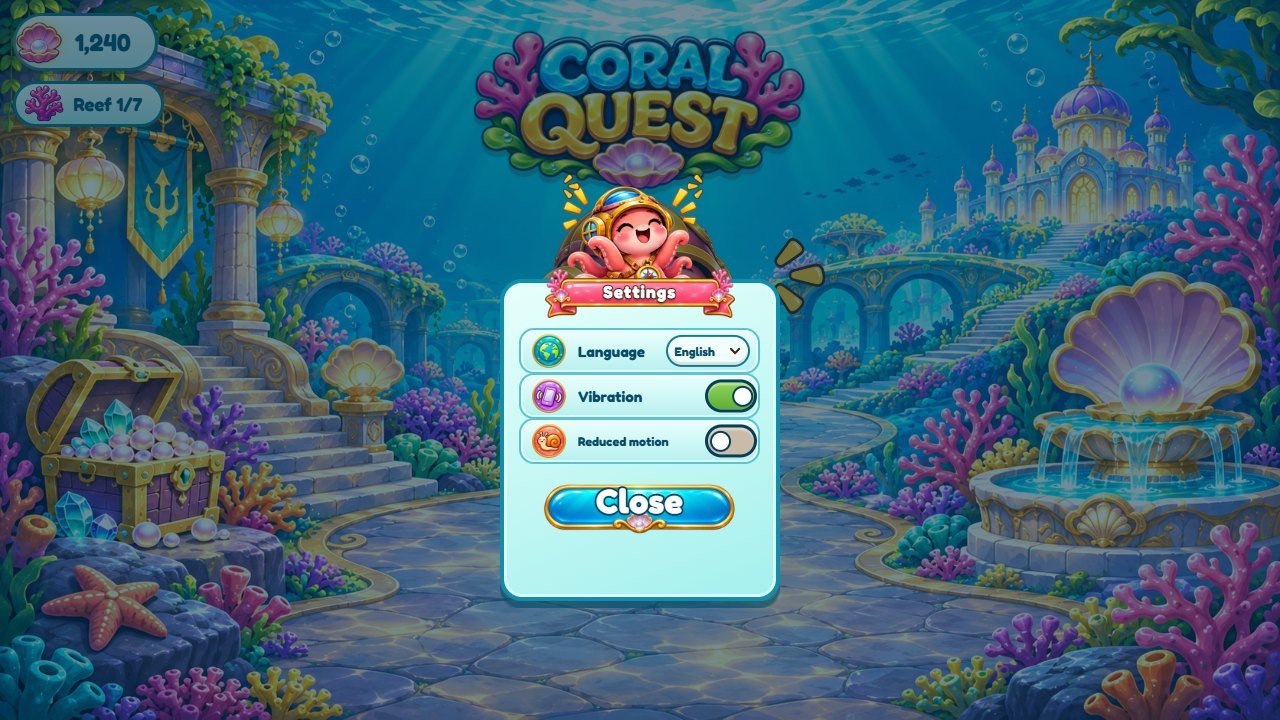
Marks on the screenshot
- Language
- Options
- Title ribbon
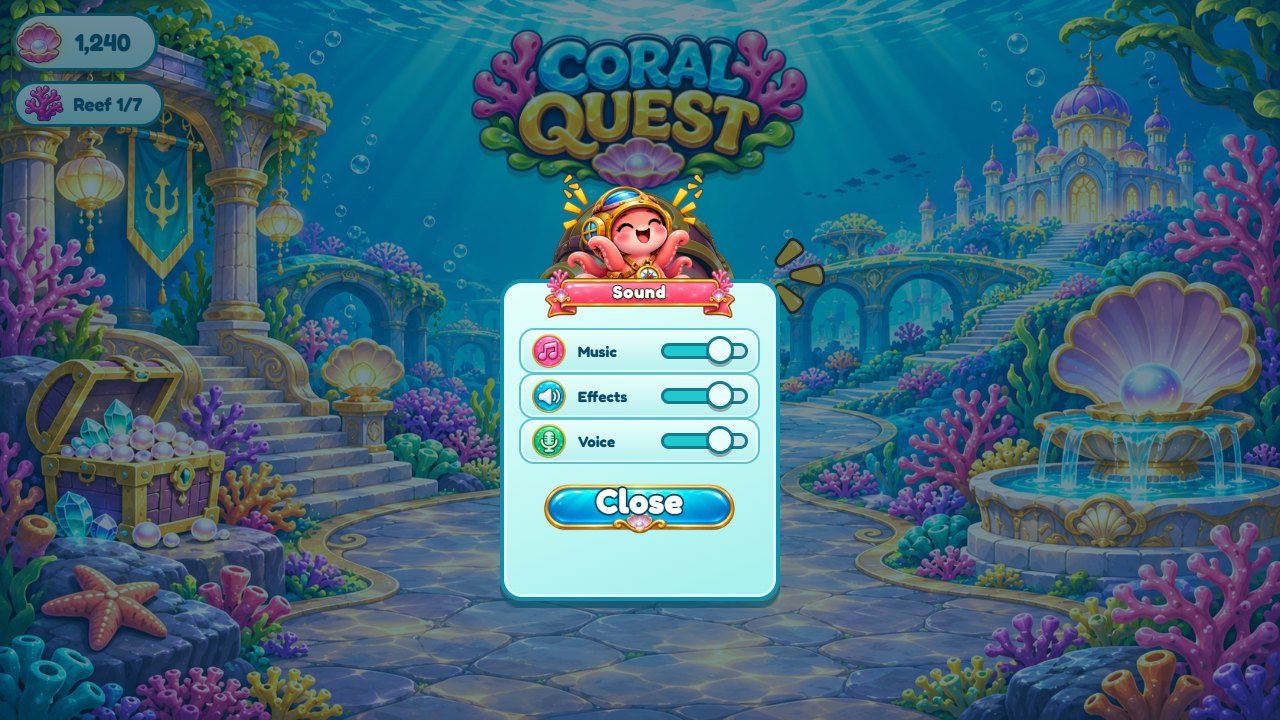
Marks on the screenshot
- Volume sliders
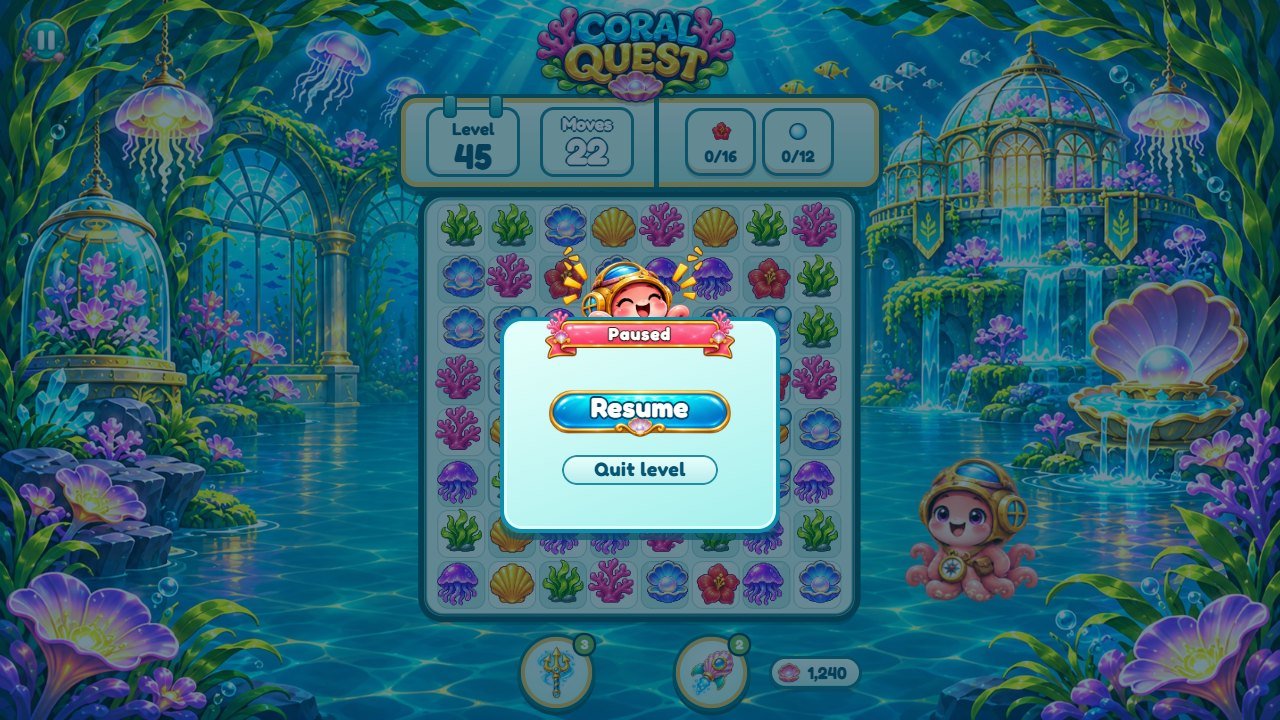
Marks on the screenshot
- Resume
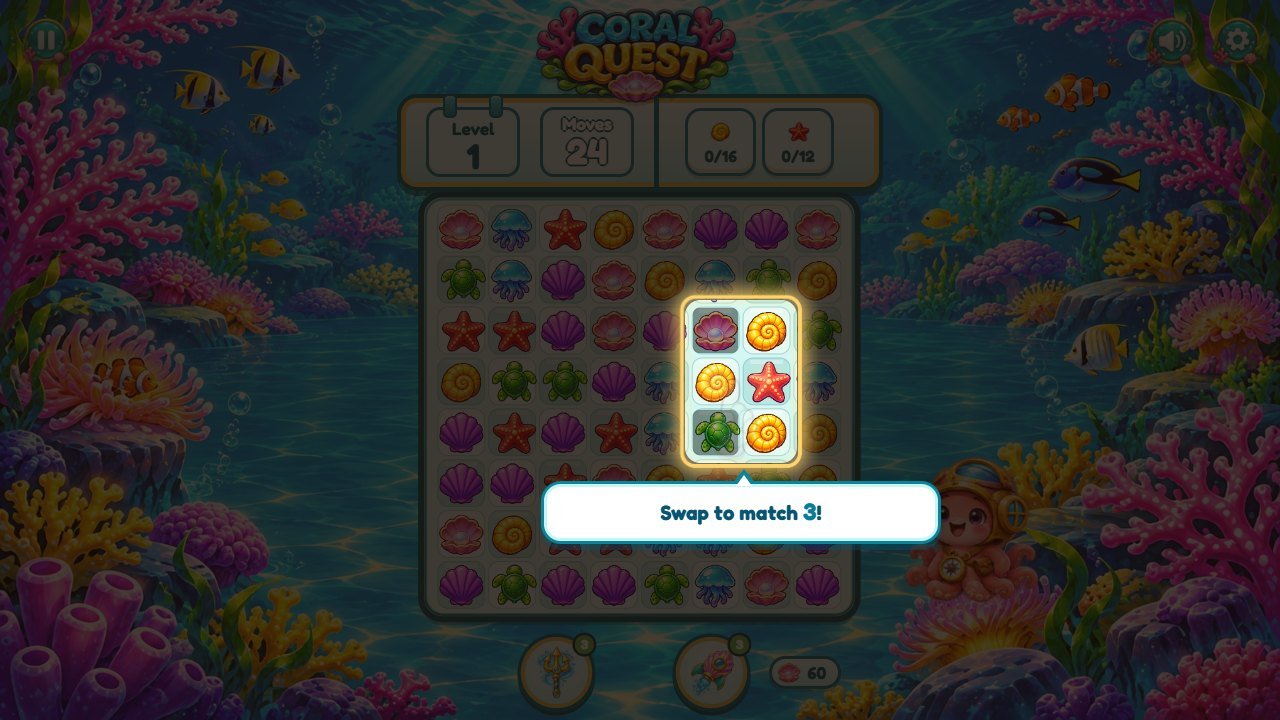
Marks on the screenshot
- Tutorial tip
- Suggested swap
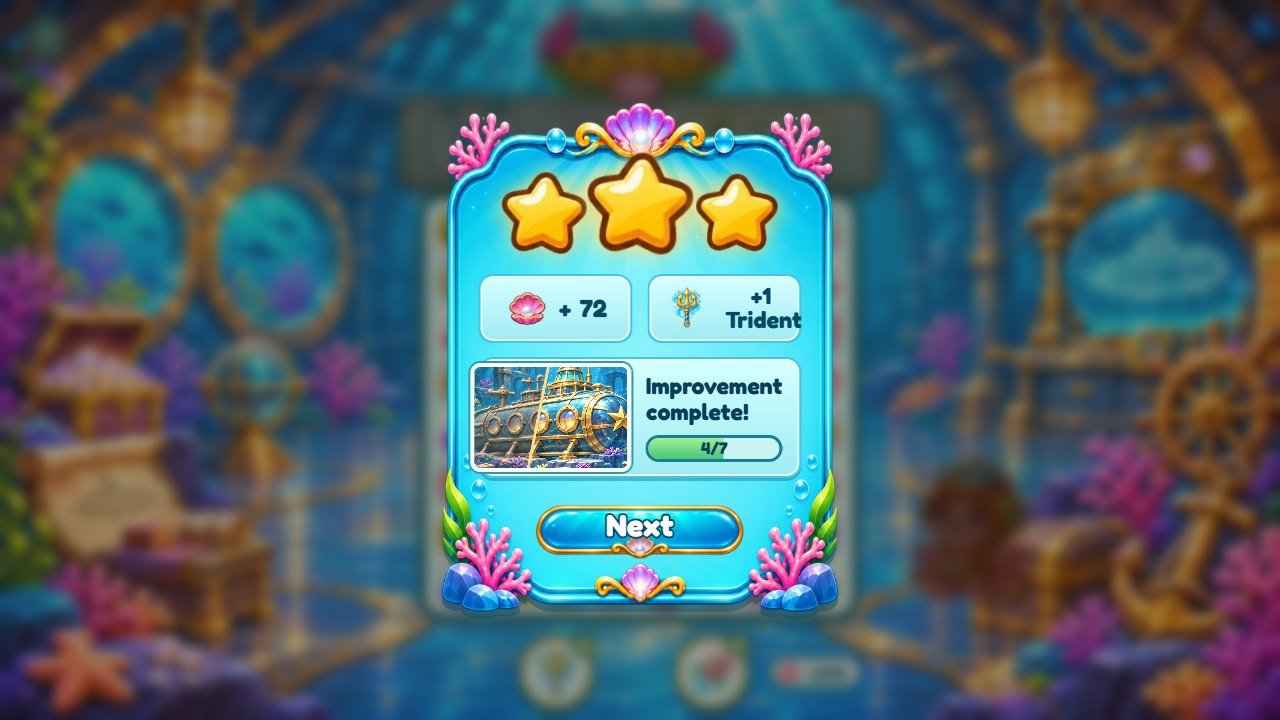
Marks on the screenshot
- Stars
- Restoration progress
- Next
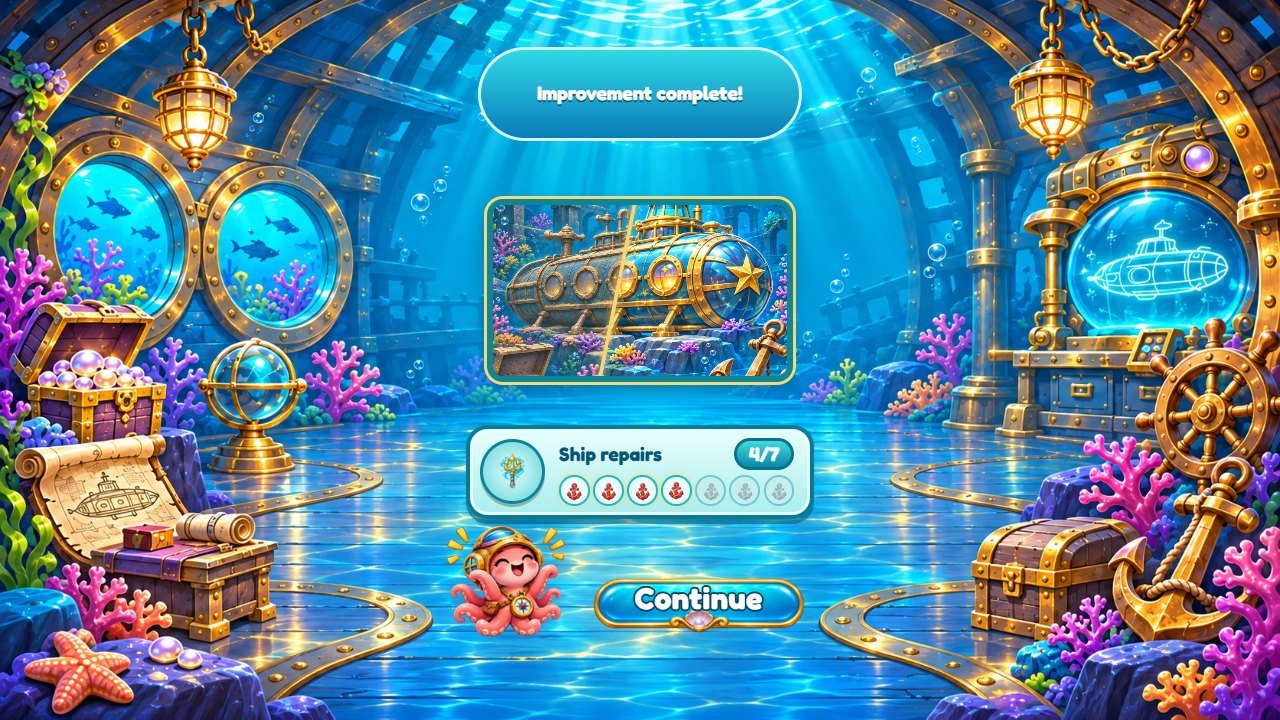
Marks on the screenshot
- Restored place
- Restoration steps
- Continue
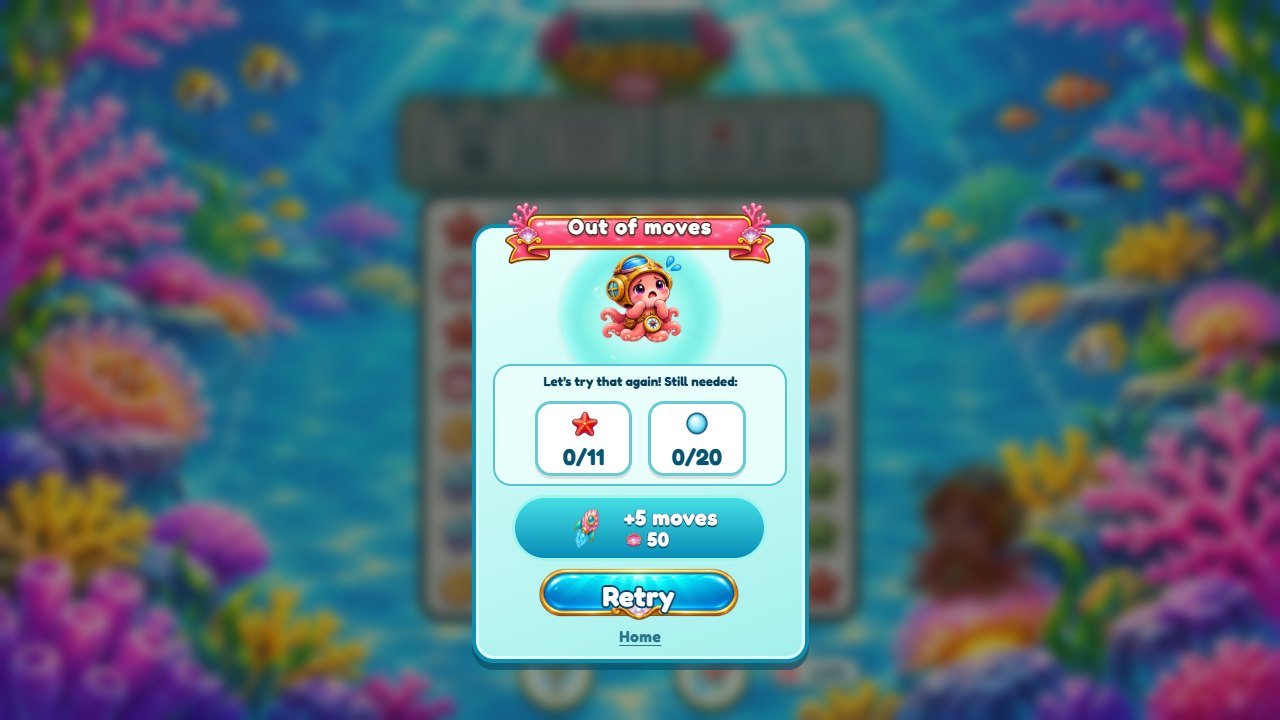
Marks on the screenshot
- Title ribbon
- Continue
- Retry
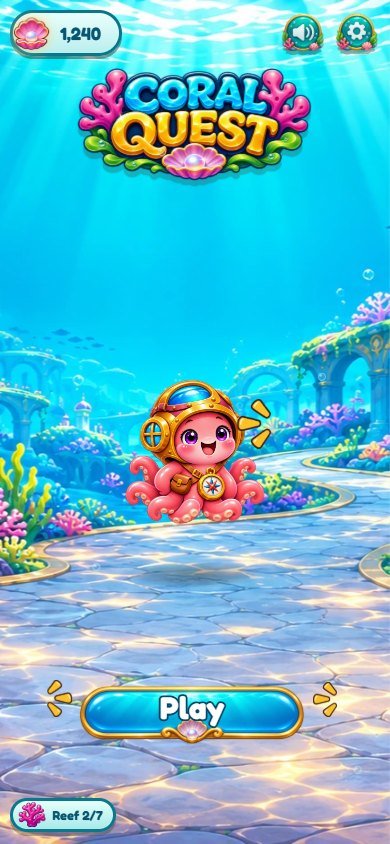
Marks on the screenshot
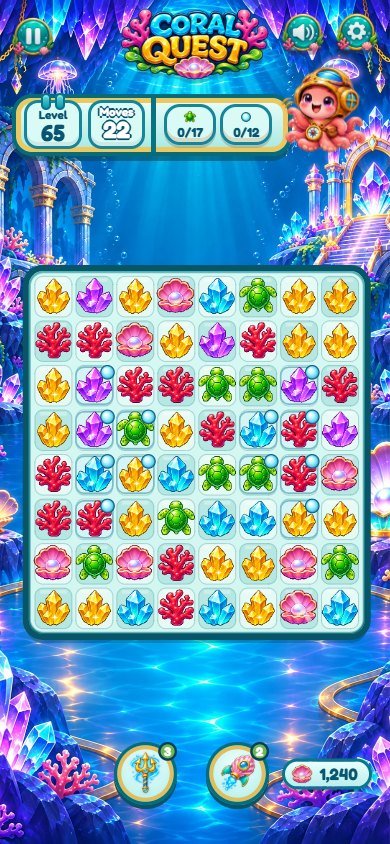
Marks on the screenshot
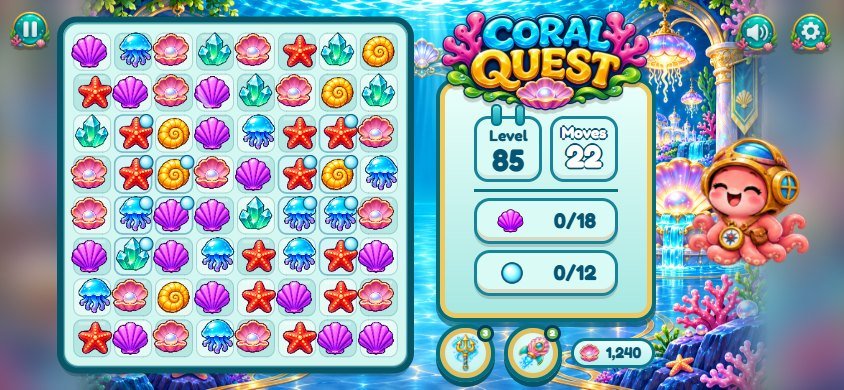
Marks on the screenshot
6 Files and customization
Levels (moves, goals, bubbles, difficulty curve) are generated in src/game/levels.js; match
rules are in src/game/rules.js; prices, rewards and the save are in
src/app/core.js and src/app/flow.js; game feel numbers are in
src/config.js. Texts are in src/i18n/. Art is in
assets/coral/ (sprite sheets are cut by src/coral-sprites.js), sounds and music in
assets/audio/. For step-by-step recipes see
CUSTOMIZATION.html. Internal code names: Coral Quest is built on the same match-3 engine as a café-themed template, so some
code keys keep their neutral engine names. The player never sees them. cafe,
reno and renovation are the reef restorations (7 per world) and the reef counter;
panda and data-octopus are the octopus mascot; cream is the bubble
square obstacle; whisk is the Trident booster and rocket the Shell Rocket;
moeda, coin and data-coin are the coins (drawn as a pearl shell);
data-reef is the coral icon of the reef counter; peca/piece are board
pieces and esp-* the special pieces. Player-facing names are in src/i18n/.
New to code? Open CUSTOMIZATION.html (in the root of the
download, also documentation/customization.html): a step-by-step customization guide with
numbered screenshots that shows the exact file behind every part of the screen, with recipes to change
images, the octopus, pieces, sounds, music, texts, colors, the font, difficulty and prices, plus free
editors, backups and publishing.
game/                       upload these contents
source/                     editable source, tests and tools
documentation/index.html    offline illustrated guide
documentation/customization.html  step-by-step customization guide
DOCUMENTATION.html          guide shortcut
CUSTOMIZATION.html          customization guide shortcut
THIRD-PARTY-LICENSES/       font license

source/index.html            the page: screens in HTML, loads css/ and src/main.js
source/css/game-1..5.css     base styles in five parts that load in order (a later part wins)
source/css/coral.css         the ocean theme; loads last, so edit colors and art here first
source/src/main.js           entry point: buttons, tap-to-start, test hooks (localhost only)
source/src/app/core.js       images, state and save, layout, mascot, HUD, level card, restorations list
source/src/app/flow.js       level start, swaps, cascades, goals, boosters, victory and defeat panels
source/src/app/render.js     the board canvas: pieces, specials, bubbles, particles, hint
source/src/app/screens.js    home, level map, pause/settings/sound, restoration screen, finale
source/src/app/tutorial.js   guided tutorial on level 1 and tips for new pieces
source/src/app/input.js      drag and two-tap swaps (mouse and touch)
source/src/coral-sprites.js  cuts octopus poses, pieces, specials, boosters and icons from the sheets
source/src/game/rules.js     pure match-3 rules (no drawing); used by the tests
source/src/game/levels.js    the 100 levels: moves, goals, bubbles, difficulty curve
source/src/config.js         game feel numbers (speeds, shake, hint delay, vibration, combo words)
source/src/audio.js          music, sound effects and voice (Web Audio)
source/src/i18n/             one file per language (14)
source/assets/coral/         ocean art (backgrounds, sheets, map, frames, buttons, icons)
source/assets/               generic effects, sounds (audio/), music and the Fredoka font
source/tools/                build.mjs (copy to ../game), serve.mjs (local server)
source/test/                 rules, 100 levels and language tests

Internal code names: Coral Quest is built on the same match-3 engine as a café-themed template, so some code keys keep their neutral engine names. The player never sees them. `cafe`, `reno` and `renovation` are the reef restorations (7 per world) and the reef counter; `panda` and `data-octopus` are the octopus mascot; `cream` is the bubble square obstacle; `whisk` is the Trident booster and `rocket` the Shell Rocket; `moeda`, `coin` and `data-coin` are the coins (drawn as a pearl shell); `data-reef` is the coral icon of the reef counter; `peca`/`piece` are board pieces and `esp-*` the special pieces. Player-facing names are in `src/i18n/`.
7 Languages
The game interface offers 14 languages (English, Portuguese, Spanish, French, German,
Italian, Dutch, Polish, Turkish, Russian, Indonesian, Japanese, Korean and Chinese). The game picks the
browser language on the first visit and the player can change it in Settings. This guide is in English,
Brazilian Portuguese and Spanish; screenshots stay in English. Each language is one file in
src/i18n/; English fills any missing key. Edit the texts without changing placeholders such as
{n}. The voice lines (Nice!, Wow!, Amazing!...) are in English.
8 Local saves
Progress belongs to this browser and origin. This buyer edition uses its own storage namespace, separate from the Polar website game. Clearing site data, using another browser or changing the hosting origin does not transfer progress. Private browsing and blocked storage may prevent persistence. There is no account, online ranking or cloud synchronization.
coral-quest.template.save.v1   level, coins, boosters, stars per level, reef restorations, tutorial tips seen,
                               language, sound volumes, vibration and reduced motion
(key set by SAVE_KEY near the top of source/src/app/core.js)
9 Development
The game is plain HTML, CSS and JavaScript (ES modules): there is no compile step and no dependency. Edit
the files in source/ and reload the page served by npm run serve.
npm run build copies index.html, css/, src/ and
assets/ into ../game (the game/ folder of the package). The tests
check the match rules, that all 100 levels start with a valid move and valid goals, and that the 14
languages have every text key. On localhost only, window.LL exposes small test hooks used by
automated screenshots; they do not exist on a public host.
New to Node.js? You only need it for the optional tools; the game itself runs from game/ on any
static host. 1) Install the LTS version from nodejs.org (Windows or macOS installer) or with your package
manager on Linux; it must be 26.13 or newer. 2) Close and reopen the terminal, then run
node -v and npm -v to confirm both print a version. 3) Open the terminal inside
the source/ folder (the one containing package.json). 4) Run
npm ci (the project has no dependencies, so it only checks package-lock.json). 5)
Run npm test for the tests, then npm run build to copy the game to
../game. 6) Try it with npm run serve (http://localhost:8080/; the page needs a
web server, it does not run from a double-clicked file), then upload the contents of game/.
Common errors: node or npm not found (reopen the terminal or fix PATH); on Windows
PowerShell, npm.ps1 cannot be loaded (run npm.cmd ci or use Command Prompt);
ENOENT package.json (you are not inside source/); EBADENGINE (Node.js
is older than 26.13); port 8080 in use (run node tools/serve.mjs 8081).
cd source
npm ci
npm test
npm run build      # copies the game to ../game
npm run serve      # http://localhost:8080/
10 Updating and cache
Keep a backup of your edited files before replacing a release. Upload all updated assets together and keep
the public URL unchanged to preserve the browser save. Clear hosting or CDN caches when applicable. Test a
private window after deployment; adding ?v=2 to the entry URL can help diagnose stale HTML but
does not replace updating all assets.
Clearing the cache without losing progress
Progress is stored in this browser, not on the server. Clearing cached images and files, or doing a hard reload, keeps your progress.
Computer: press Ctrl+F5 on Windows and Linux, or Cmd+Shift+R on macOS. Phone: in the browser settings, choose the option to clear cached images and files.
Do not choose cookies and site data, or clear site data, for the game's address. That deletes the local save.
11 Licenses
The game artwork, audio and editable game code are supplied under the purchased item license. The Fredoka
font keeps its SIL Open Font License in game/assets/fonts/fredoka/LICENSE.txt and
THIRD-PARTY-LICENSES/. The project has no code dependencies. Original PNG masters and
artwork-generation tools are not included.
12 Troubleshooting
If the page is blank, check that every folder was uploaded, the URL is served over HTTP(S), and the browser
console and Network panel have no missing files. Module builds need correct JavaScript MIME types. If sound
is silent, interact once and inspect browser and game volume. If progress resets, inspect storage
permissions and origin changes. The guide itself also opens offline through file://.
13 Support
For support and customization contact willian@polargames.com.br. Include the product version, browser, device, hosting URL, reproduction steps and a screenshot. No backend, native app, ad SDK or real-money purchasing system is included.
Support request
When you write to support, include the browser and device, the game version, the page address, the steps that caused the problem, a screenshot and the first error shown in the browser console. Never send passwords, payment details or secret keys.