
Games for low-end PCs: light games, no GPU needed
Light games for weak PCs and laptops, games that run without a graphics card and browser games with nothing to install. Polarzinho, who plays on a battle-worn old laptop, picked the best.
 By Polarzinho ·
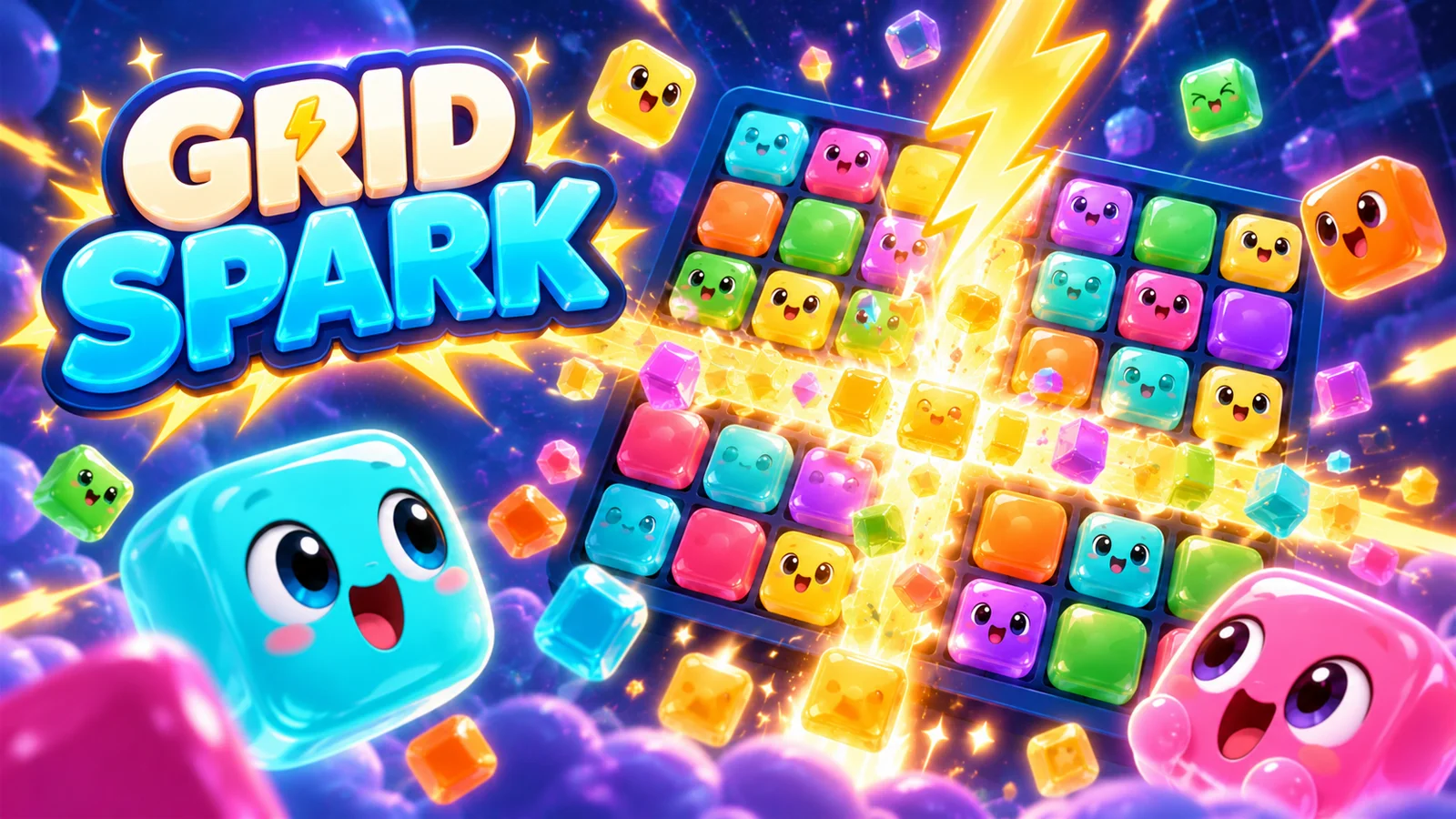
A weak PC is not a life sentence of boredom. Plenty of light games run well on simple computers, laptops without a graphics card and even Chromebooks. I play on a battle-worn old laptop, so I know the difference.
Here are two lists: well-known light PC games to download, and browser games you open with nothing to install. At the end, tips to get more out of a low-end PC.
Play Gridspark Play Plop! Fruit Merge Play Pinloop
What makes a game light
- 2D or stylized graphics, without heavy lighting and shadow effects.
- A small download and low memory use.
- Not too much happening on screen at once.
- Settings to lower resolution and effects.
Well-known light PC games
Popular indie games with 2D or simple graphics, known for running well on modest computers:
- Stardew Valley: farming, fishing and friendships in a small town.
- Terraria: dig, build and fight bosses in 2D.
- Undertale: a short RPG full of humor.
- Among Us: impostors on a spaceship, great with friends.
- Vampire Survivors: survive waves of monsters.
- Balatro: a poker roguelike.
- Celeste: a tough, polished platformer.
Browser games for low-end PCs (nothing to install)
Browser games are the lightest option of all: they take no disk space and run even on Chromebooks. Several 2D Polar Games titles, like Gridspark, Plop! and Pinloop, are drawn with Canvas 2D, a simple browser technology:
Gridspark: block puzzle
Place colorful blocks, clear rows and columns, and charge ZAP to make room for your next move.
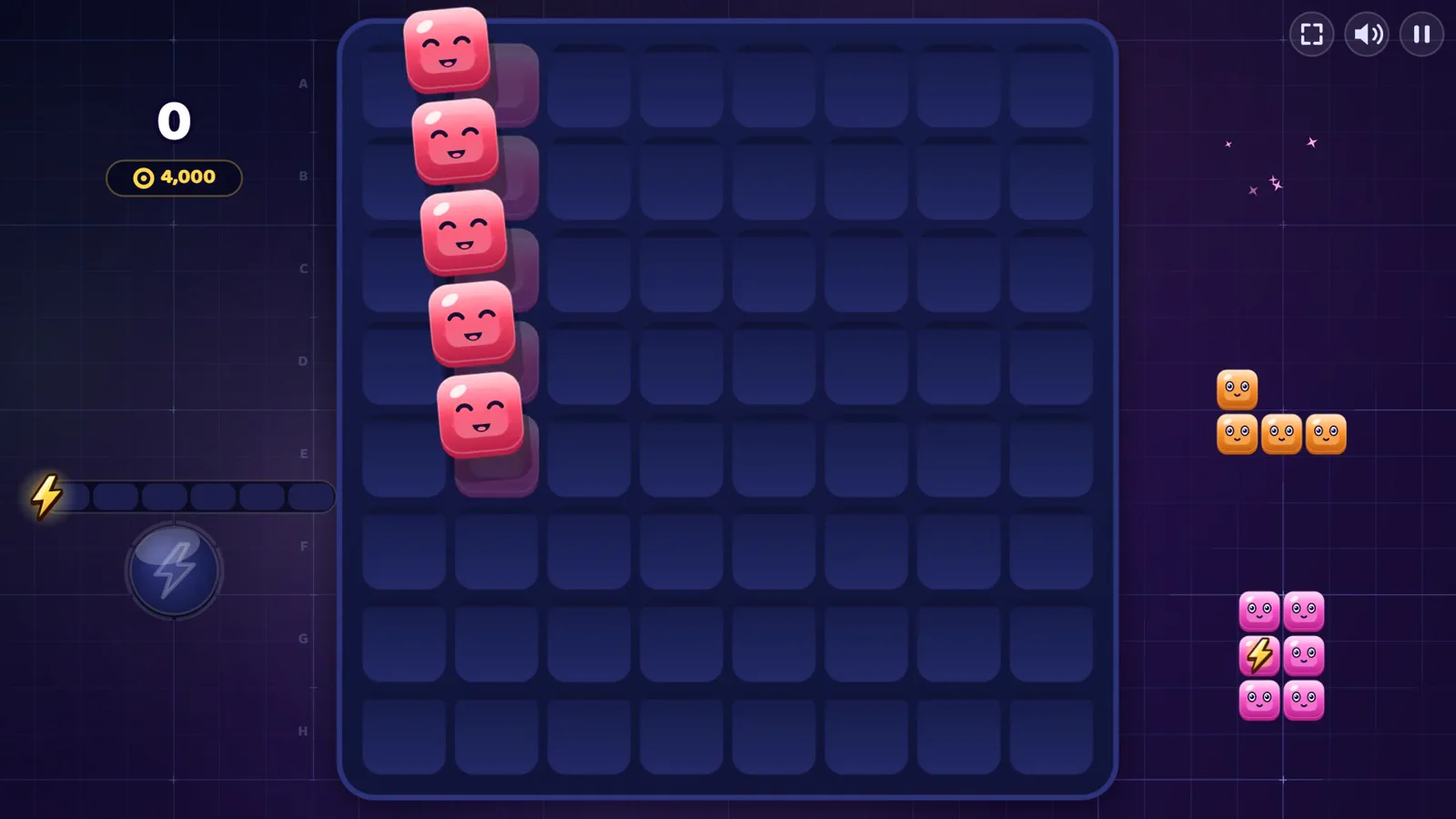
PolarzinhoSmiling blocks are my kind of blocks. Even when I place them wrong, they keep smiling.
Plop! Fruit Merge: fruit with physics
Drop fruits into a blender, merge matching pairs and blend your way to a new high score.
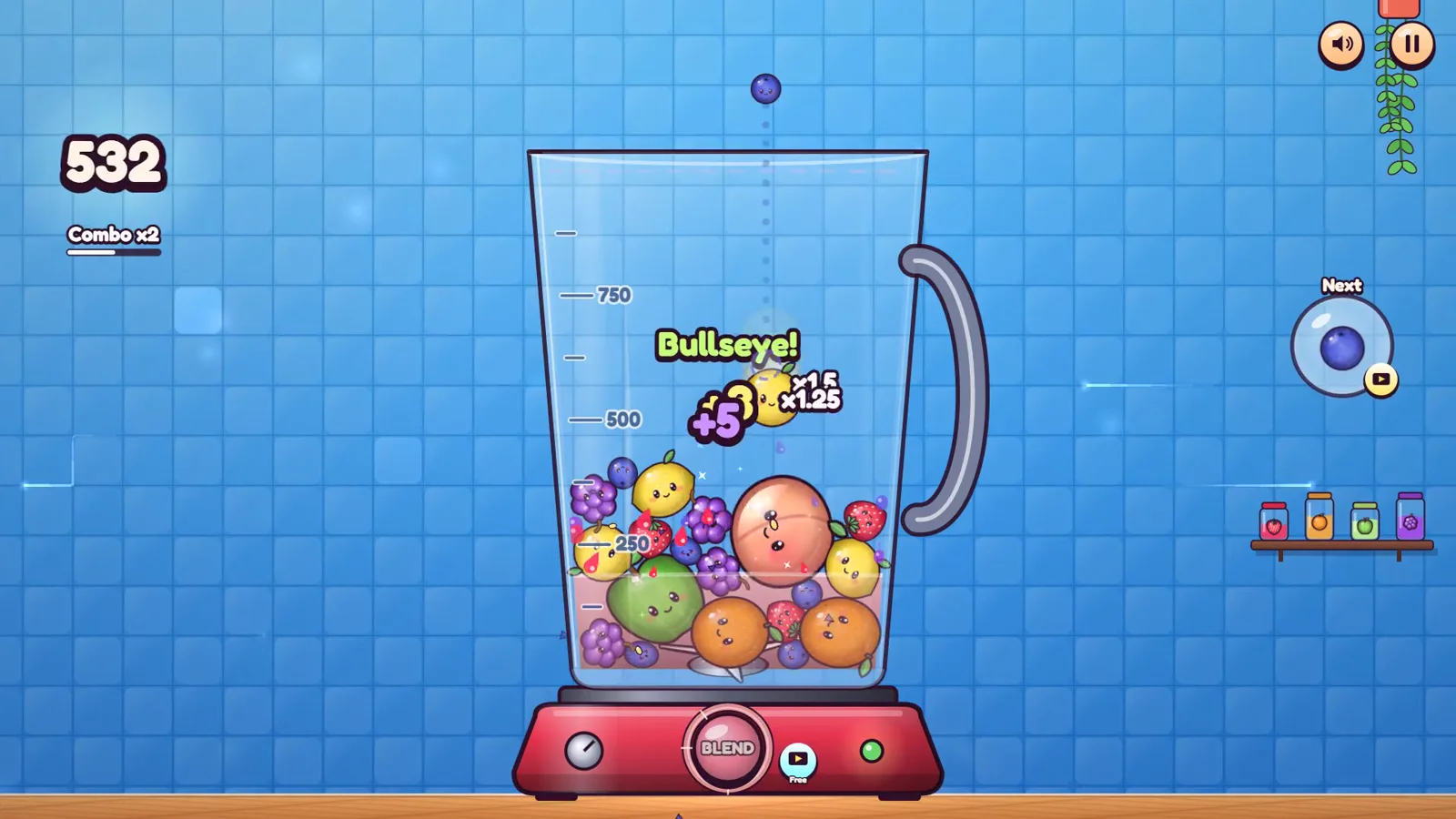
PolarzinhoI hit a Bullseye and celebrated like a goal. The blender did not react. Literally.
More 2D Polar Games titles
- Pinloop: a one-tap arcade game, sticking pins into a spinning target.
- Letter River and Solitaire Links: relaxing word games.
- Stop! and Zabum!: a word game and a quiz to play with friends.
- Barrio Kick: pixel-art 5-a-side street football.
Tips to play better on a low-end PC
- Close tabs and programs you are not using.
- Plug your laptop in: on battery it often saves power by slowing down.
- Lower the resolution and turn off shadows and effects in the game settings.
- Keep your browser and graphics drivers up to date.
- In the browser, keep hardware acceleration on.
FAQ
What games run on a low-end PC?
2D games and simple indies, like Stardew Valley, Terraria and Undertale, plus browser games, which need no installation.
Can I play without a graphics card?
Yes. Integrated graphics handle 2D games and many browser games well.
Do browser games work on a Chromebook?
Yes, because they run inside the browser.
Let’s play
Try Gridspark, Plop! and Pinloop below, right in your browser, and see how your PC handles them.