
Interactive Whiteboard Games: 6 Free Browser Games for Class
Smartboard games that open in the board's browser and play by tap and drag: what each one asks of the class, and how to set the board up.
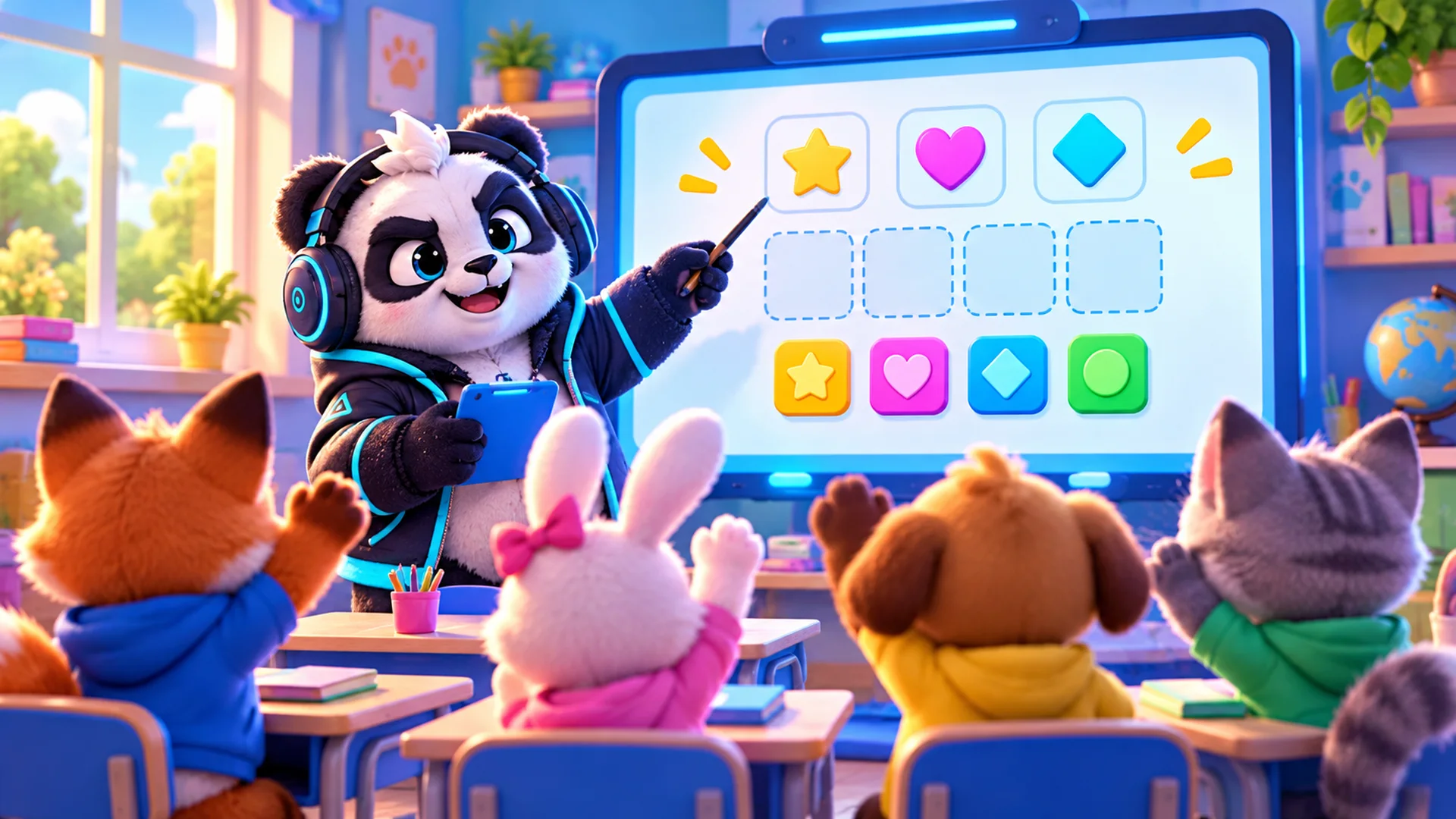
Good interactive whiteboard games share three traits: they open in a browser with nothing to install, they play by tapping and dragging, and the whole class can follow one screen and argue about the next move. The six free games in this guide, all made by our studio, fit that description. You open them on the board at polargames.com.br, and every one is free to play.
For each game we say what the player does, which modes it really has, and one way to use it with a class. We do not promise learning results: these are games, and how they fit your lesson is your call. Test each one on your own board before the lesson, because boards differ in how they handle double taps and long presses.
Play Monster Troupe Play Tenguin Number Match Play Letter River Play Golazo! Play Mochi Monsters Play Bodoku
What makes a game work on an interactive whiteboard
A smartboard is a large touch screen connected to a computer or with its own browser. Games that play with a single tap or a drag work on it the way they work on a tablet. Games that need a keyboard, fast reflexes or two hands at once work less well when one student stands at the board and thirty watch.
- Turn-based beats real-time: the class has time to discuss before the move.
- Tap and drag beat keyboard shortcuts.
- Big, clear boards beat small details, because the back row has to see them.
- Hints and undo let a wrong move become a teaching moment instead of a restart.
Monster Show: block coding the whole class can read
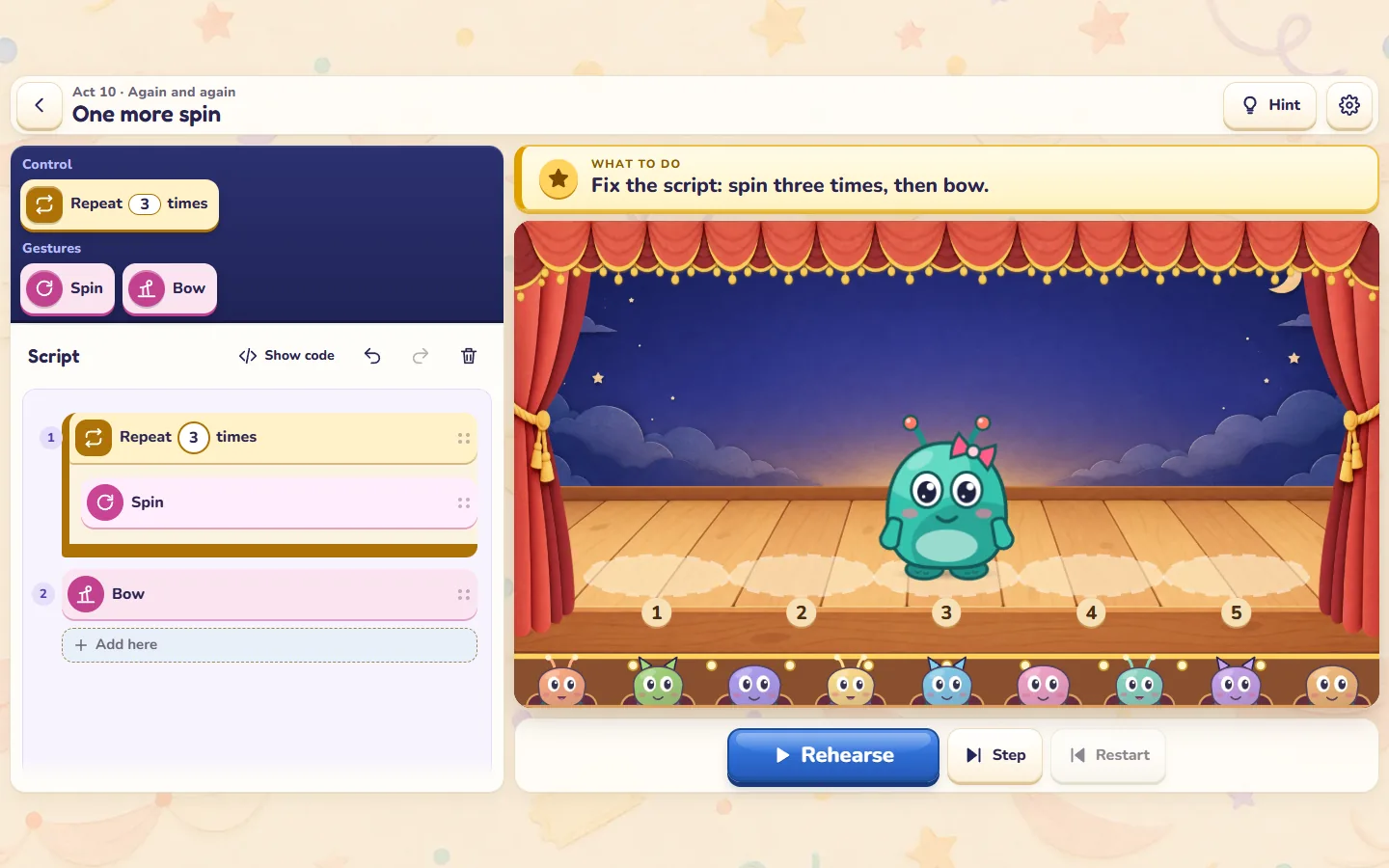
Players stack blocks into a script, press Rehearse and watch Mimo perform it on stage. The campaign has 30 acts in five chapters on sequences, repeats, conditions (sun or rain) and routines, and a free stage called My show. Blocks are tapped or dragged into the script, and Pause, Step and Stop let you watch the show slowly.
Class idea: read the act's goal aloud, let the class propose the next block, and have one student place it. Use Step so everyone sees which block runs when. When the show goes wrong, ask the class to find the line before anyone touches the board.
Tenguin: make ten, out loud
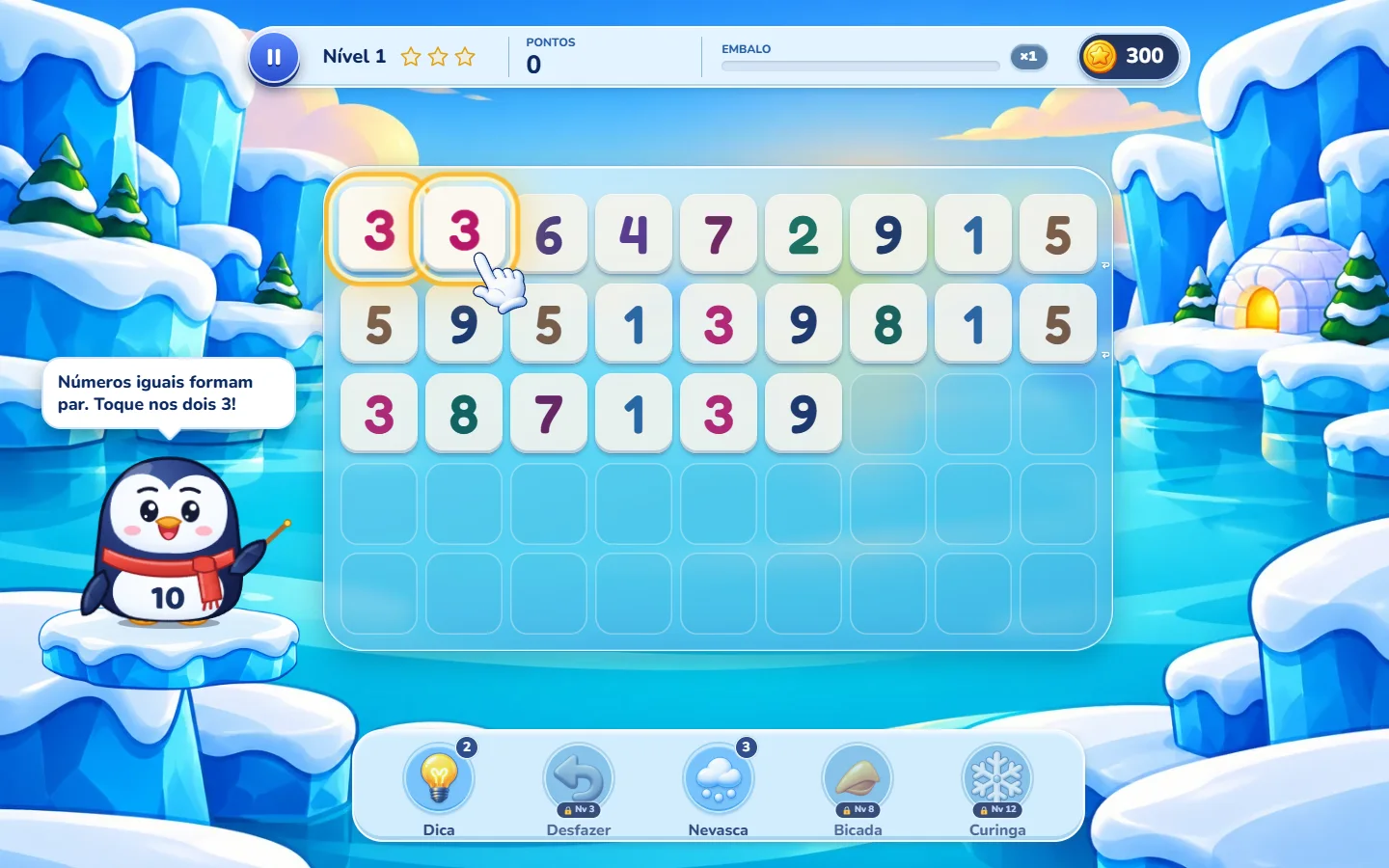
Players clear a board of number tiles by pairing equal numbers or two that add up to 10. Pairs can touch in any direction, have only cleared tiles between them, or wrap from the end of a row to the next. Modes: levels on an island map, a daily challenge and a Relax mode with no stars and no rush. You tap two tiles to pair them, and there are hints and undo.
Class idea: use Relax mode, so there is no clock. Each student who comes to the board says the pair and why it works ("3 and 7 make ten") before tapping it. The rest of the class checks.
Letter River: vocabulary in English, Portuguese or Spanish
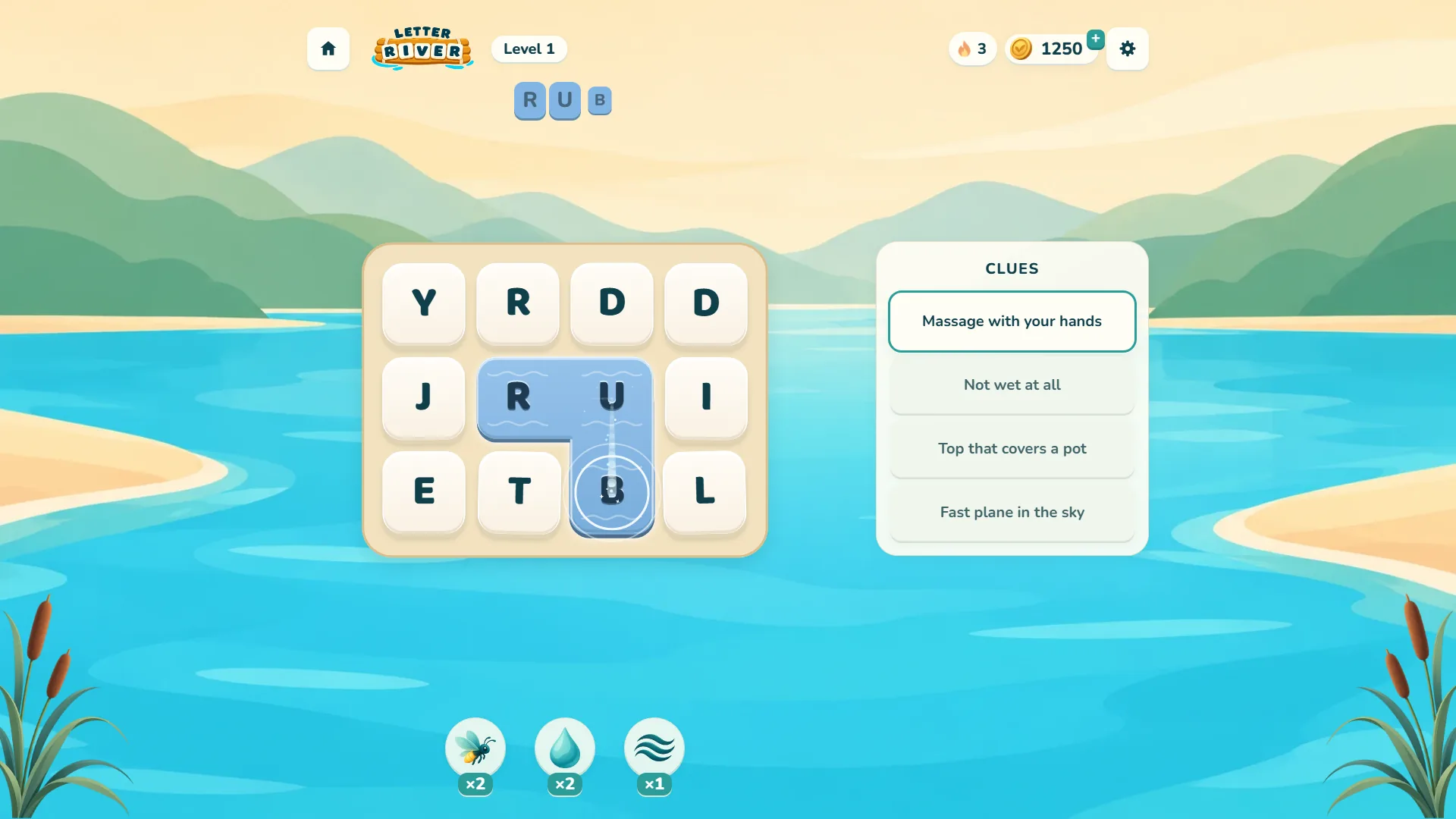
Players read a clue and drag across the letters to spell the answer, horizontally or vertically, in either direction. Each language (English, Portuguese and Spanish) has its own word list and clues. Hints include the Firefly, which shows the length and the first and last letters, and the Drop, which reveals a letter.
Class idea: in a language class, read the clue, give the class thirty seconds to write a guess, then let one student trace it. Use the Firefly when the room is stuck rather than giving the answer yourself.
Golazo: two teams, one board
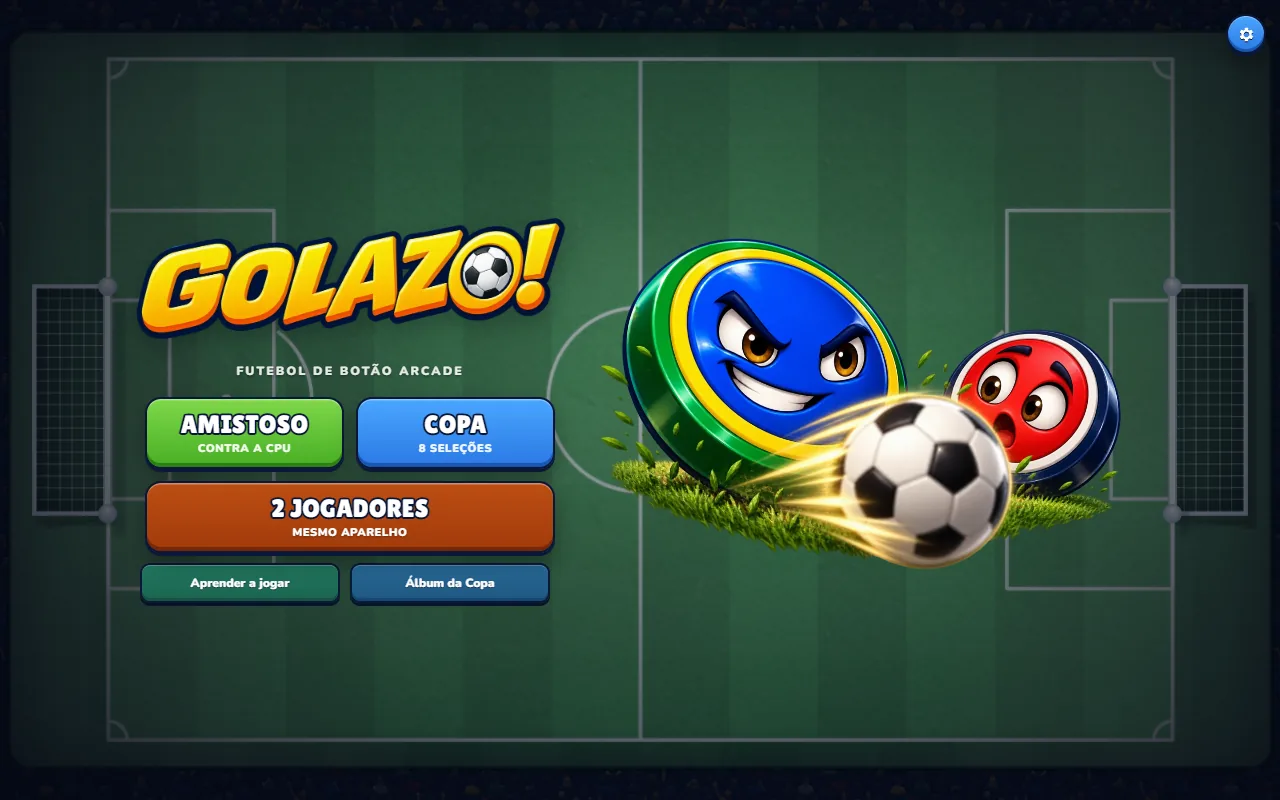
A turn-based button football game. You press a piece, pull back to set direction and power, and release. Modes: a friendly against the CPU, an eight-nation Cup, guided practice, and two players on one device.
Class idea: split the room into two teams and use the two-player mode. Each team sends a different student for each shot and must agree on the angle before the pull. It is a good reward at the end of a week, and the discussion about angles comes for free.
Mochi Monsters and Bodoku: planning ahead
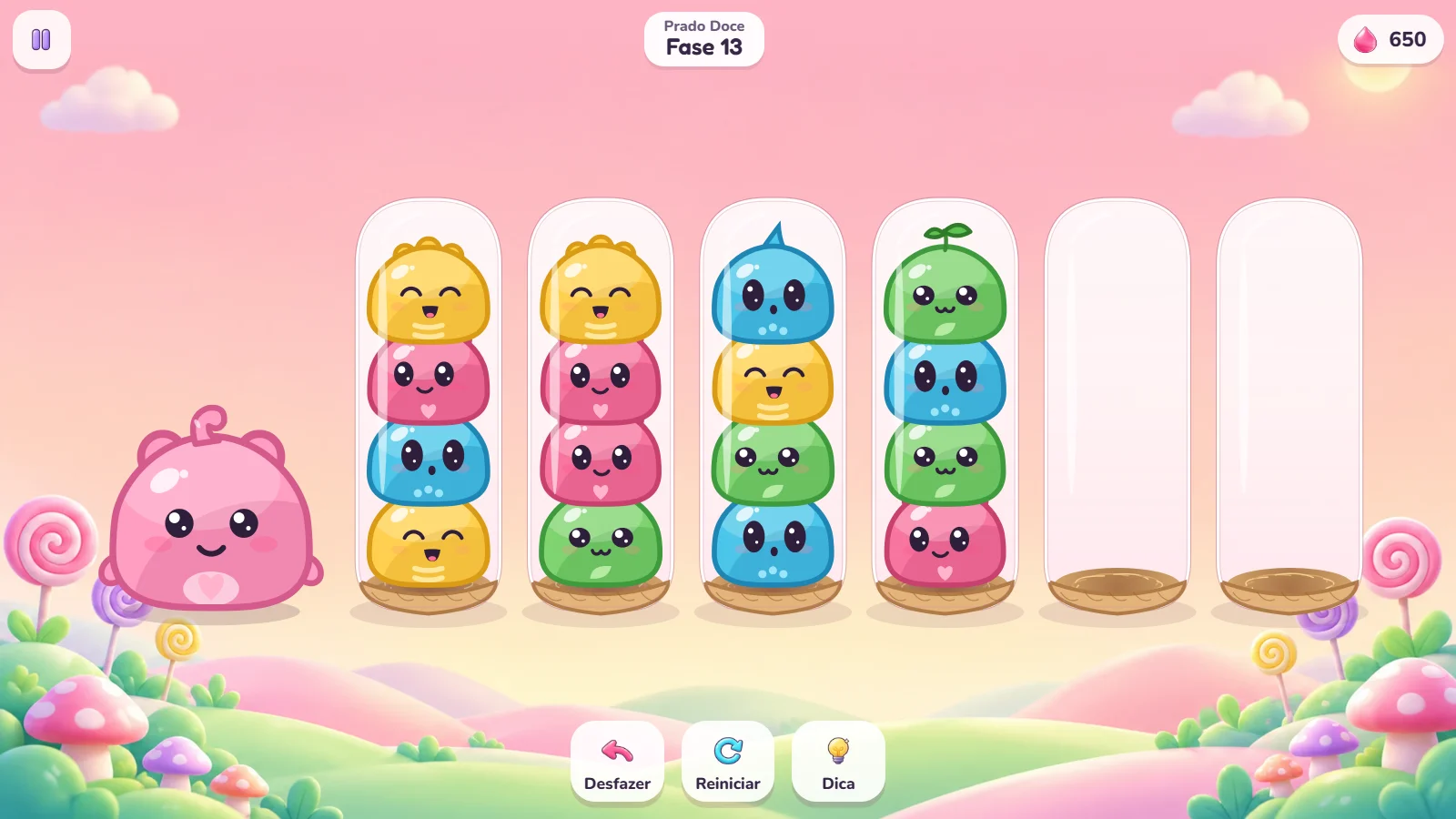
Mochi Monsters is a sorting puzzle: tap a nest to pick its top group, then tap where it goes, until each species is together. It has 60 levels across three worlds and an endless mode after level 20, with hint, undo and restart. With younger classes, ask for the plan before the tap: "where does the pink one go, and what has to move first?"

Bodoku is a logic puzzle: one ghost per row, column and room, and no two ghosts touching, even diagonally. It has 180 levels and a Relax mode where you choose the board size. A tap marks an X and a double tap places a ghost; a hold marks a possibility. Double taps and long presses are the gestures boards handle least alike, so try them on yours first. With older students, solve a small Relax board together, each deduction said aloud.
Setting up the board: a checklist
- Open the game page on the board's browser and start the game from its play button.
- Tap through the first screen before class: some games wait for a first tap before they start.
- Try a tap, a drag, a double tap and a long press. Note which ones your board turns into clicks.
- Go full screen if the game offers it. Letter River uses Shift + F on a keyboard.
- Check the language: Tenguin, Monster Show, Golazo, Mochi Monsters and Bodoku have 14 interface languages; Letter River has English, Portuguese and Spanish.
- Decide the turn order before you start, so the board does not become a queue.
For schools and edtech teams that want their own copy
Five of these games are also sold as templates with readable source code: Tenguin, Letter River, Golazo, Mochi Monsters and Bodoku. A school network or an edtech platform can host its own copy on a static web server, with no PHP or database, change texts and art, and put its own brand on it, since white label is allowed. One licence covers one end product, a perpetual licence that does not expire when the 6 months of support end. We issue invoices, including the Brazilian nota fiscal, and quote custom changes per project.
Licences for schools and edtech platforms
FAQ
Are these interactive whiteboard games free?
Yes. All six are free to play in the browser at polargames.com.br. You do not install anything on the board.
Do they work on SMART Board, Promethean and other boards?
They run in any modern browser and play by tap and drag, so they work wherever the board passes touch to the browser. Boards differ on double taps and long presses, so test the controls on yours before class.
Which game is best for maths?
Tenguin, where you pair equal numbers or two that make 10. Its Relax mode has no stars and no rush, which suits a class going at its own pace.
Is there a coding game for the whiteboard?
Monster Show. Players drag blocks into a script and watch it run, across 30 acts on sequences, repeats, conditions and routines, plus a free stage.
Can several students play at once?
Golazo has two players on one device, so two teams can take turns at the board. The other games are single-player, and the class plays together by taking turns and agreeing on each move.
Pick one for tomorrow
Start with the game closest to tomorrow's lesson, test it on the board for five minutes after school, and keep the class idea above as a starting point. If it works, the other five are one tap away.
Play Monster Troupe Play Tenguin Number Match Play Letter River Play Golazo! Play Mochi Monsters Play Bodoku