
How to make a video game: steps and the hard parts
How to make a game from scratch, which tool to use, where to start without coding, and the hard parts nobody tells you about. Polarzinho lives in an indie studio and has seen it all up close.
 By Polarzinho ·
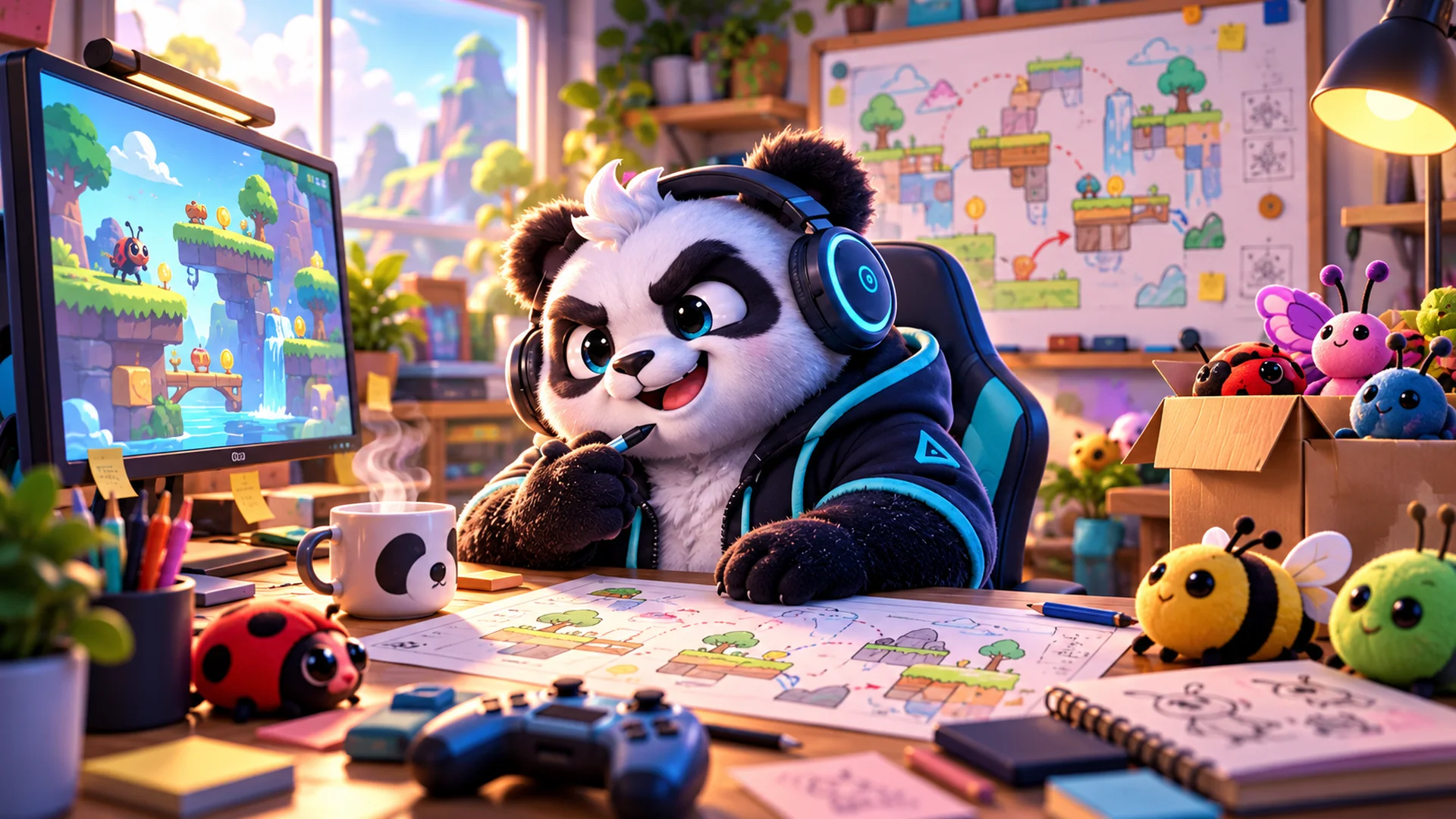
Everyone who plays a lot eventually thinks: what if I made my own game? You can, and you can start today. I live in an indie studio, Polar Games, and I see up close how a game goes from an idea to a browser tab.
This guide covers how to make a video game step by step, which tool to use, how to make a game without coding and, the part almost nobody talks about, what is actually hard.
How to make a game, step by step
- Start with a tiny idea. A one-screen game with one mechanic: jump, aim, collect, guess.
- Write the rule in one sentence. If it does not fit in one sentence, it is still too big.
- Pick a tool (see the list below) and follow one tutorial from start to finish before inventing.
- Make an ugly prototype. Squares and circles instead of art. The goal is to find out if it is fun.
- Let someone play without explaining anything, and just watch.
- Tune it: controls, speed, difficulty. This is where the game gets good.
- Only then add art, sound, menus and an end screen.
- Publish it. On a website, an app store or a browser games portal.
Which game engine to use
- Scratch: free, block-based, great for kids and for learning logic.
- Construct and GameMaker: made for 2D games, with little or no coding at first.
- Godot: free and open source, good for 2D and 3D.
- Unity and Unreal Engine: the most used engines for big 3D games.
- Roblox Studio: for making games inside Roblox.
- Web technologies (JavaScript or TypeScript, with libraries like Phaser or Three.js): for games that run right in the browser.
Polar Games titles are made with web technologies, because the goal is to open in the browser with nothing to install. The rooms for playing with friends, like the ones in Stop!, Zabum! and Riffvolt, use a real-time server.
How to make a game without coding
You can start without code. Scratch, Construct and GameMaker have visual editors where you build logic by dragging blocks or picking actions. For simple games, that is enough.
Over time, learning some programming opens a lot of doors. You can learn by doing: every problem in your game becomes a lesson.
What is hard about making a game
Making the game work is the part everyone expects. The hard parts are different:
1. Making it fun
A game can work perfectly and still be boring. Finding the right feel takes testing with real people and changing a lot. In a rhythm game like Riffvolt, for example, every miss has to show up instantly, or the player will not even know what went wrong.
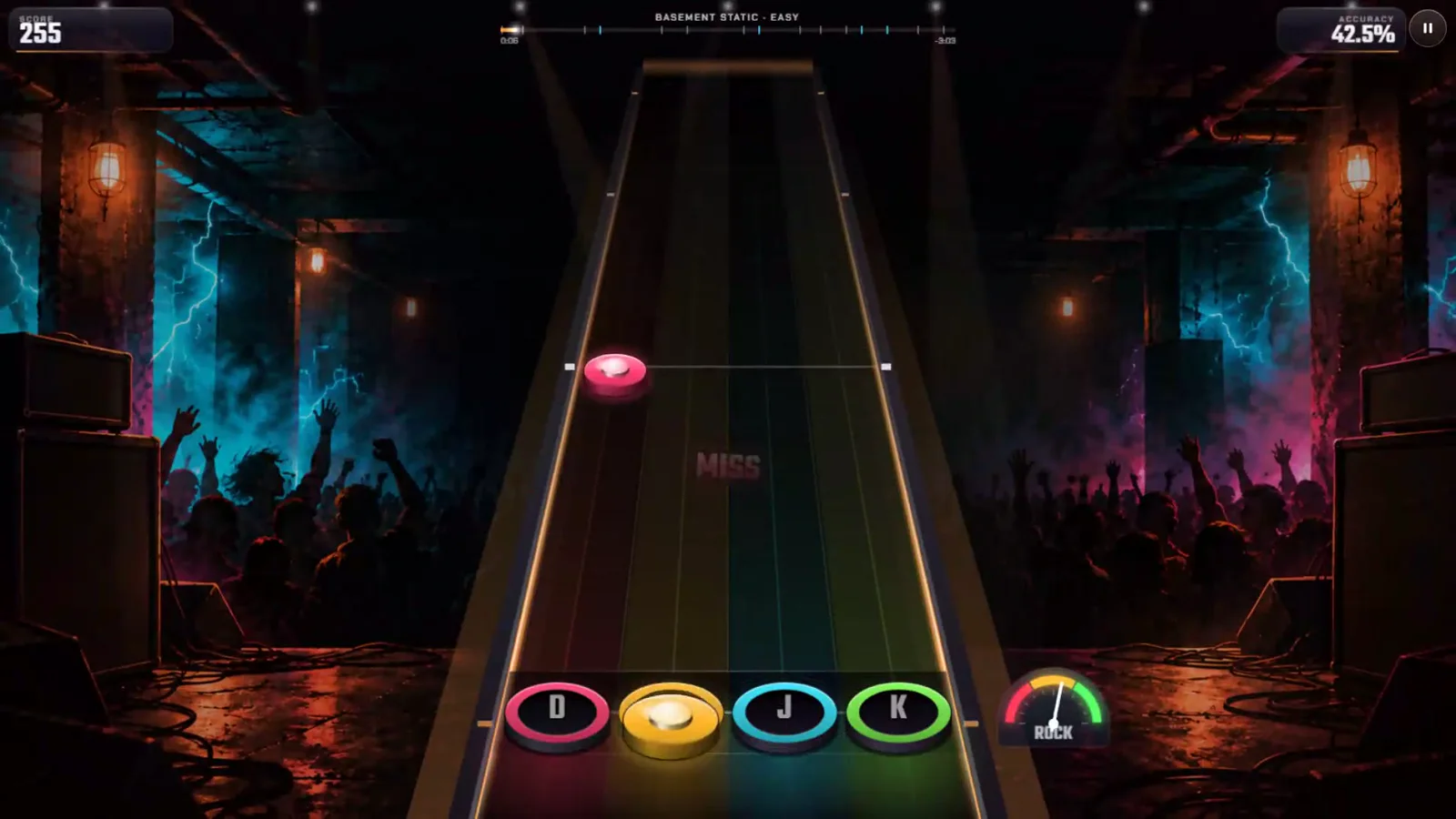
PolarzinhoI missed the pink note and the game told me right away. I was offended, but I learned.
2. Project size
Every idea grows. One more mode, one more level, one more character. Knowing what to cut is what gets a game finished.
3. Running everywhere
Weak phones, small screens, keyboard, touch, slow internet. A browser game has to run well on all of it.
4. Playing with other people
Multiplayer is a whole other world: servers, rooms, players who leave mid-game, bad connections. That is why online games take longer to get stable.
5. More than one language
Translating is not just swapping text. In a word game or a quiz, each language needs its own words, answers and questions. Polar Games titles ship in English, Portuguese and Spanish, and that is triple the work.
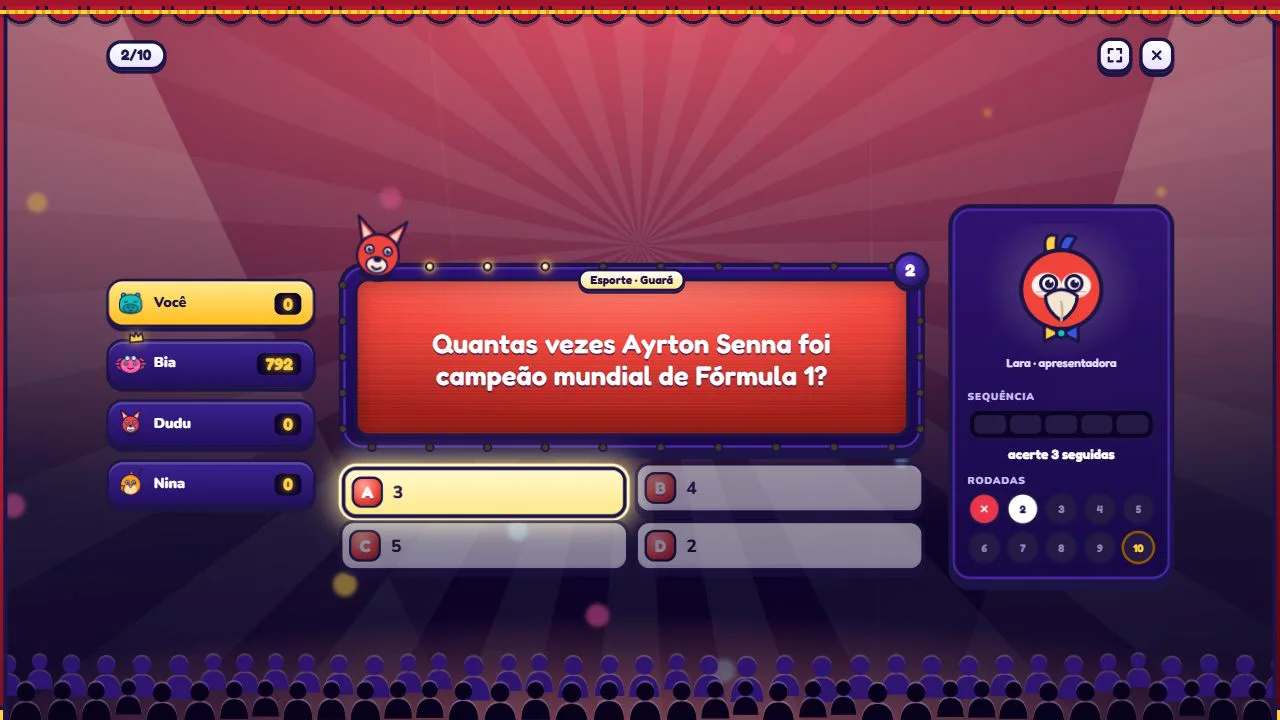
PolarzinhoA Formula 1 question makes sense for Brazilian players. In another language, it might need a different one. That is the job.
6. Getting people to find your game
Finishing the game is half the job. The other half is getting people to find it: promotion, good pages, showing up on Google. This blog exists partly because of that.
How long does it take to make a game
It depends on the size. A tiny game jam game can be done in a weekend. A small, polished game takes months. A big game takes years and a whole team. To start, aim for the weekend.
FAQ
What is the easiest program to make a game?
To start from zero, Scratch. For slightly more serious 2D games, Construct or GameMaker.
Can I make a game for free?
Yes. Scratch and Godot are free, and many other tools have free versions to get started.
Do I need to know how to draw?
No. Start with simple shapes or pixel art. We have a pixel art guide on the blog.
Play, watch, create
The best way to learn game making is to play with attention: what makes you want one more round? Try Riffvolt and Zabum! below with a creator’s eye.