
Chrome dinosaur game: how to play and tips
How to open the dinosaur game offline and online, the controls, tips to run farther and similar one-tap games. Polarzinho, who never got past the pterodactyls, explains it all.
 By Polarzinho ·

The dinosaur game is the one that shows up in Google Chrome when your internet drops: a pixelated T-rex running through the desert and jumping over cacti. As a panda, I have spent many outages playing it.
This guide covers how to open the dinosaur game offline and online, the controls on computer and phone, tips for higher scores, and similar games for when the internet is back.
Play Pinloop Play Trimora Play Twirldrop
How to play the dinosaur game offline
- Open Google Chrome with your internet turned off, or wait for the connection to drop.
- Try to open any site: the "No internet" page appears with the dinosaur.
- On a computer, press the space bar or the up arrow. On a phone, tap the dinosaur.
- That is it: the dinosaur starts running.
How to play the dinosaur game online
No need to turn off your Wi-Fi. Type chrome://dino in Chrome’s address bar and press Enter. The same dinosaur page opens right away, with your internet on.
Dinosaur game controls
- Jump: space bar or up arrow. On a phone, tap the screen.
- Duck: down arrow, to get under the pterodactyls.
- Restart after crashing: space, up arrow or tap.
Tips for a higher score
- Jump a little before the cactus, not on top of it: the dinosaur needs room to rise.
- Tap quickly for a short jump and hold for a high jump.
- When pterodactyls appear, check their height: jump over the low ones, duck under the middle ones.
- The game speeds up over time. Look further ahead, not at the dinosaur.
- At some point the screen switches between day and night. It is only visual: keep watching the cacti.
Games like the dinosaur game
What makes the dinosaur game so addictive is the simple rule: one tap, reflexes and a high score to beat. When your internet is back, three Polar Games titles with the same spirit run right in your browser:
Pinloop: one tap, perfect timing
Stick pins into a spinning target without touching the others. The spin speeds up, slows down and reverses, so it is all about waiting for the right moment.
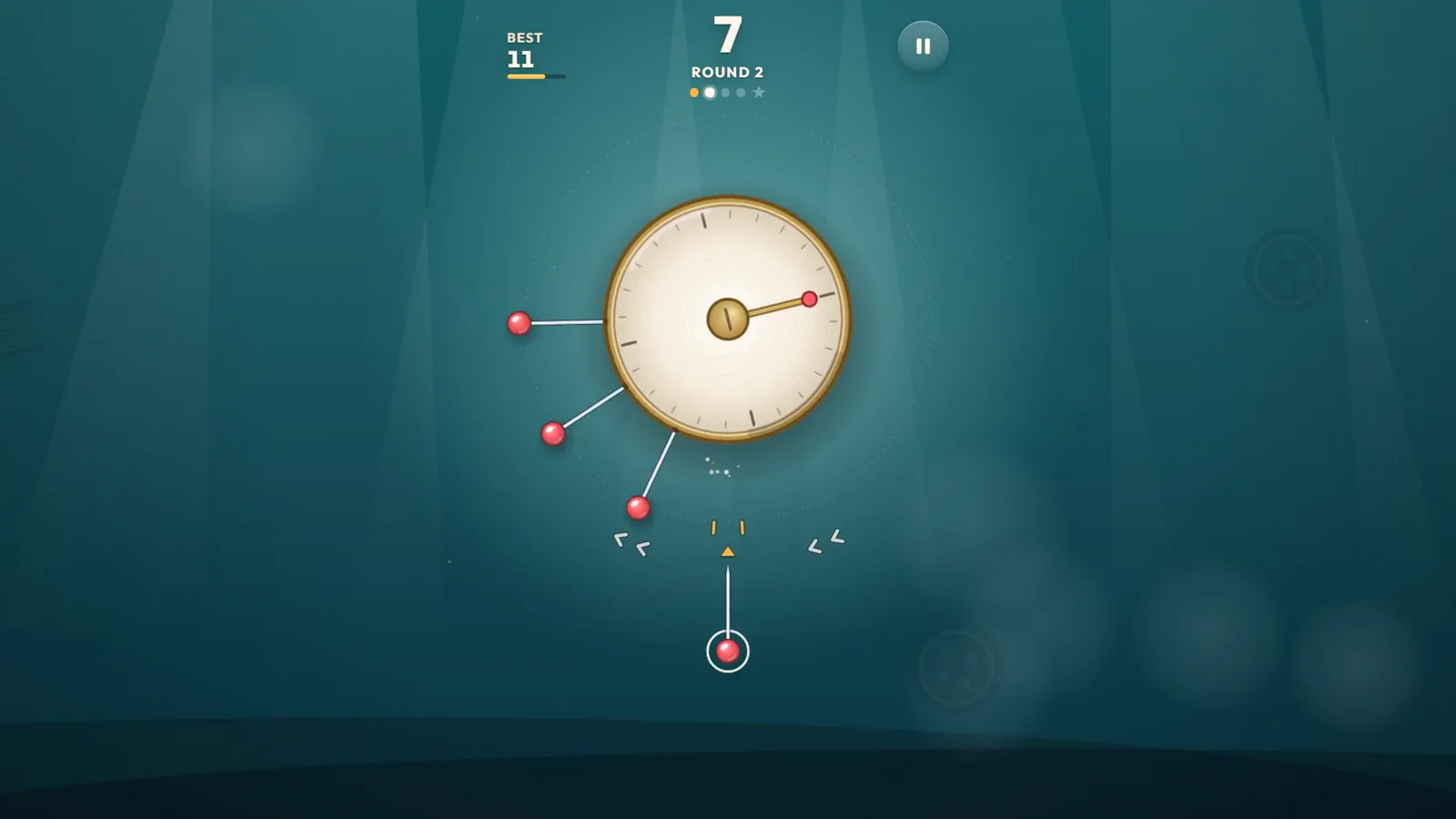
PolarzinhoBest was 11, I got 7. Just like the dinosaur: one more try.
Trimora: stack on time
Drop each slab onto the tower with one tap. Whatever hangs over is trimmed away, so every sloppy drop leaves less room for the next.
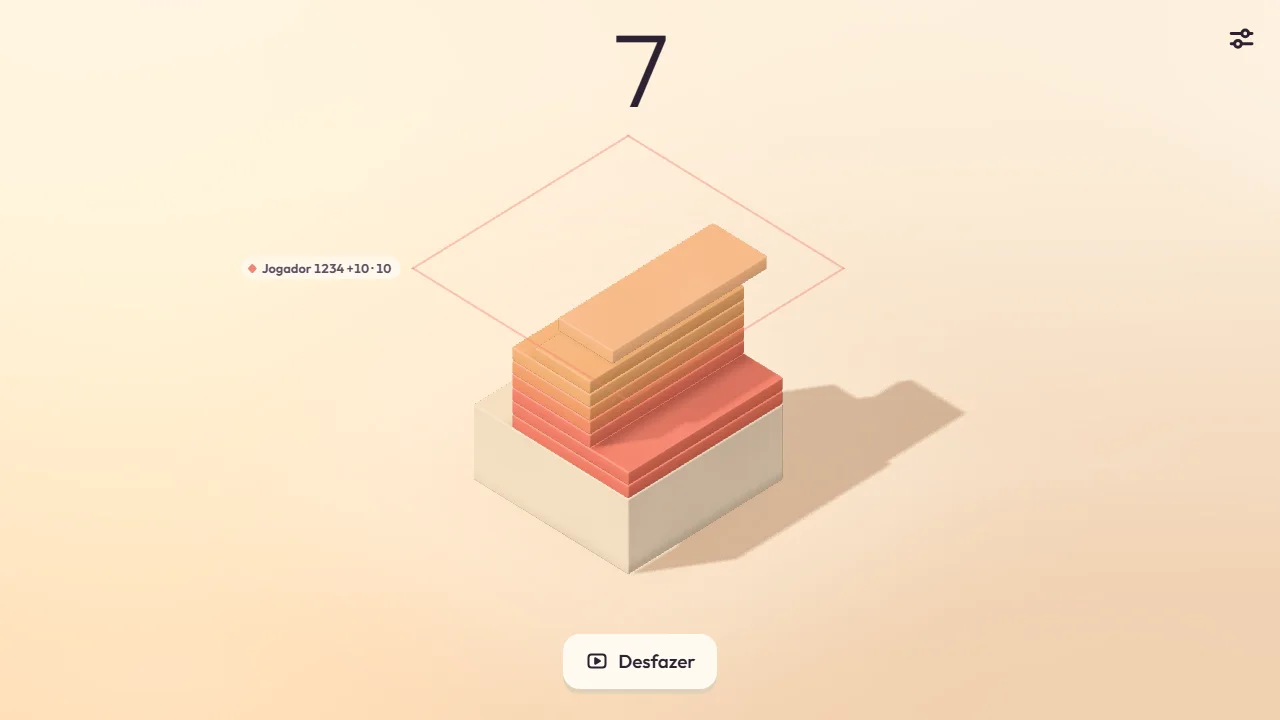
PolarzinhoMy tower ended up as thin as a toothpick. At least there were no cacti.
Twirldrop: spin and drop
Turn the tower with one finger, slip the ball through the gaps and chain three in a row to smash the next floor.
Dinosaur game FAQ
How do I play the Google dinosaur game?
Open Chrome with no internet and press space, or type chrome://dino in the address bar to play online.
Can I play the dinosaur game on my phone?
Yes. In Chrome on your phone, with no internet, tap the dinosaur on the "No internet" page. Online, use chrome://dino.
Does the dinosaur game ever end?
It keeps getting faster and runs until you crash. The goal is to beat your own best score.
Go beat your record
While your internet holds up, try the Polar Games one-tap titles below. Pinloop, Trimora and Twirldrop are "one more try" games too.