1. Before you start
- Make a backup copy of the whole
game/folder. - Use a plain text editor: Visual Studio Code (free) or Notepad++ (free, Windows). Never edit the files in a word processor.
-
To preview your changes, the game must run from a web address, not from the disk. The simplest way: install
Node.js 26.13.0 or newer, open the
source/folder in a terminal and runnpm run dev, then openhttp://localhost:5270/. Edit the files insource/and reload the page. - Images: any editor that saves WebP works, for example GIMP or Krita (free).
After every change, reload the page. If the game shows a blank screen, the last edit broke the syntax: undo it (Ctrl+Z) and check commas and quotes.
2. Replace pictures
Replace a file in assets/img/ with another WebP of the same name and a similar size and
proportion.
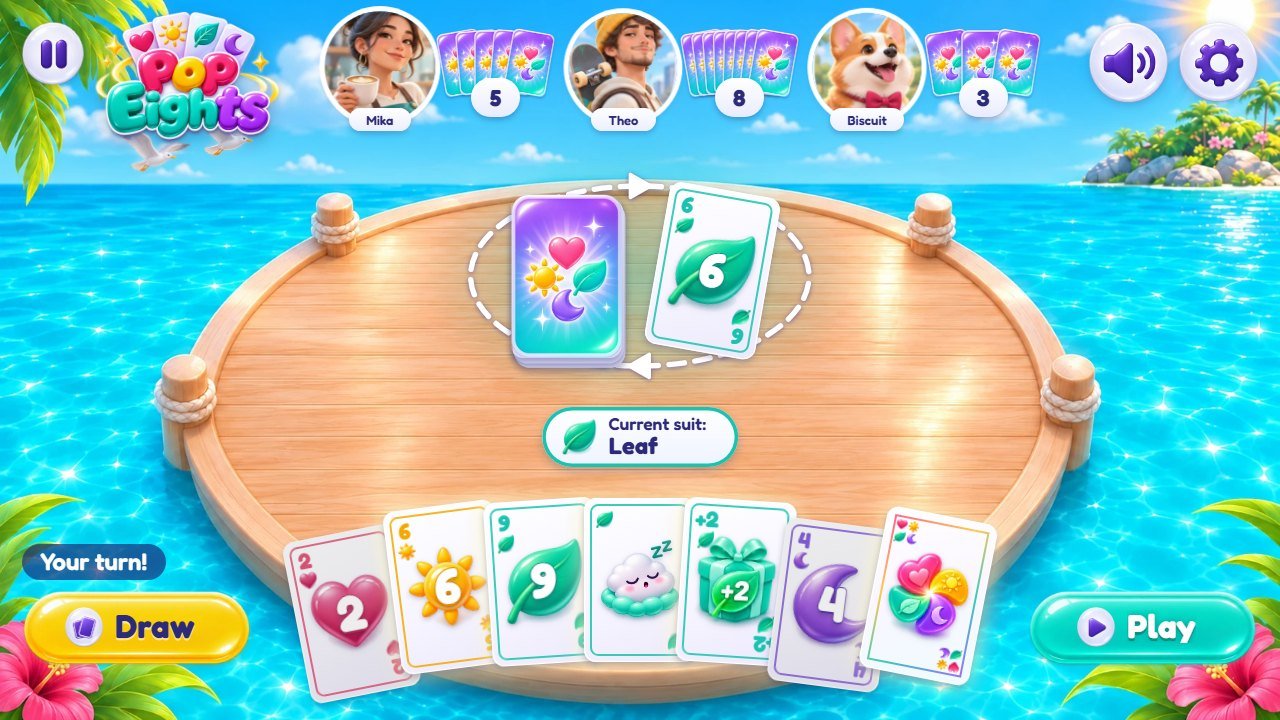
| What | Where |
|---|---|
| Logo | assets/img/ui/logo.webp |
| Card back | assets/img/cards/back.webp |
| Suit symbols | assets/img/cards/heart.webp, sun.webp, leaf.webp, moon.webp |
| Special cards | assets/img/cards/nap-*.webp, boom-*.webp, gift-*.webp (one per suit), rain.webp, rain4.webp |
| Characters | assets/img/avatars/<name>.webp and their reactions in assets/img/avatars/moods/<name>-happy.webp, -surprised.webp, -cheer.webp |
| Backgrounds | assets/img/bg/<place>-mesa-retrato.webp and -deitado.webp (table, portrait and landscape), <place>-mapa-*.webp (map). Places: lagoa, jardim, feira, chale |
| Little animated scenery | assets/img/world/: gull, butterfly, petal, leaf, lantern, snow |
| Buttons and panels | assets/img/ui/ |
| Icons | assets/img/icons/ |
Some file names are in Portuguese: mesa = table, mapa = map, retrato =
portrait, deitado = landscape, lagoa = lagoon, jardim = garden,
feira = night market, chale = cabin, vitoria = victory.
3. Colors and fonts
The main colors are the variables at the top of css/base.css, for example
--heart: #ff4f7b;, --sun, --leaf, --moon and
--ink (the dark blue of the texts).
The fonts are in assets/fonts/ and are declared by the @font-face blocks at the top
of css/base.css.
4. Change the campaign
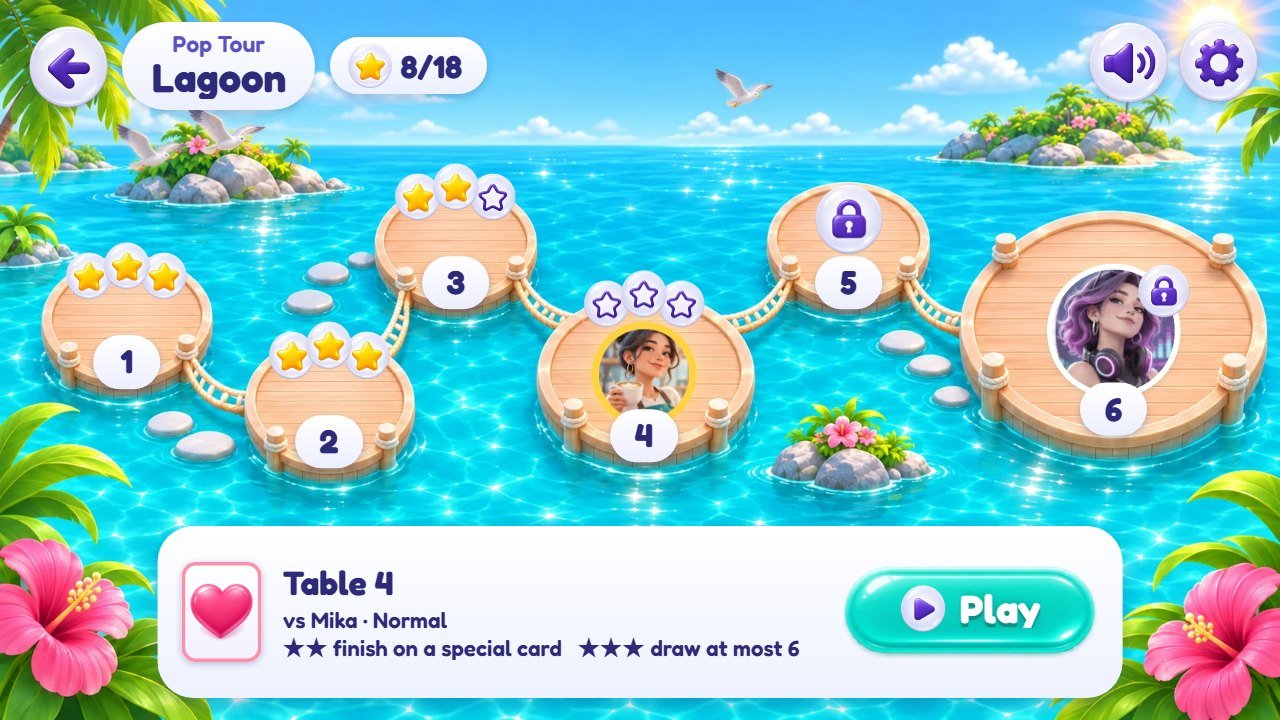
The 24 tables are a list at the top of src/game/campaign.js, one line per table:
['mika,waffle', 'normal', {}, 7, ['points', 50], 7],
| Part | Meaning |
|---|---|
'mika,waffle' | The rivals (1 to 3): mika, theo, juno, biscuit, waffle, nori |
'normal' | Their level: easy, normal or hard |
{} | Rules of this table, for example { stack: true, cascade: true } |
7 | Cards in each hand |
['points', 50] | The goal for the second star: ['turns', 15], ['points', 50] or ['special'] (finish on a special card) |
last 7 | Third star: the most cards the player may draw |
Table 6 of each place is the boss: the player needs to win 2 rounds.
5. Change the pace and the effects
The FEEL block in src/config.js has one number per line, each with a comment:
- How fast rivals play:
botDelay: 750(milliseconds). - Card flights:
flyBase,flyMin,flyMax. - The deal:
dealGap,dealFly,dealFlip. - Particles and confetti:
landSparks,confetti. - Vibration patterns: the
hapticline.
Volumes of music and effects are in the AUDIO block of the same file. Players who prefer calm can
always turn on Less motion in Settings.
6. Change the rules
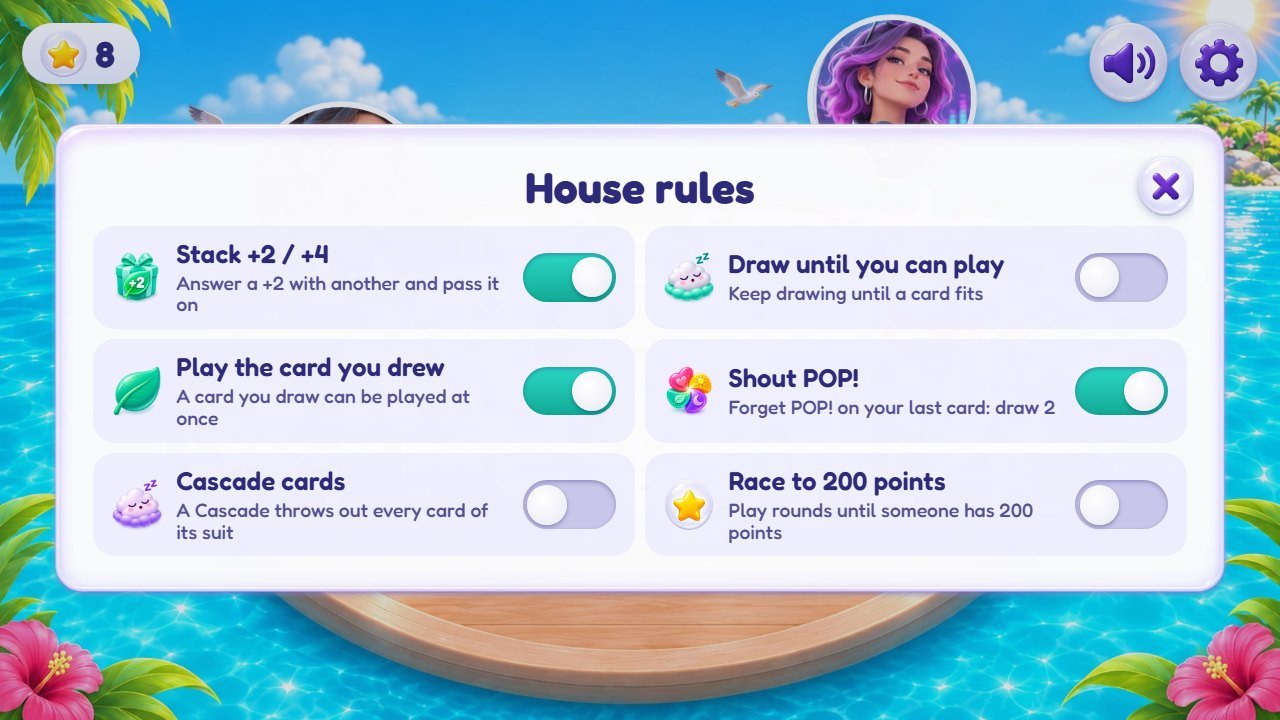
- Players can switch the six house rules in the game. Their default values are in
houseRulesinsrc/ui/panels.js. - The cards of the deck are built by
makeDeckinsrc/game/rules.js, and their points bypointsin the same file. - Starting hand in Quick Match:
hand: 7inquickConfig, insrc/ui/screens.js.
After changing the rules, run npm test: a robot plays thousands of rounds and reports anything that breaks.
7. Change texts and languages
Each language is one file in src/lib/locales/ (en.js, pt.js...). Find
the text, change it between the quotes, keep the key on the left and any {n} or
{who} marker.
To rename a character, change its name_mika line (and the same key in the other languages). To add
a language, follow the Languages section of the buyer guide.
8. Sounds and music
- Each sound effect is an MP3 in
assets/sfx/:play.mp3,draw.mp3,pop.mp3,win.mp3,star.mp3and more. Replace a file keeping its name. - The music is in
assets/music/:menu.mp3,lagoa.mp3,jardim.mp3,feira.mp3,chale.mp3and the shortvitoria.mp3. - The list of effects is
SFX_IDSinsrc/audio/sfx.js.
9. Save key and starting over
Progress is saved in the browser with the prefix pop-eights.template.save.v1:, set by
STORAGE_PREFIX in src/config.js. Hosting two copies on the same domain? Give each its
own prefix.
To start over in your browser: press F12, open Application, Local Storage, select the site, delete those keys and reload.
10. Publish your version
- If you edited
source/: runnpm test, thennpm run build. Upload the contents ofsource/dist/. - If you edited
game/directly: upload the changed files. - Keep the folders as they are. If you added a new folder next to
index.html, add its name toPARTSinsource/tools/build.mjs. - Clear the browser cache to see the new version (see the buyer guide).
Support: willian@polargames.com.br